If node
This node devides the process workflow in two branches (true/false). If node has four conditions (boolean, date&time, number, string) which will compare two values.
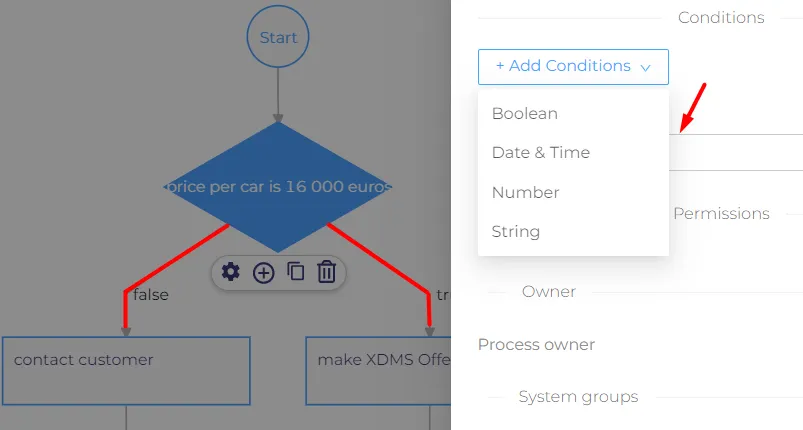
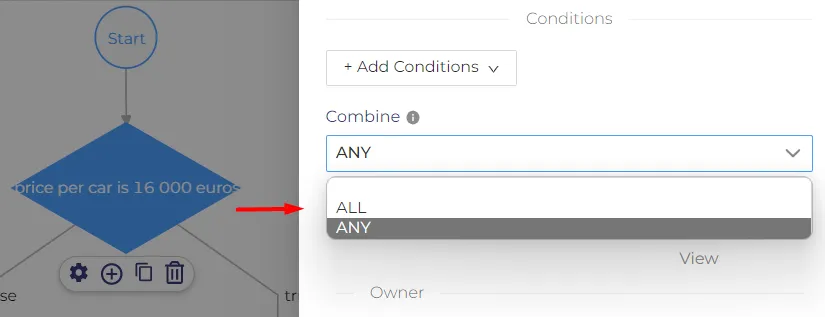
Under 'Add conditions' we have 'Combine' section with two options 'Any' or 'All'. If we choose 'any' it means any inserted values inside if node should be true, and for 'all', the values also should be true .If the values don't match, te process workflow will take false branch.
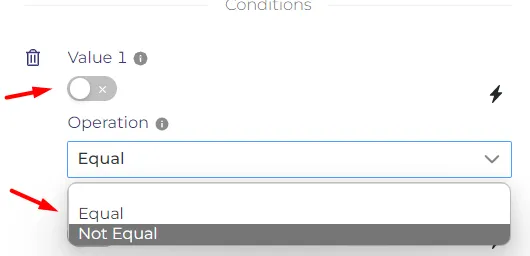
'Boolean' condition compare two values based on true/false. If the value is turned on it will be true, if it is turned off the value will be false. Here we can choose the operation for values to be equal or not equal.
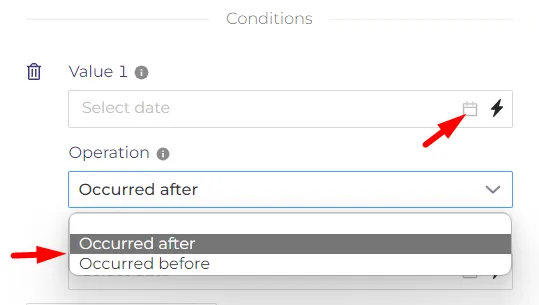
'Date & Time' condition allows us to choose the date and time for both values. The operation can be set as 'occurred after' or 'occurred before. It means that the value 1 will perform before or after value 2.
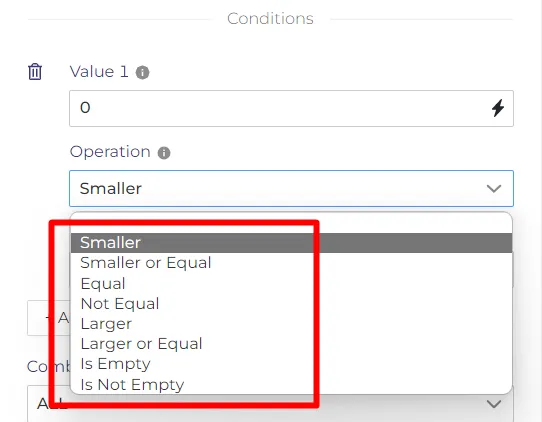
'Number' condition is used if we want to compare two numbers. As value we can insert any type of number.
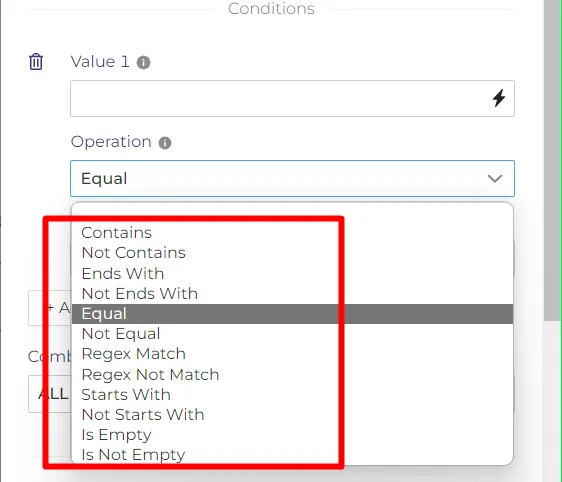
'String' condition allows as to compare two type of texts. It can contains different combination of characteres.
Both values from all conditions can be set as computed or not computed. Inside node is possible to add more than one condition. If only one value will be turned on the process workflow will not has a meaning and it will go on false branch. If we go to computed icon in any type of condition and we press on it, we can insert any different definition.
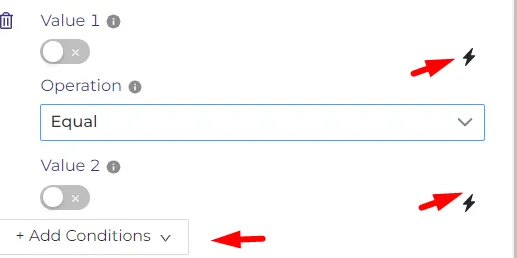
Example process.
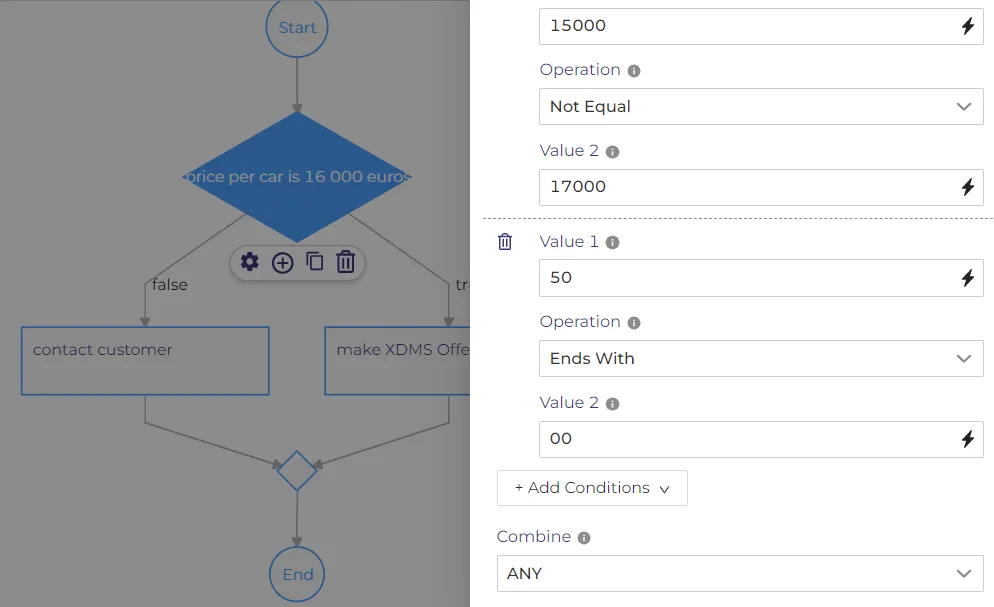
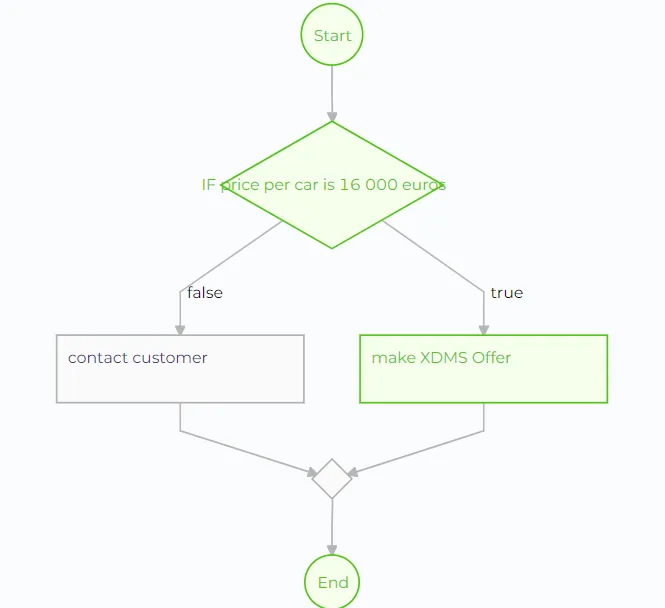
In this process we inserted two possible ammounts for car (value 1, value 2). I wanted to make the number condition true, so i inserted in the way to be value 1 not equal to value 2. Second type of condition was the string one. Here i inserted false numbers with combine 'All' option, as result the process workflow will take false branch.
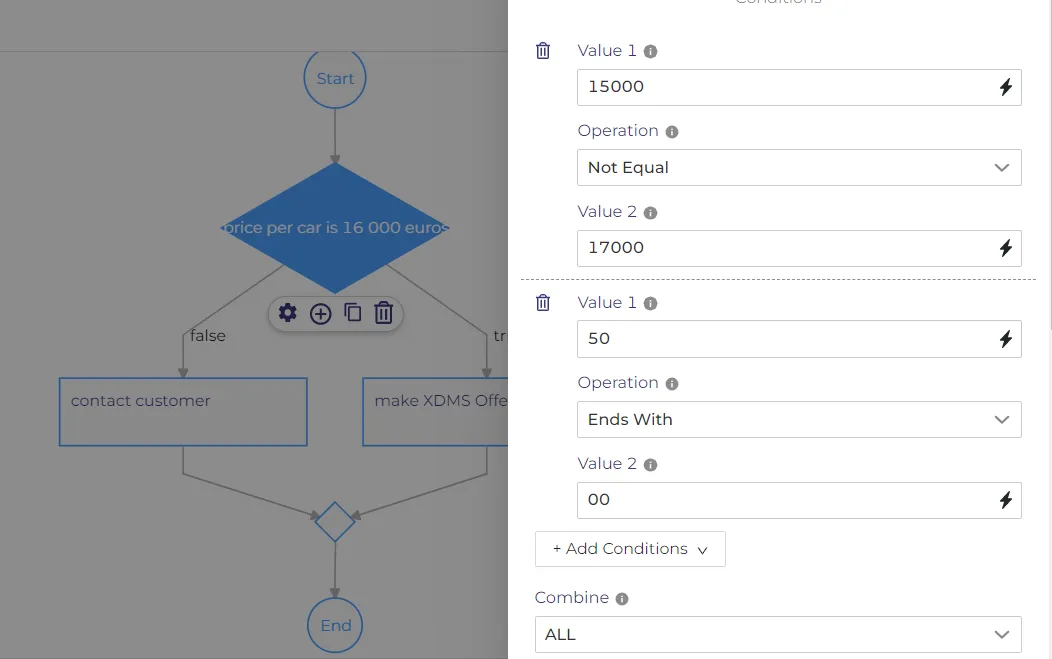
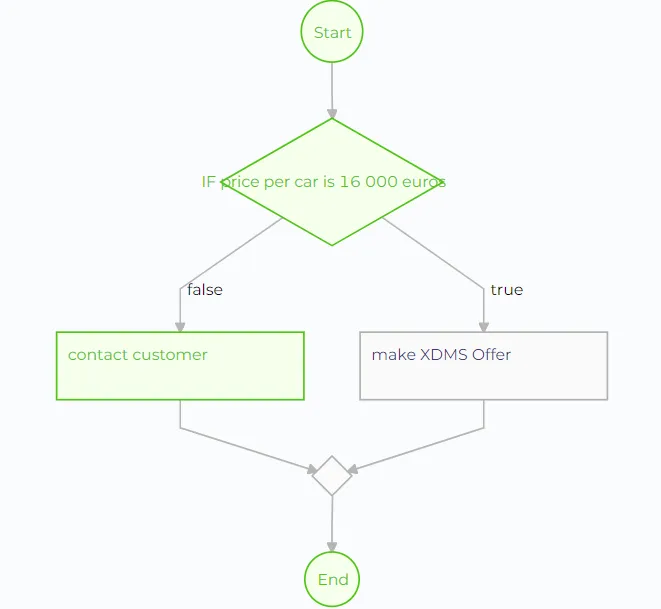
Now i want to make this process true, i will leave the same information inside if node, and i will just change the combine option. Because one from conditions is true the process will be successed.