Bootstrapping a new tenant
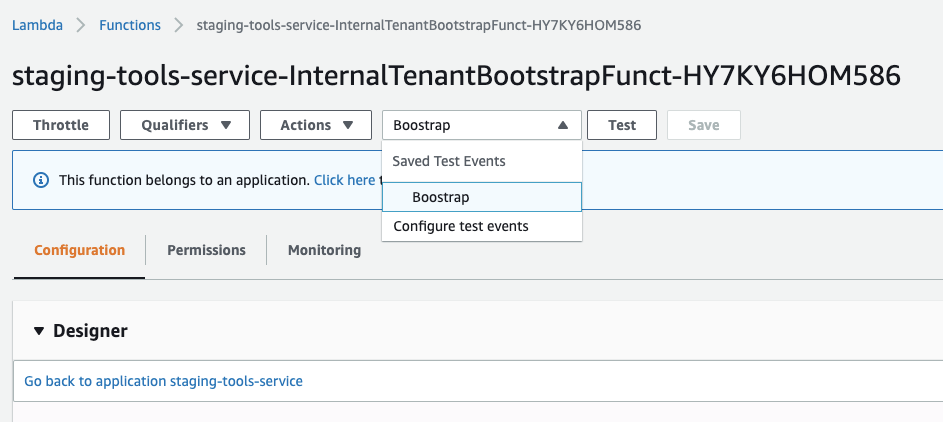
You need to execute an internal tooling lambda - prod-tools-service-InternalTenantBootstrapFunction - using the AWS Console, calling it via code, or via the CLI with the following input:
{
   "tenantId": "<TENANT_ID>",
   "options": [
       "xdms",
       "vehicle",
       "hyperDealer",
       <"OPTION_n">
   ]
}
You can check the code for this on github to confirm what are the available options.
To note that there is a specific lambda for staging and for production. This example above shows the information for production.
When the lambda finishes executing you can access the tenant. Two contacts/logins are created:
Don't forget to configure the tenant logo, login emails, etc., so that when the users access the tenant it already has the most common features configured.
All other operations can follow: XDMS/CRM importing, enabling GDPR, etc., but only if need be.
Enabling GDPR
If the tenant has xdms importing before enabling GDPR remove the required validations from the contact and organization definitions
XDMS/CRM importing
To get the imports to run everyday you need to add the new tenant to Xdms2CrmTaskDefinition list: https://github.com/hypercharge-code/lambdas-monorepo/blob/f6e1c9096a9534bad78a6f4ad360d106a92e294e/services/xdms-imports/template.yaml#L329
Deleting/Wipe a tenant
The same way you can bootstrap a new tenant you can completely wipe it using the lambda function https://eu-west-1.console.aws.amazon.com/lambda/home?region=eu-west-1#/functions/staging-tools-service-InternalTenantWipeFunction-1467YP8ICY5BO?tab=configuration
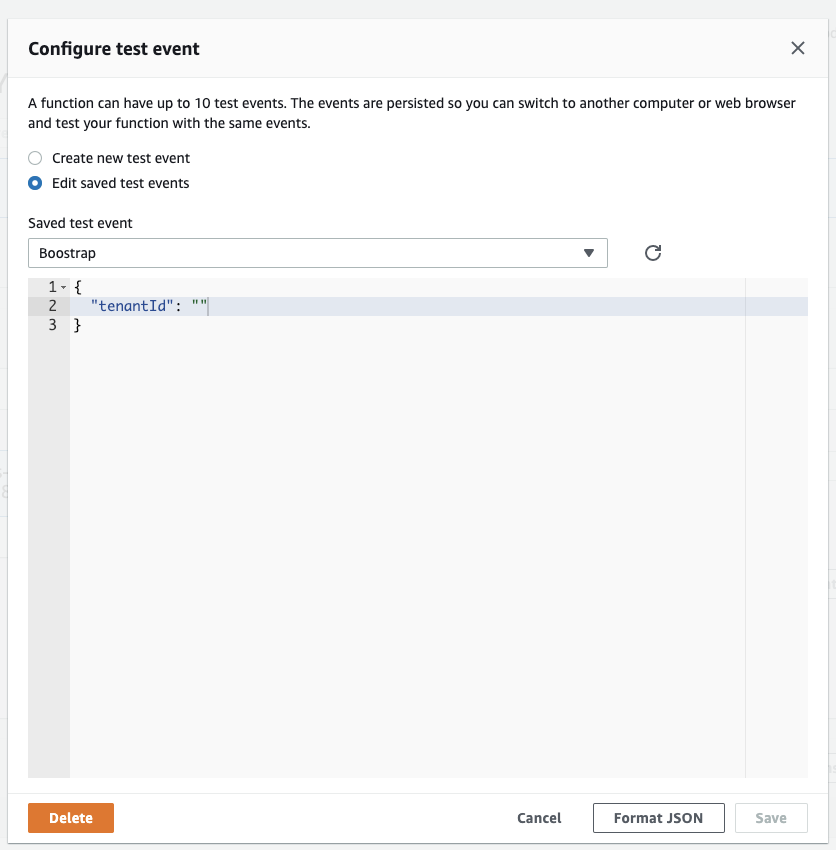
Configure the test event with the tenant id you want to wipe and press test. E.g. test event:
{
  "tenantId": "dummy"
}