Guaranteed Buy-Back
This process is started by the Contract ending process.
In the first manual task, you should enter all the necessary details
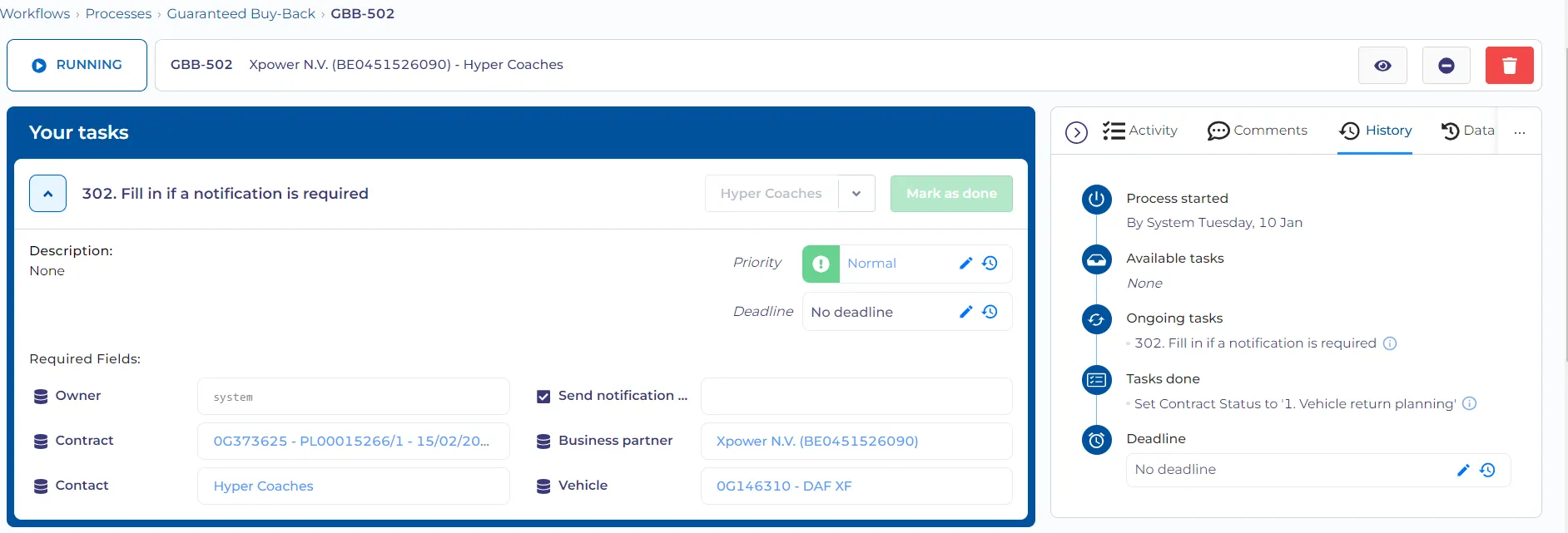
Most of the fields will be automatically filled in by the Contract ending process.
Owner - here you should select your account. The account that is selected here will receive all test emails.
Send notification to customer? - If this property is set to 'No' the process will be finished when the task is completed. If this is set to 'Yes' the customer will receive the email with the form.
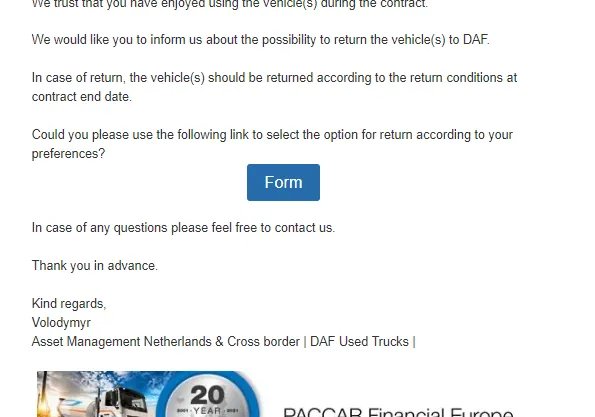
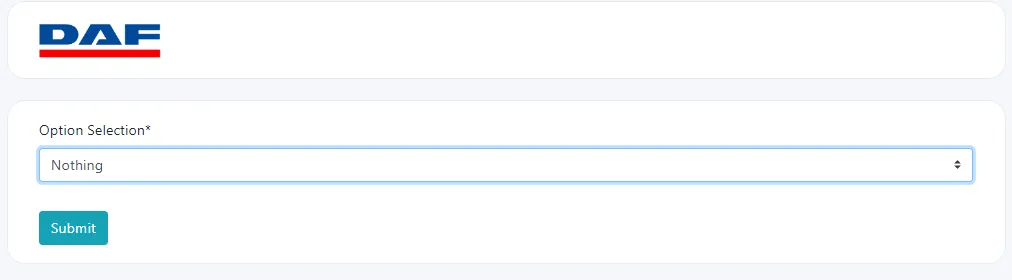
The customer`s answer in the form will decide the flow of the form.
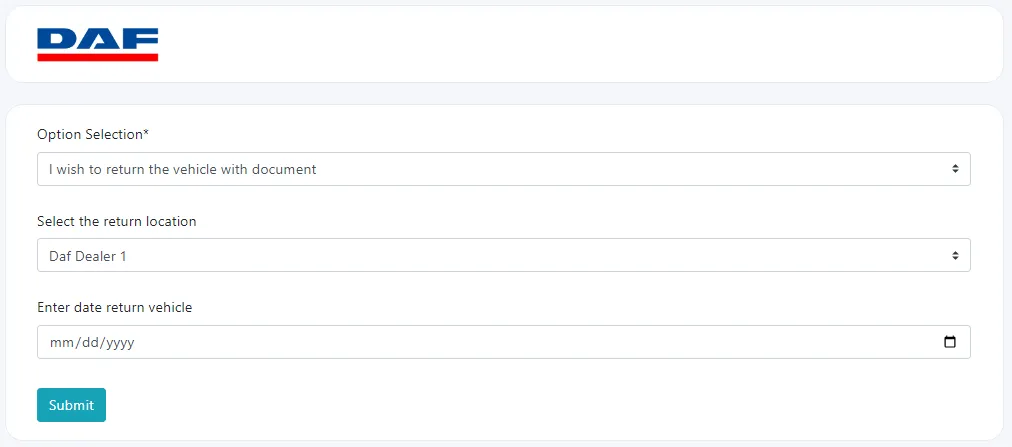
Form answers
No answer
If the customer ignores the form, then the reminder is sent with the same form link.
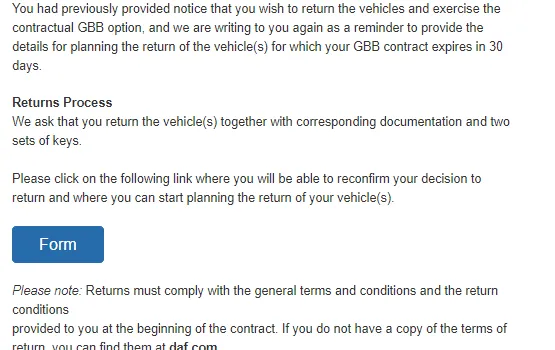
If that email is also ignored (for now the delay is 15 minutes), the task to call the customer will appear.
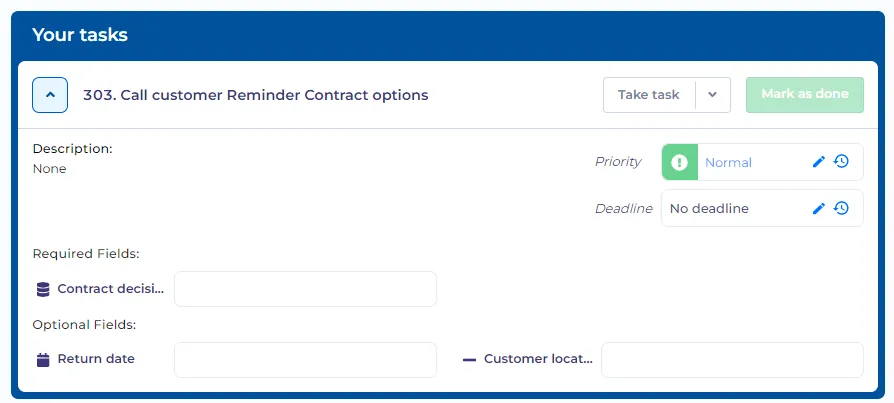
The task will appear until the customer chooses the contract option.
Return vehicle -
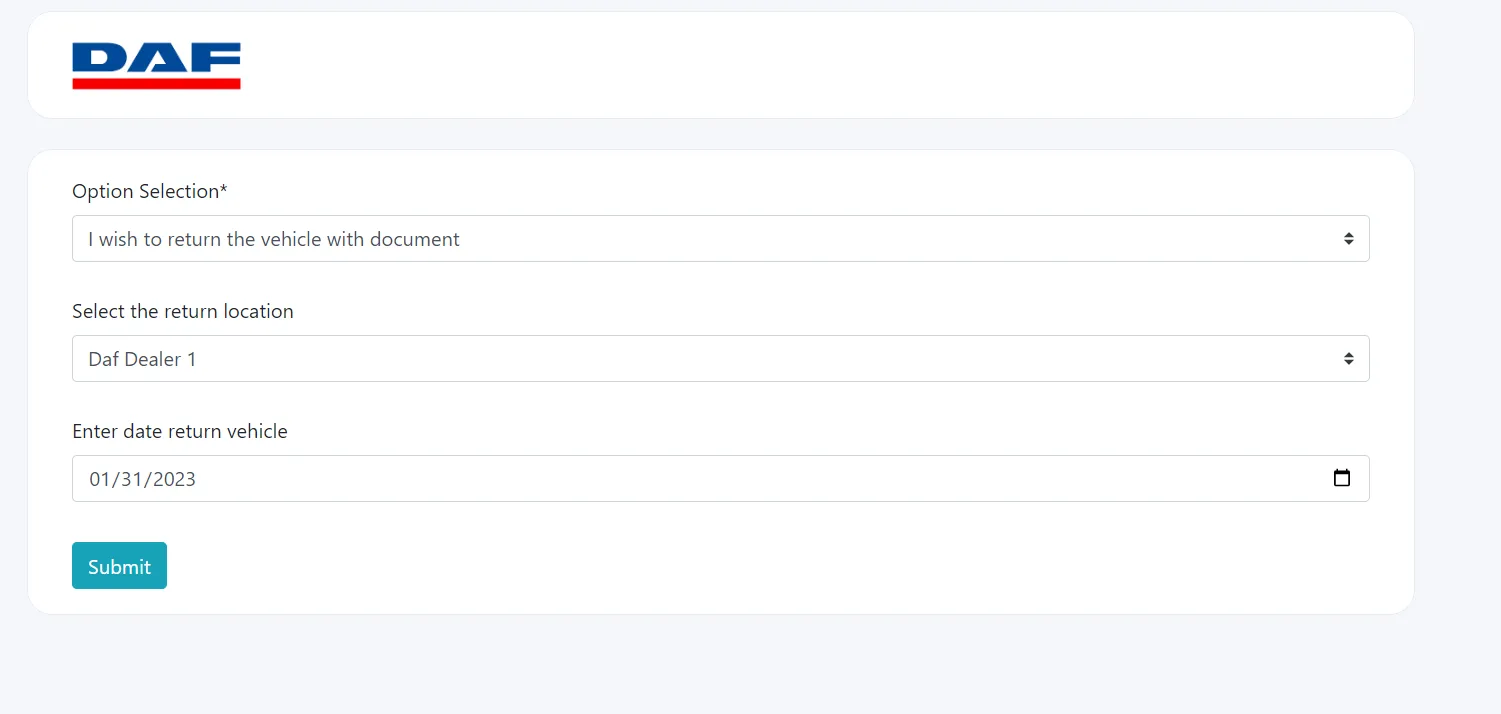
for this option, you have to choose a return location and return date
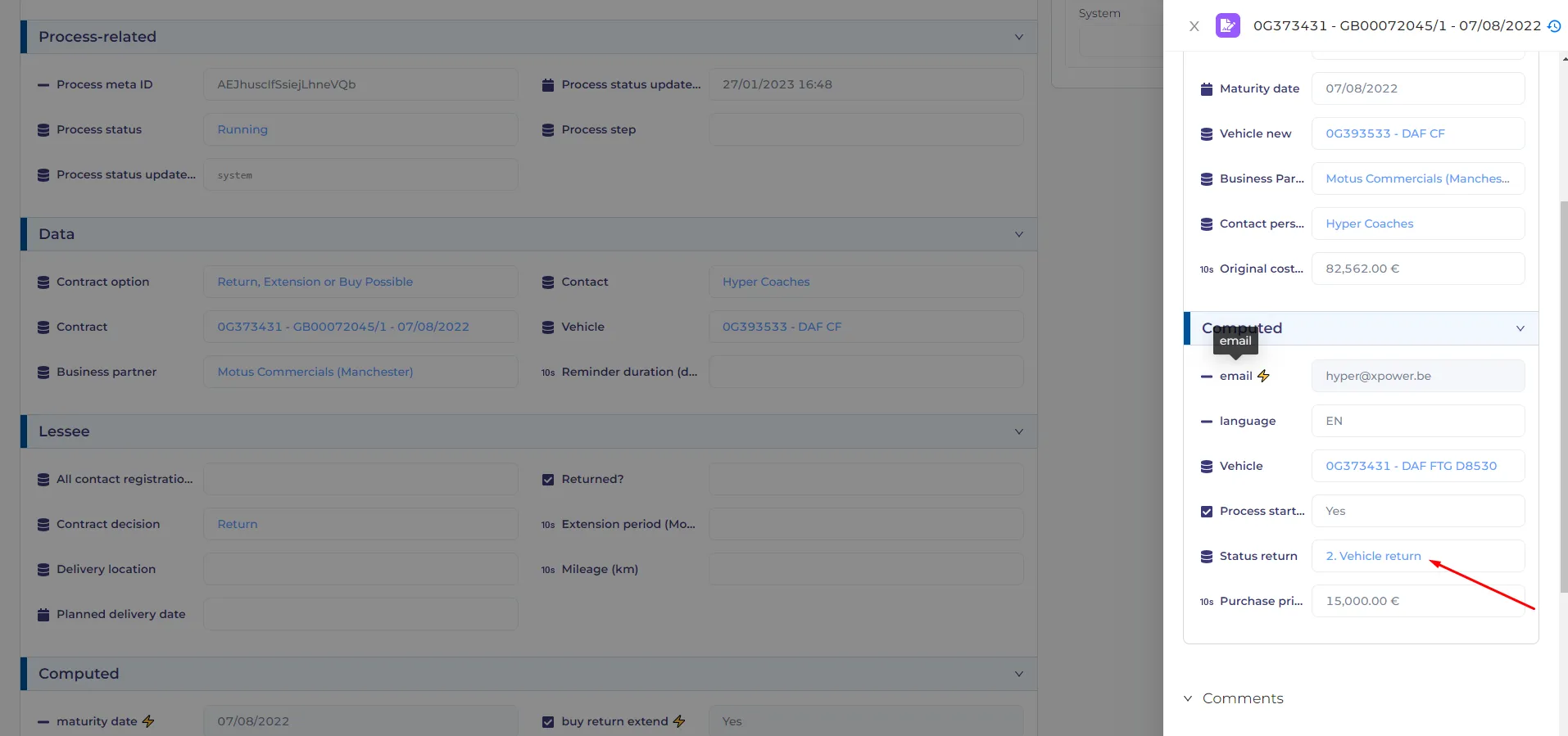
After the form is submitted the status of the contract becomes 'vehicle return'
You will also receive information about the return location to the test email address (AOM owner)
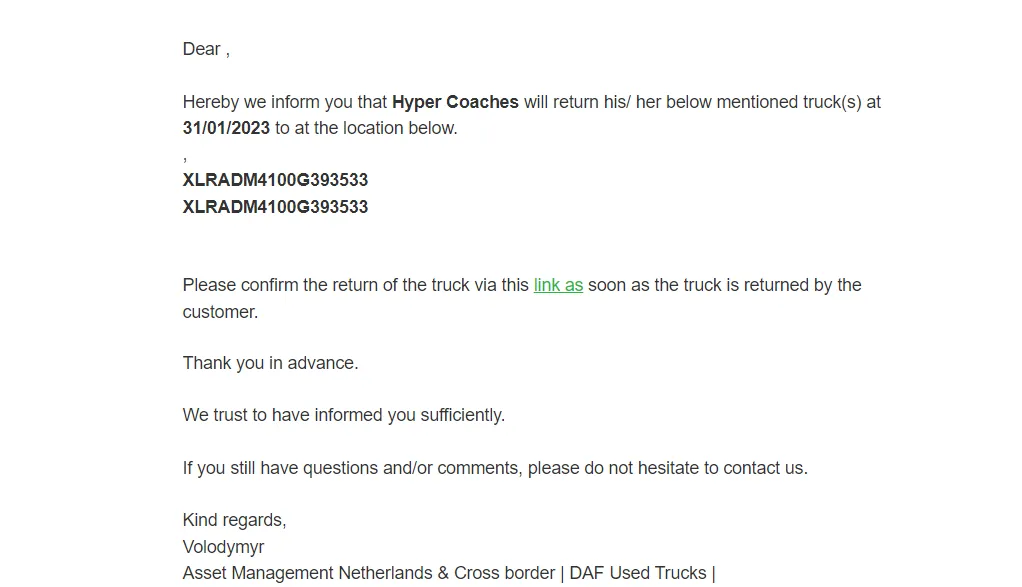
After this email, there should be a 3-day delay (now it`s 1 minute for testing purposes)
After three days the customer receives a reminder letter -
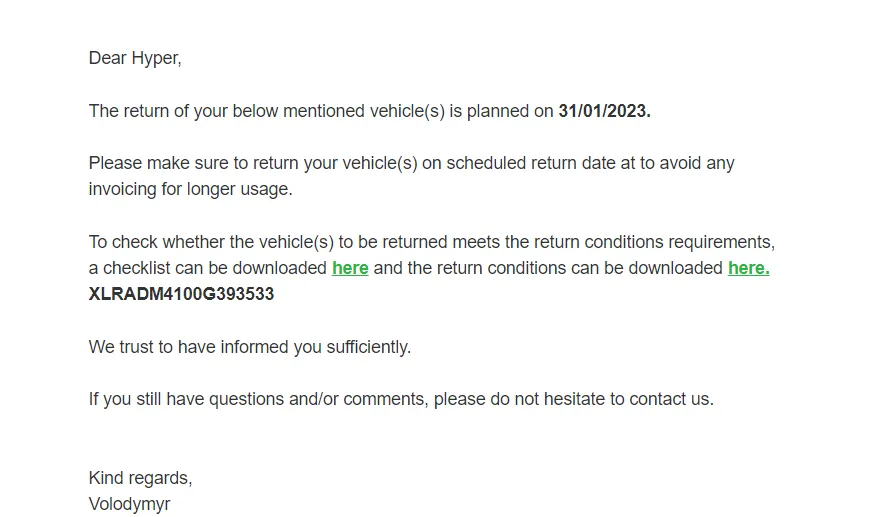
After this email, there will be a set period (now it`s 5 minutes) for the customer to return the vehicle.
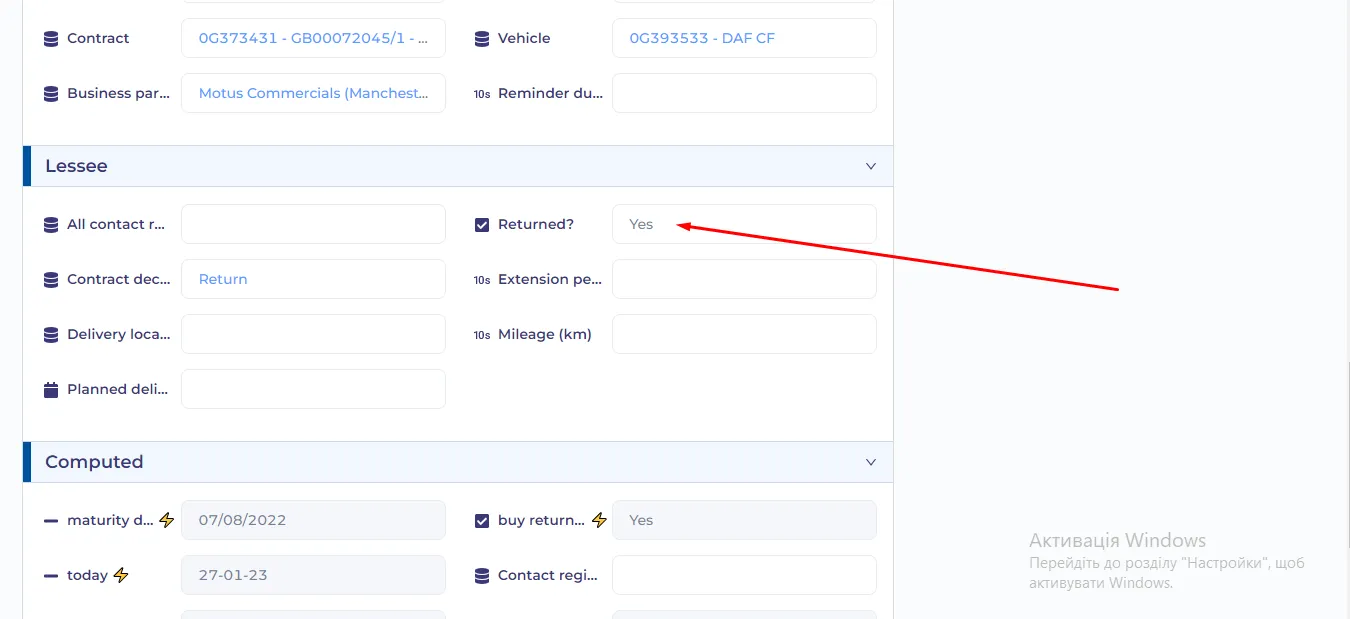
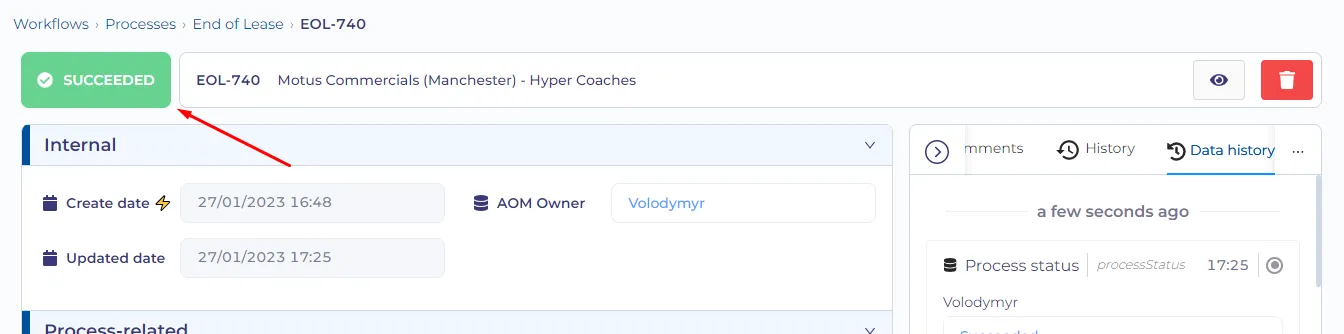
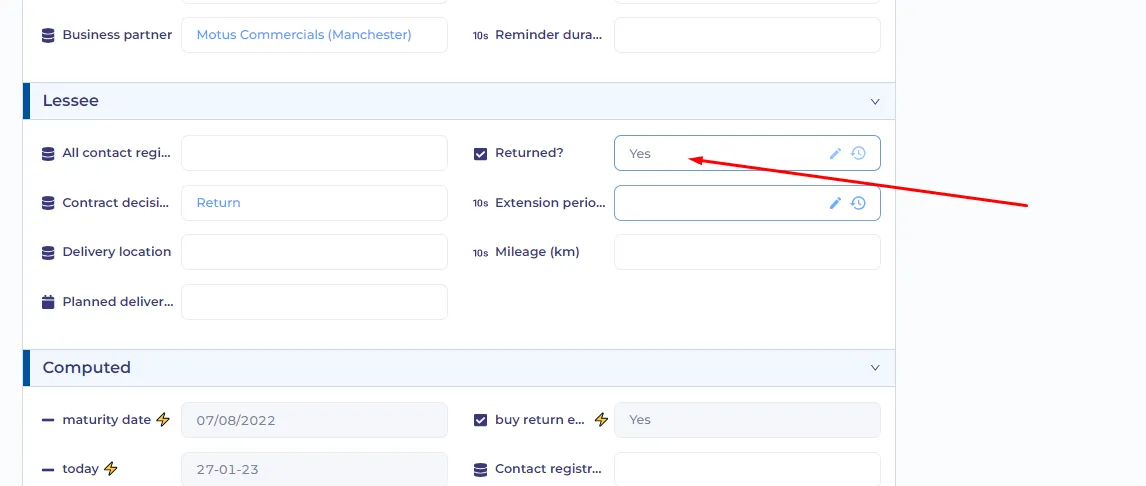
If during this period the 'Returned?' property is set to 'Yes' - the process will be finished
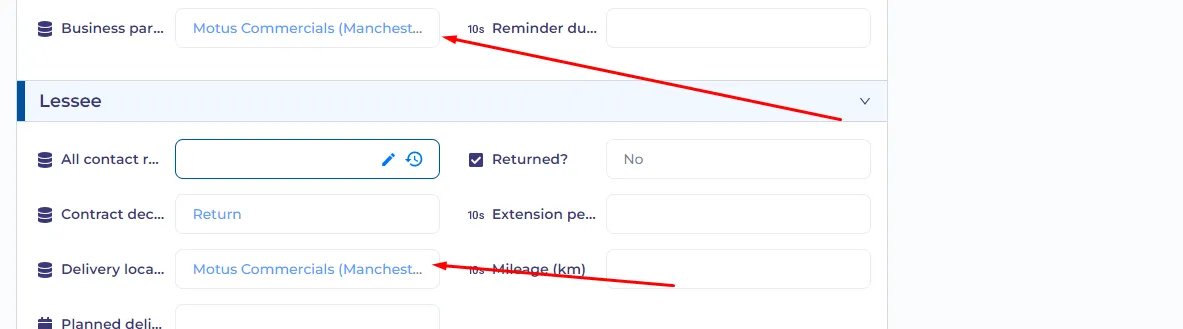
If the customer didn`t return the vehicle in this period and the delivery location and business partner are the same then the dealer notification will be sent (template not ready)
Then the customer will receive a 'reschedule' email (template missing) and the previous location and date or return will be deleted from the process.
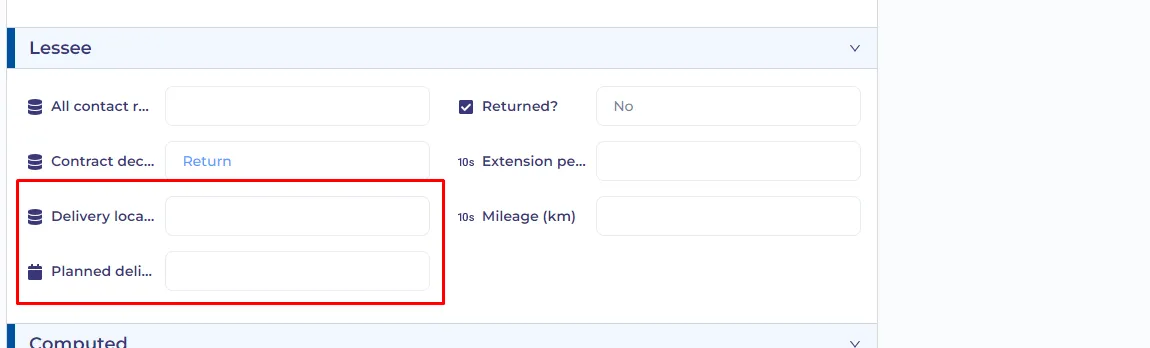
If the customer doesn`t reschedule via email, a manual task will pop up that will ask someone to contact the customer to reschedule.
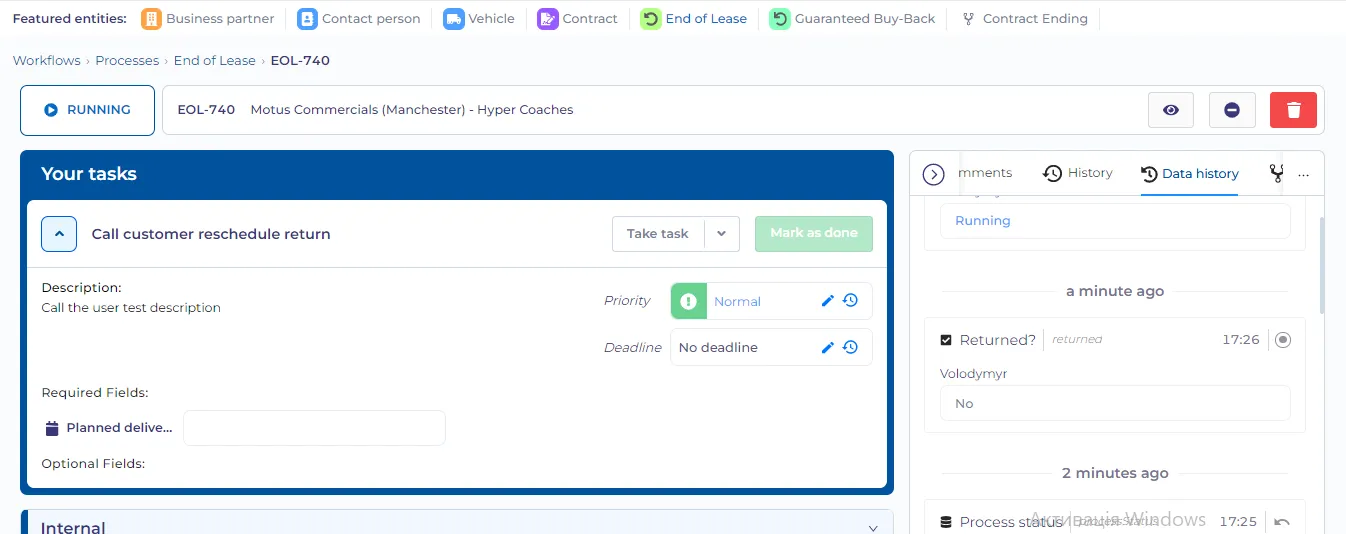
The 'reschedule' reminder emails and tasks to call the customer will be executed until the vehicle is returned (the 'Returned?' property should be yes for the process to finish).
Nothing
If the customer chooses 'Nothing' the process finishes.
Extend lease
For this option, the customer has to choose an extension period and enter the mileage.
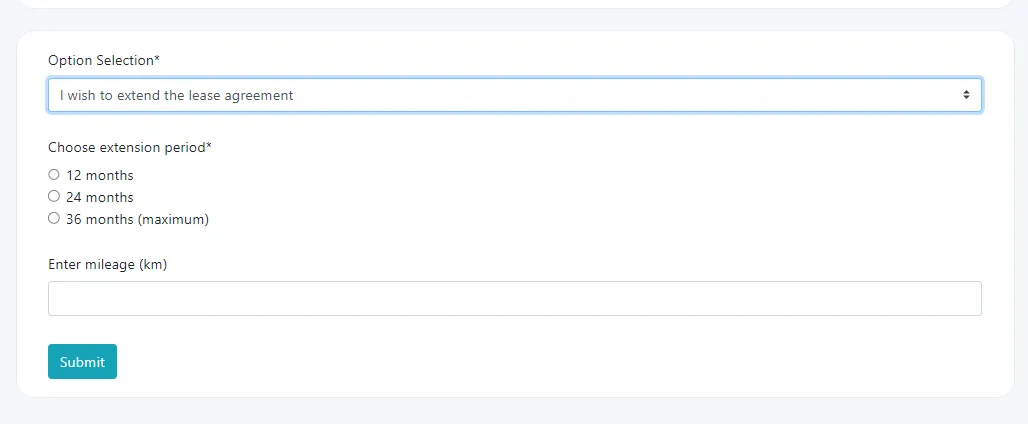
After the form is submitted the customer receives a confirmation email
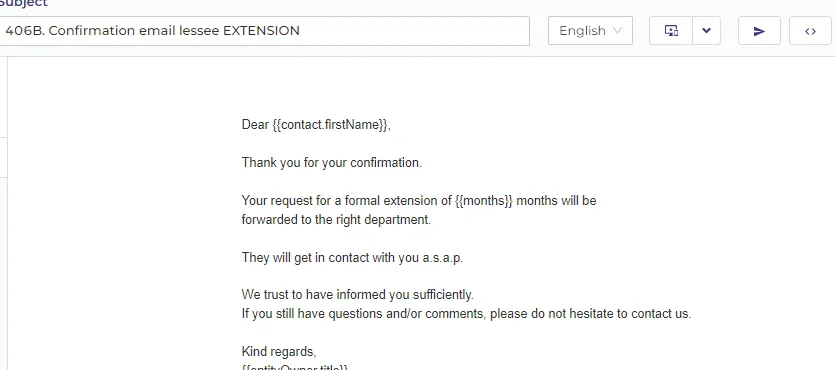
The GBB notification extension is also sent
After that, the process finishes.