Workflows. Autocomplete task setting (cloned)
3 min
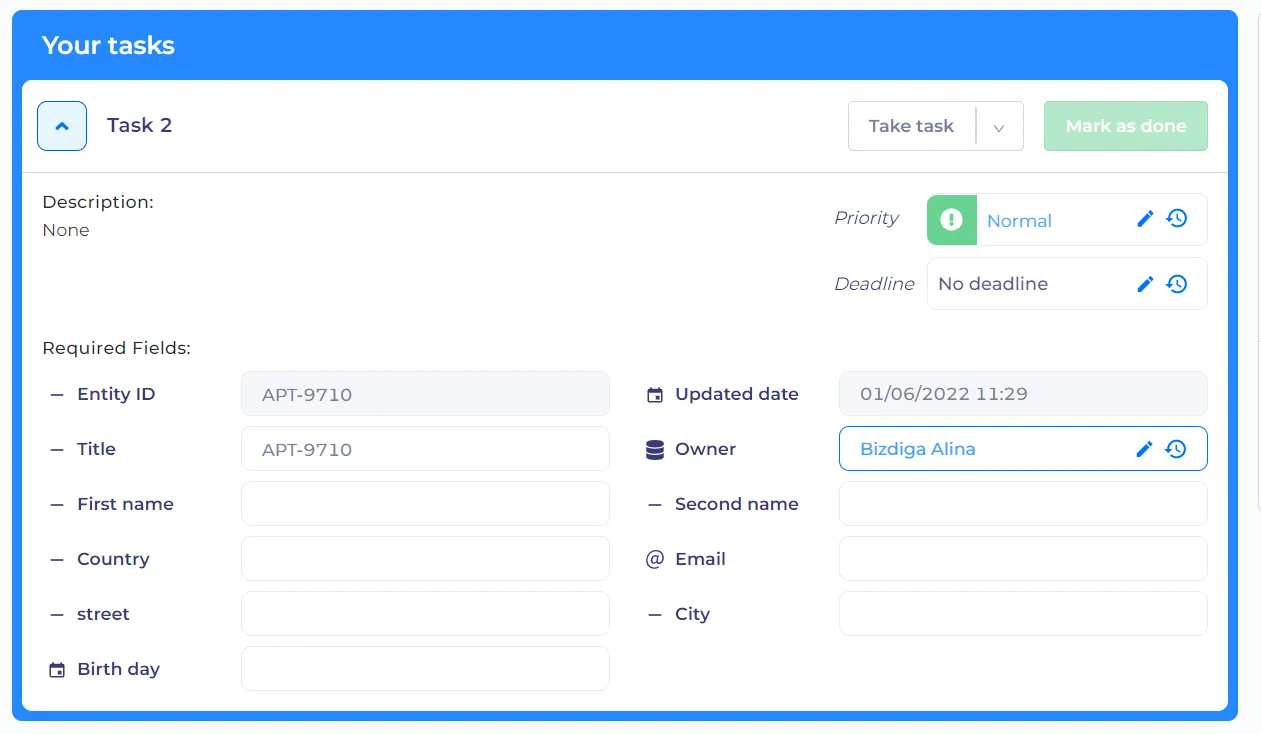
When the 'Autocomplete task' is turned on and all required fields are filled in, the manual task will autocomplete automatically

The manual task will start to autocomplite once the process reached the task.
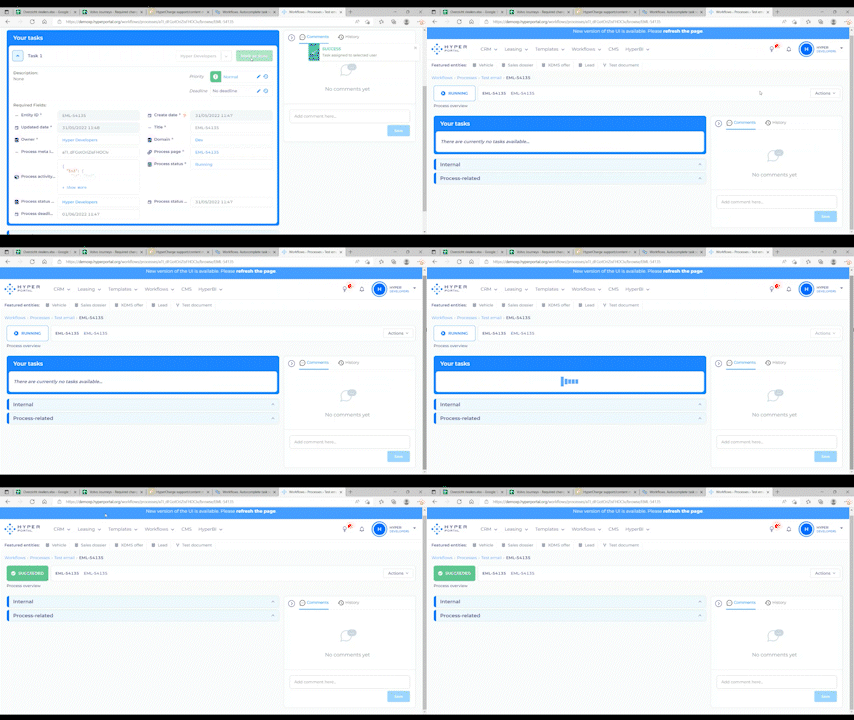
Example process
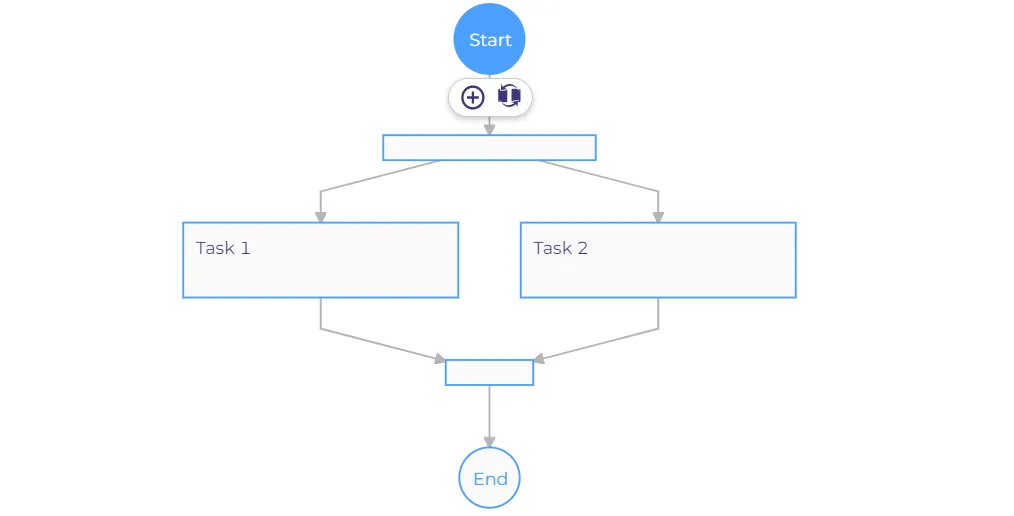
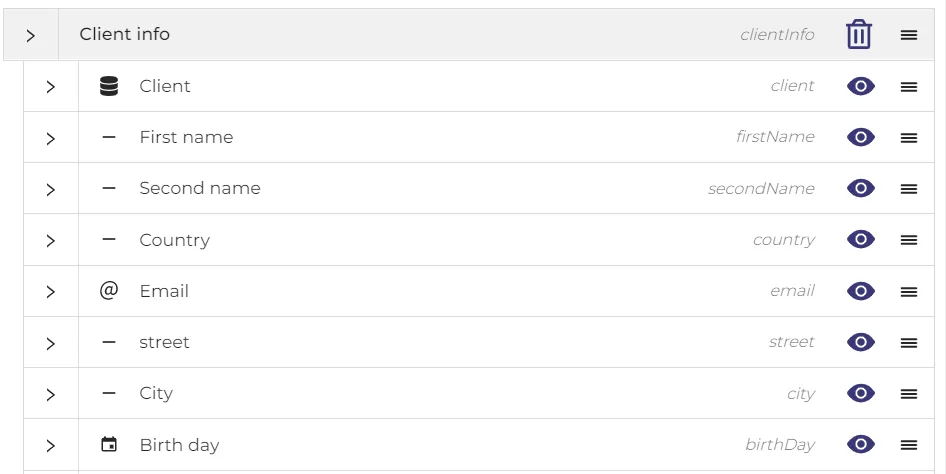
Here we have two manual tasks, where Task 2 has 'Autocomplete task'.In process properties we add information which we need and in this task we put required fields which are not completed.
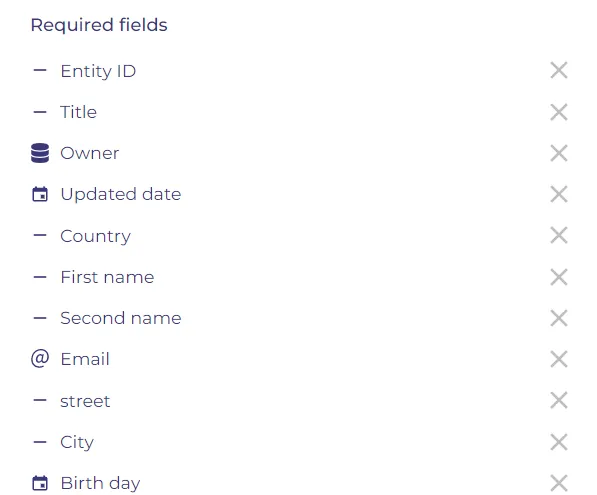
After starting the process, we get the Task 1 where we need to do manual acts (Take task, Mark as done) even if the required fields are filled.
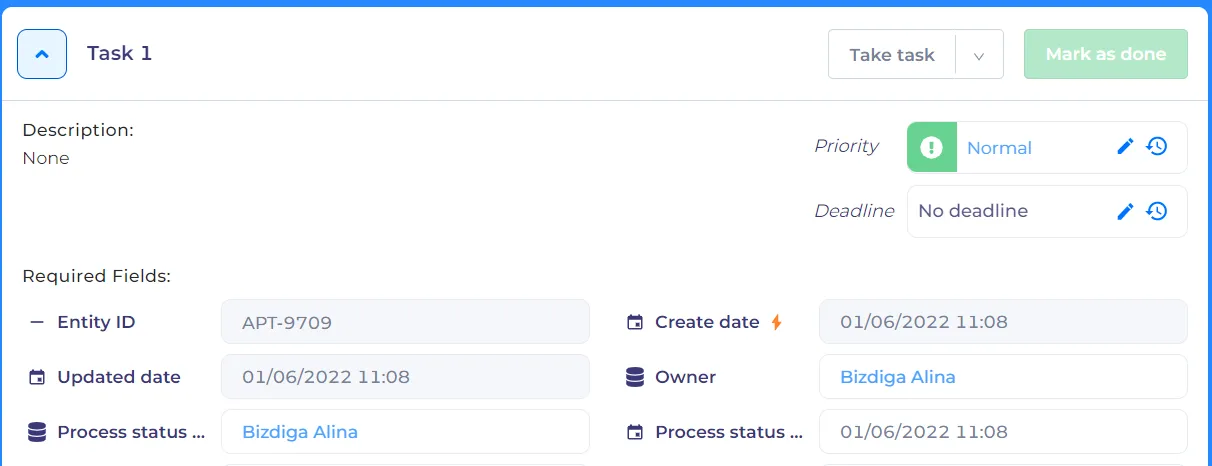
The manual Task 2, where we have not completed the required fields even if 'Autocomplete task' is turned on will behave as a manual task like above example.The required fiels nedd to be added manually.