CMS importer
How can I stop an import that is currently running?
Imagine someone started a giant import and suddenly realizes that the import is not going as expected. In that case the import should be stopped as soon as possible.
To do that, go to the AWS console and search for the SQS queue of the importer:
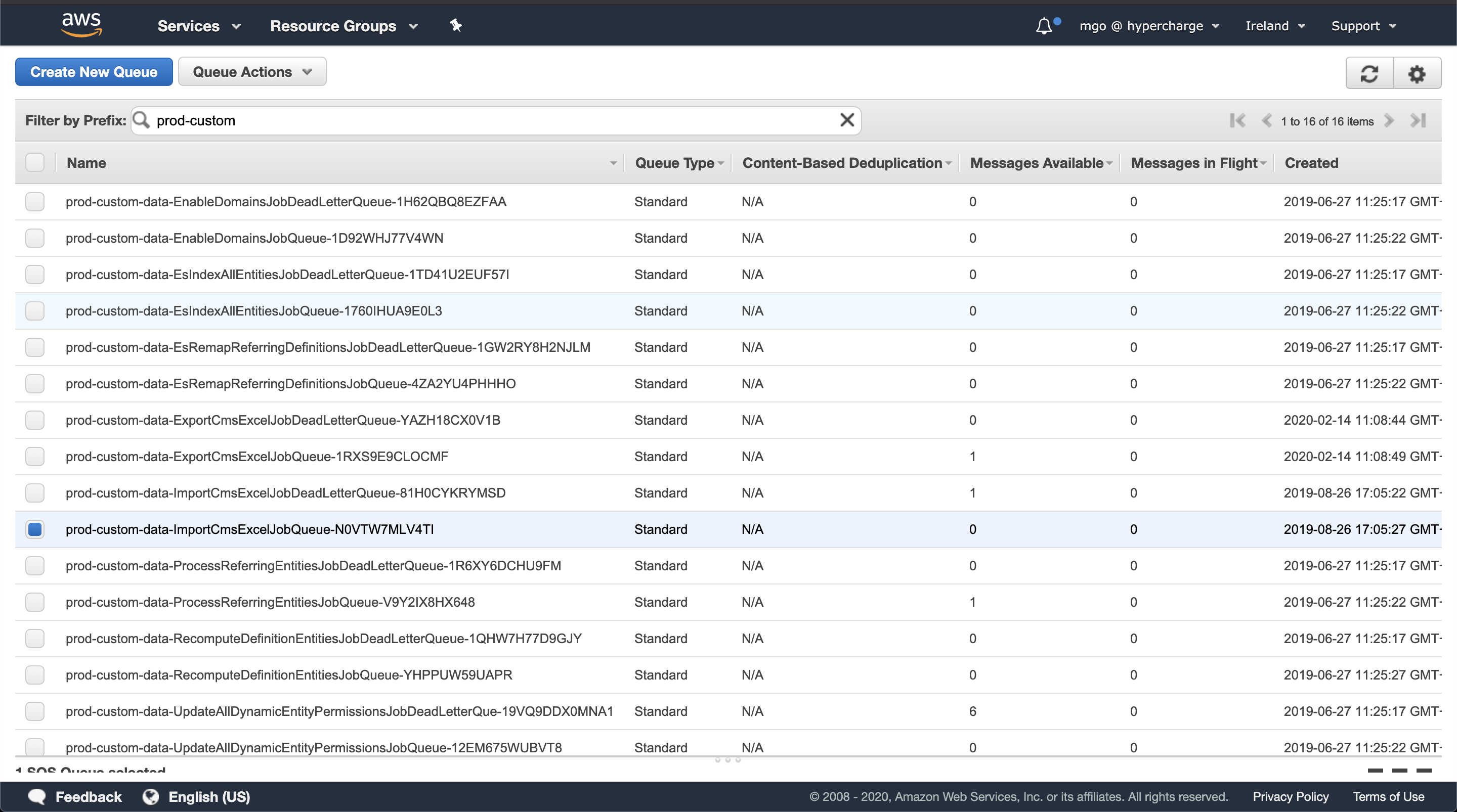
It should have 1 message in flight, the one we'll be stopping.
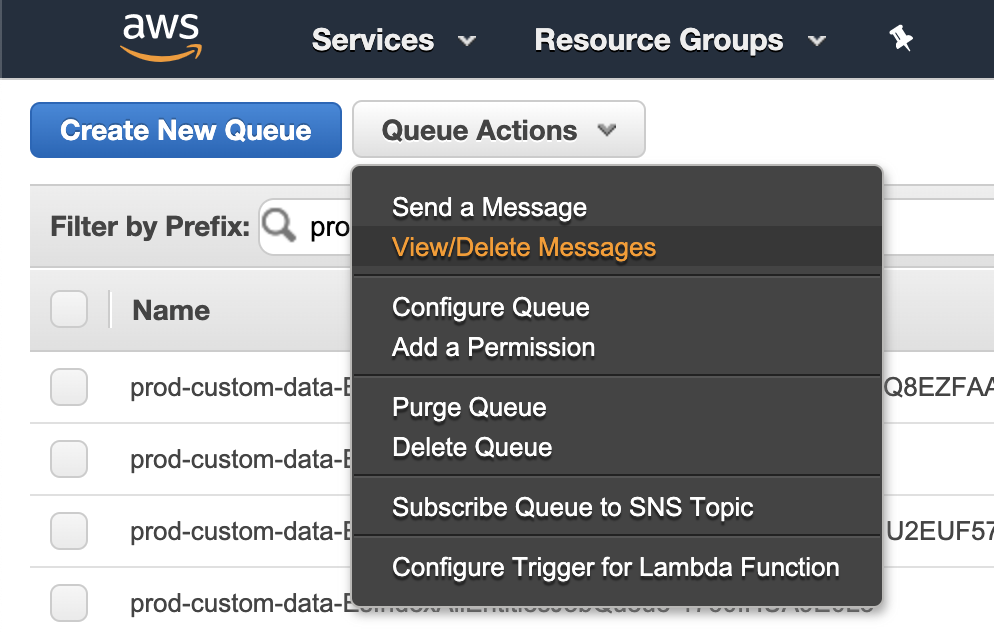
Now open the "View/Delete Messages" modal:
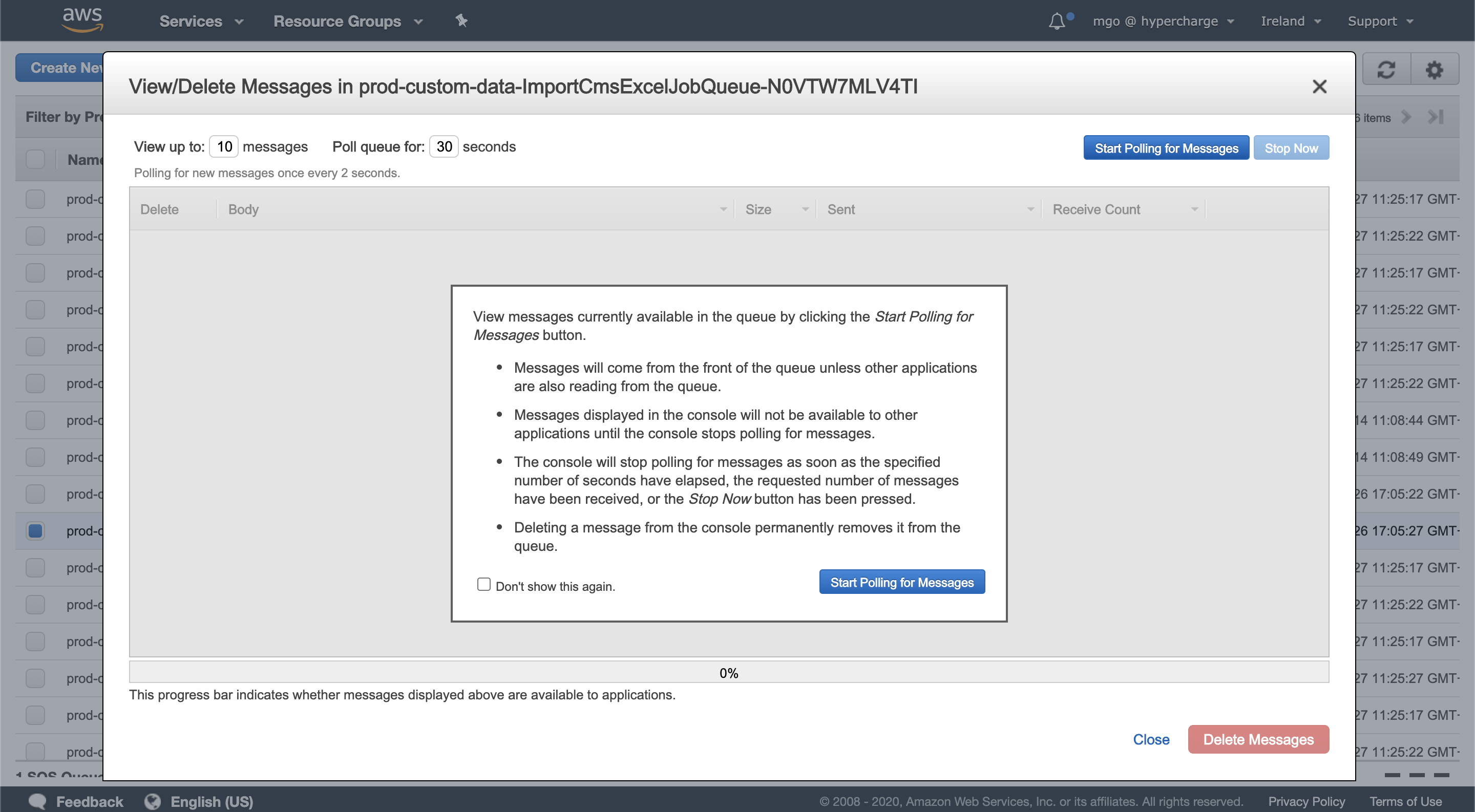
Then press "Start Polling for Messages":
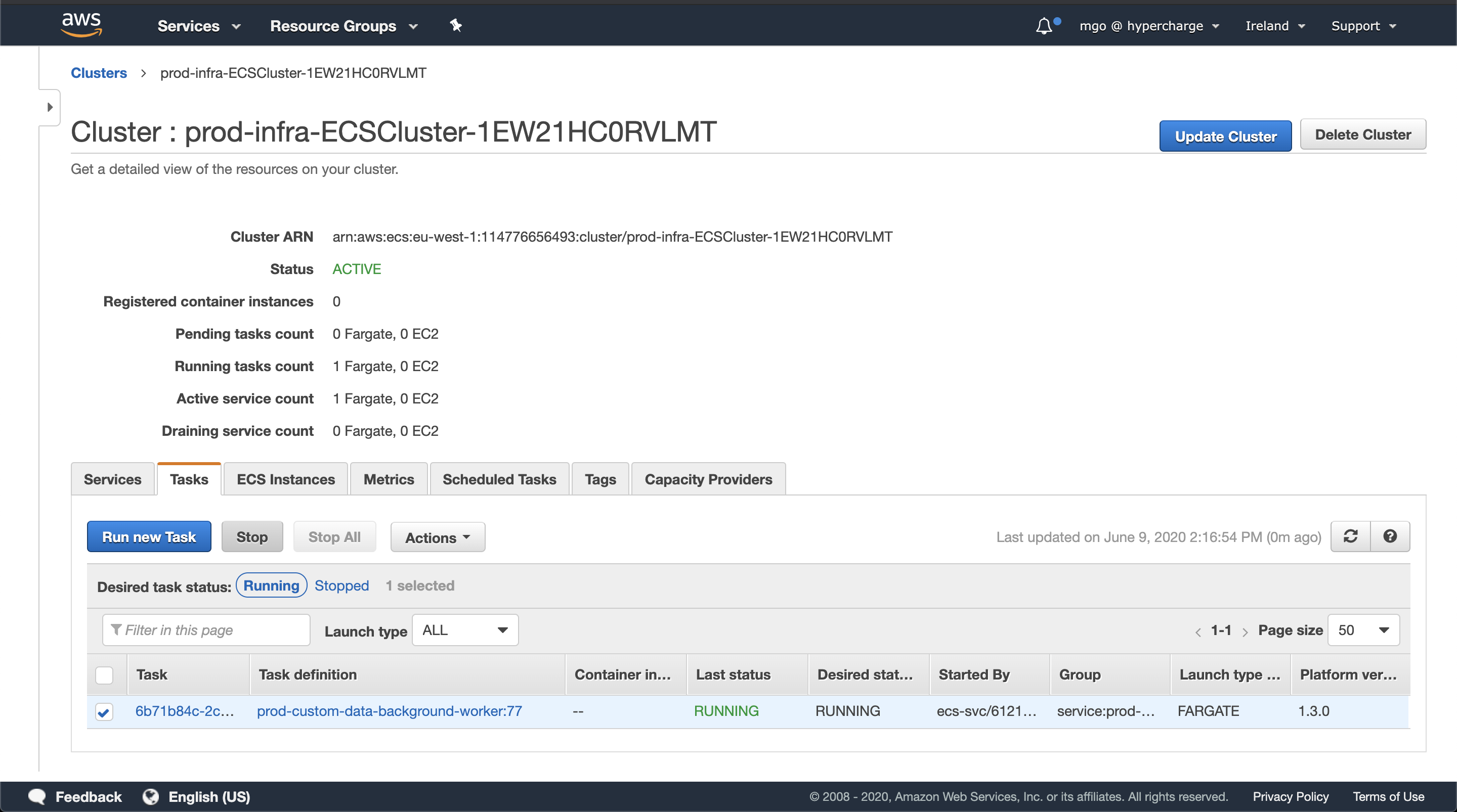
Now open a new tab and go to the ECS management dashboard.
After identifying the cluster and task where that import is running (see image below), we select that task and stop it.
Now we can go back to the SQS browser tab and we'll see the SQS event showing up. Select it and delete it.
Then go back to the ECS console and verify that the ECS task is running again. That should be the case as the ECS service is provisioned that way.