Volvo Event App - check-in procedure
1 min
- Go to https://vcb-volvo.hyperevent.io/en/check-in using your tablet or mobile device.
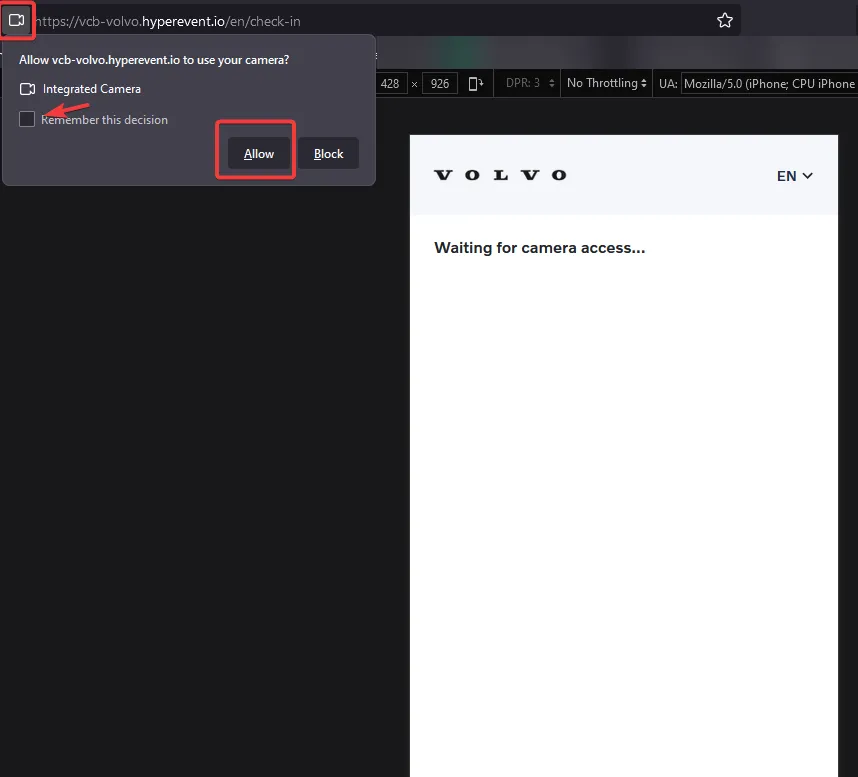
- Give access to your camera when promted to do so;
- Simply scan the QR code that the customer should have received as an attachment in the reservation confirmation email.
- (Optional) If the person chose the option to invite an extra guest, he should also have a 2nd attachment in his email, with a separate QR code for that. You can also scan this one, just as a confirmation.