JSON import
Link to file
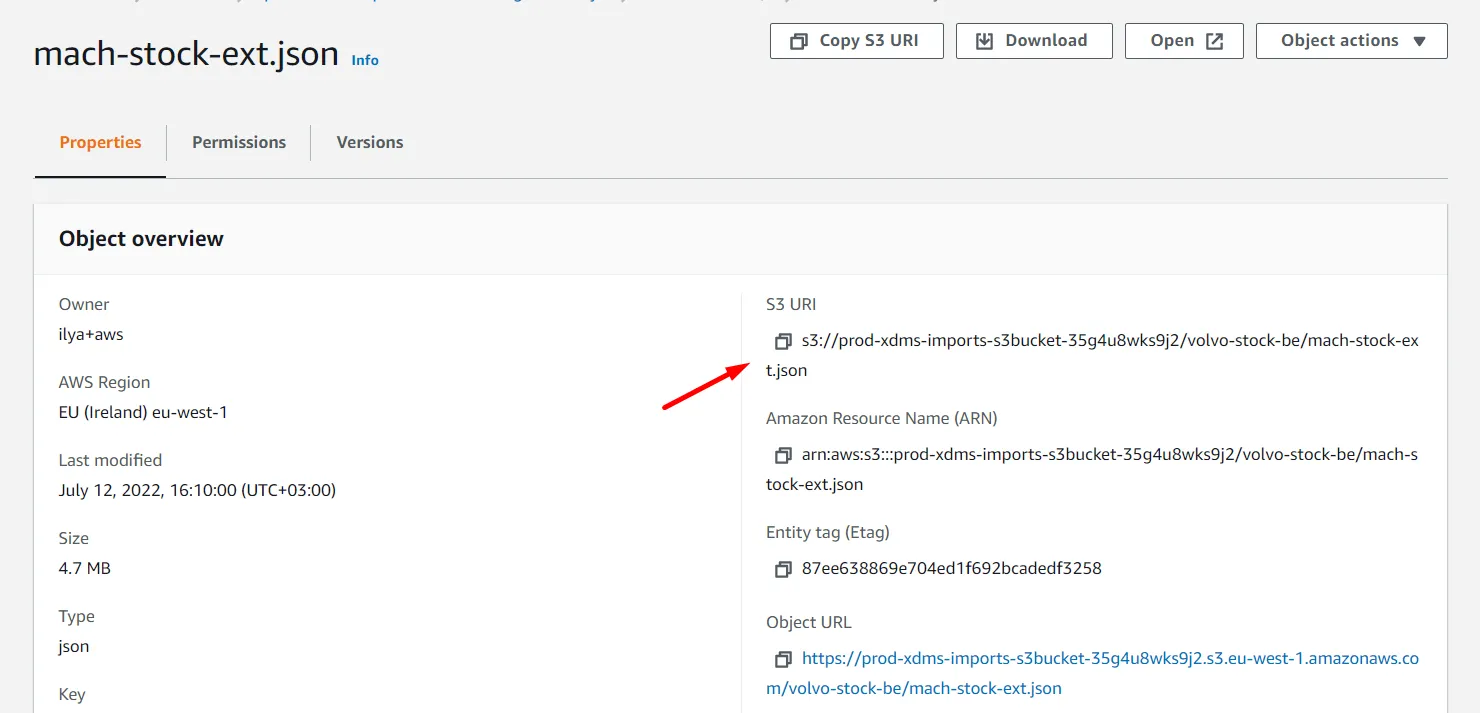
You can upload a file from your device, or you can use a link from S3. Links from prod won`t work on staging and vice-verse. The link has to be a URI (You can find it on the page of the file in S3).
Mappings
JSON path to data array - in this field you should enter a JSON path to the array that contains data.
Typically it looks like that - ProDataSet.xfld1.* keep in mind that '.*' always have to be at the end of the expression. If the ky has any special symbols in it ( - , . etc.) you have to put it in such format -
ProDataSet['txf-ld1'].* We put txf-ld1 in brackets because there is '-' symbol in the key. Keep in mind that we skip the dot after 'ProDataSet' in such a case. Property mappings
In the property mappings, you have to enter a property key, If It doesn`t have any special symbols in it, it`s enough to enter the key, for example - NRrel
If the key has a special character it has to be entered in such format - NRrel.ext will look like that - $['NRrel.ext']
If you are importing a list-type property, you should always enter .* at the end. Example - Pictures.*