Example of usage
4 min
In this example, we will show how you can GET a sample list of users from reqres.in, add a new user using a POST request, and update the user using a PATCH request.
GET
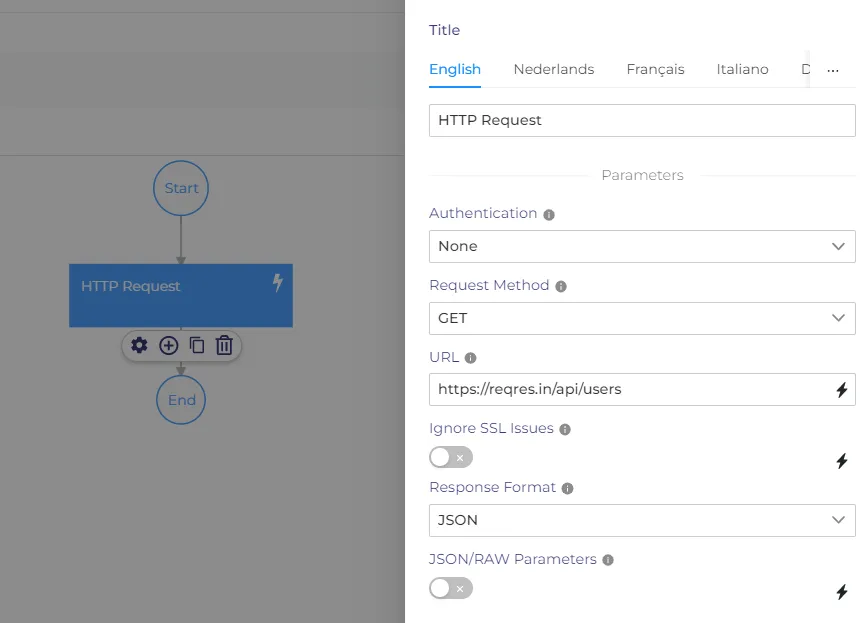
- Enter https://reqres.in/api/users in the URL field
- Choose 'None' as an authentication method.
- Choose 'Get' as a request Method
- Save the workflow and run it.
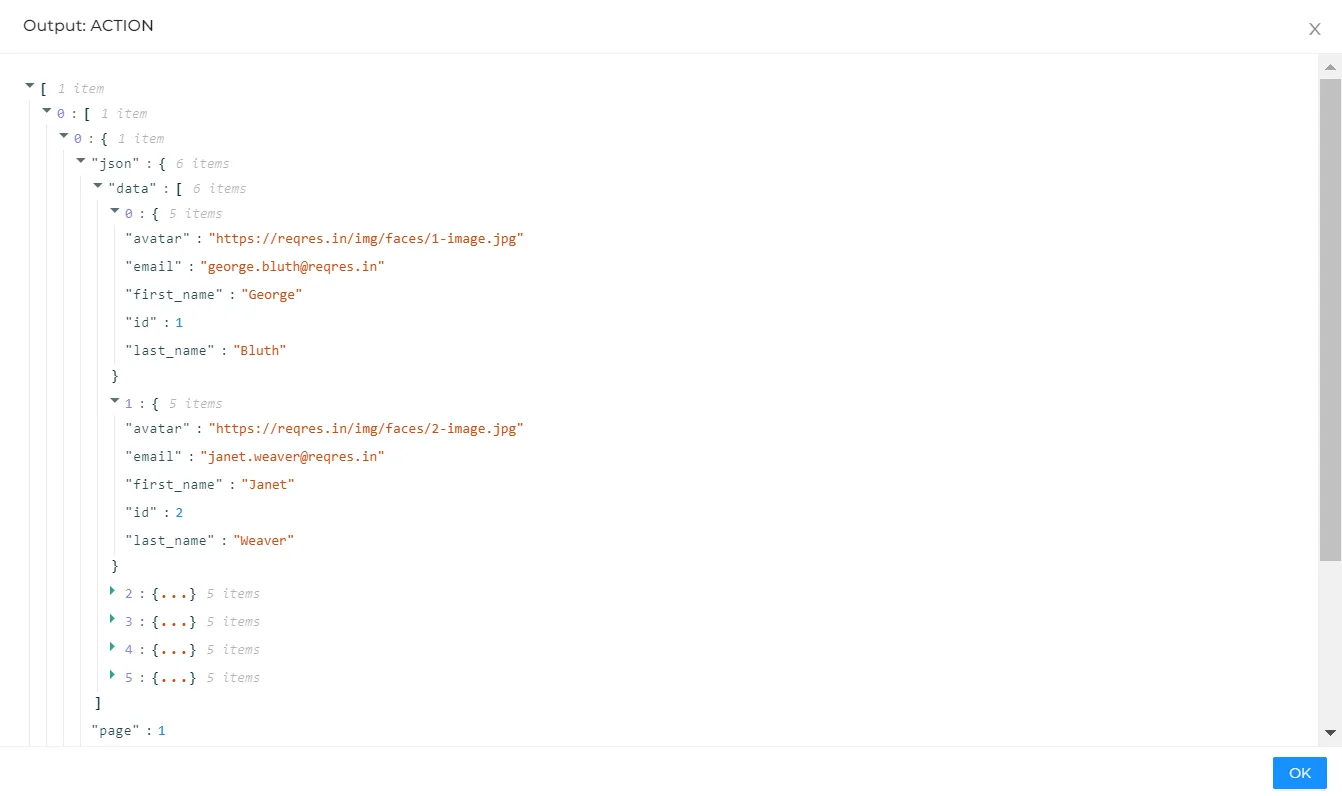
Now you can open the output of the HTTP node. There you will see a list of users with names, emails, etc.
Post
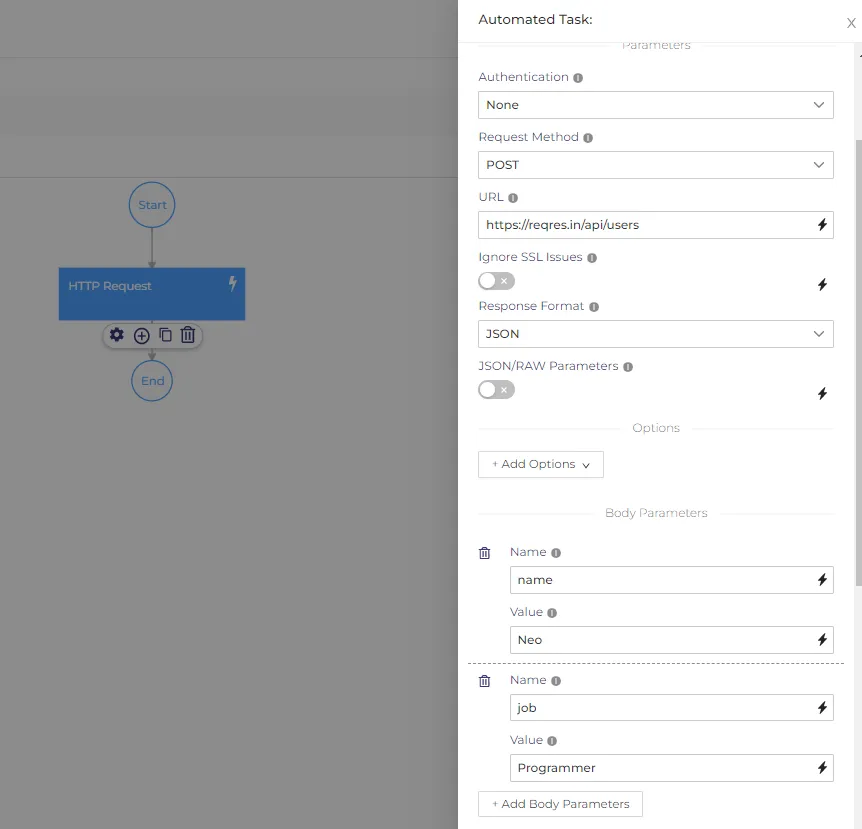
- Select POST from the Request Method dropdown list.
- Enter https://reqres.in/api/users in the URL field.
- Click on the Add Body Parameters button in the Body Parameters section.
- Enter 'name' in the Name field.
- Enter 'Neo' in the Value field.
- Click on the Add Body Parameters button in the Body Parameters section.
- Enter 'job' in the Name field.
- Enter 'Programmer' in the Value field.
- Save and run the workflow.
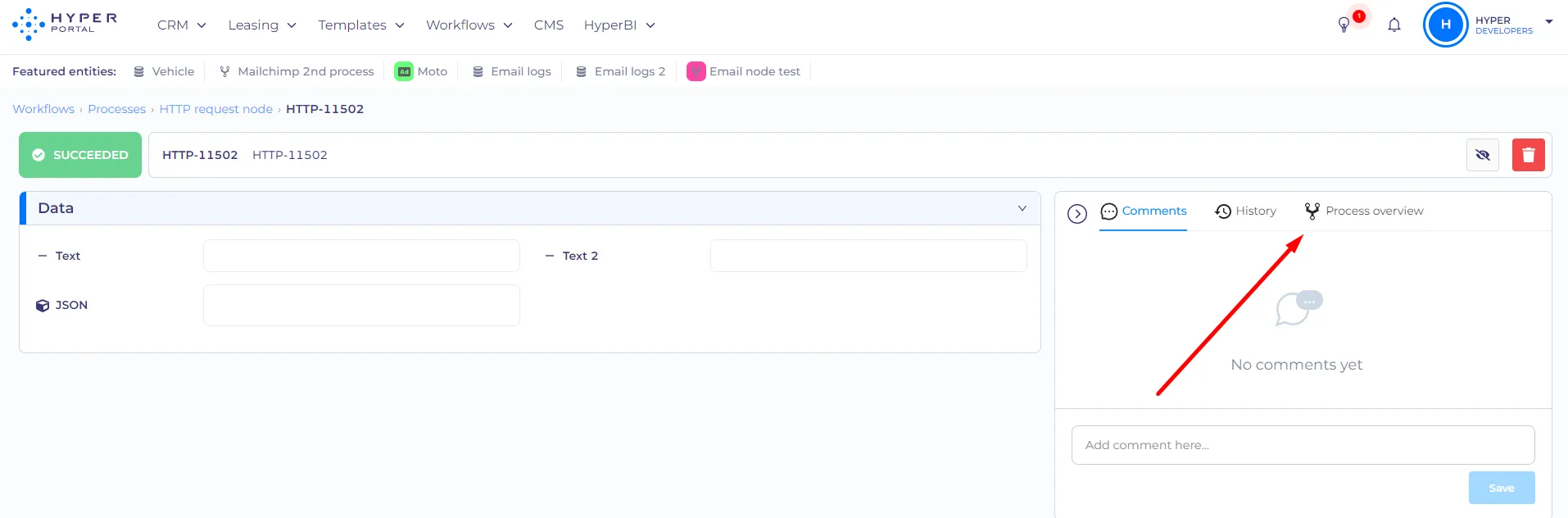
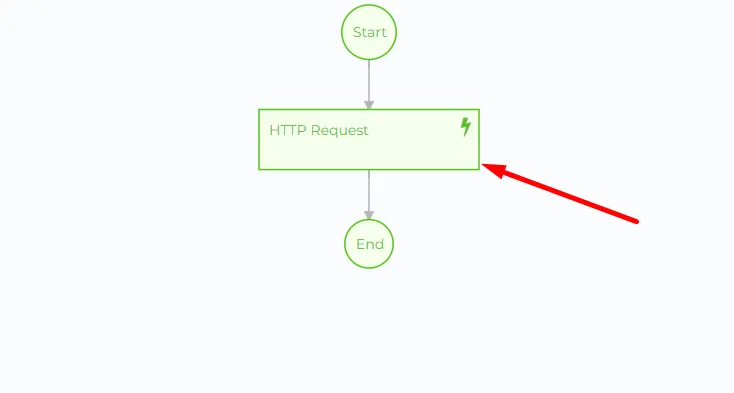
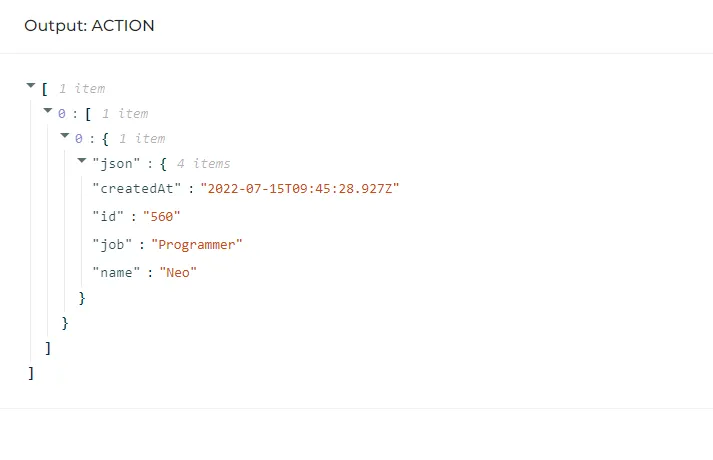
The new user will be created, and all info about this user can be seen in the output of the node.
Patch
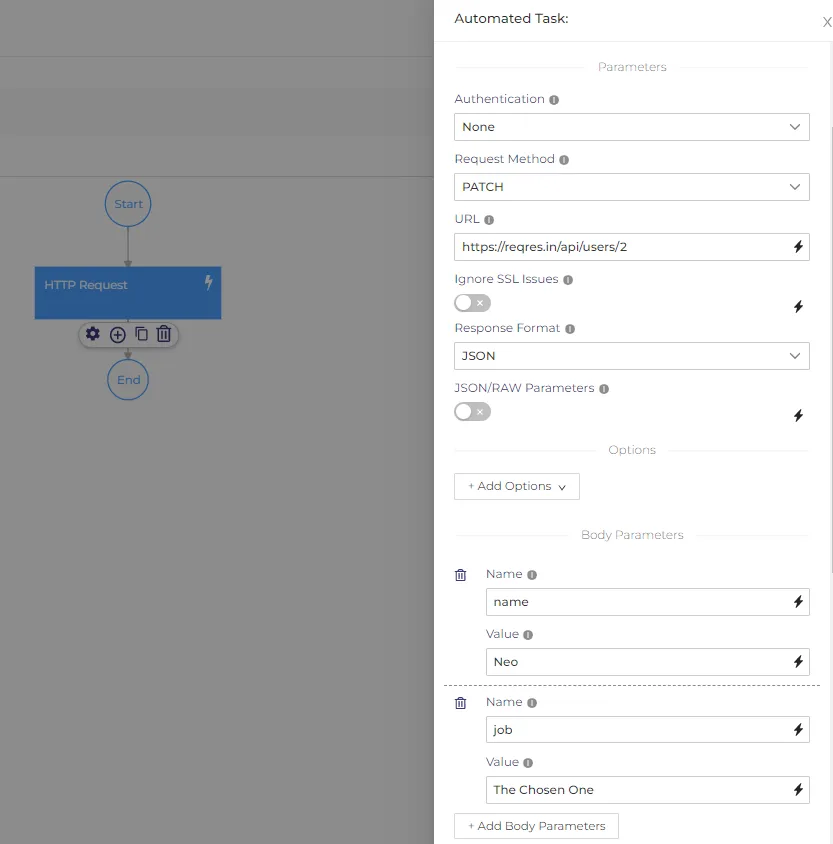
- Select PATCH from the Request Method dropdown list.
- Enter https://reqres.in/api/users/2 in the URL field.
- Click on the Add Body Parameters button in the Body Parameters section.
- Enter 'name' in the Name field.
- Enter Neo in the Value field.
- Click on the Add Body Parameters button in the Body Parameters section.
- Enter 'job' in the Name field.
- Enter 'The Chosen One' in the Value field.
- Save and run the workflow
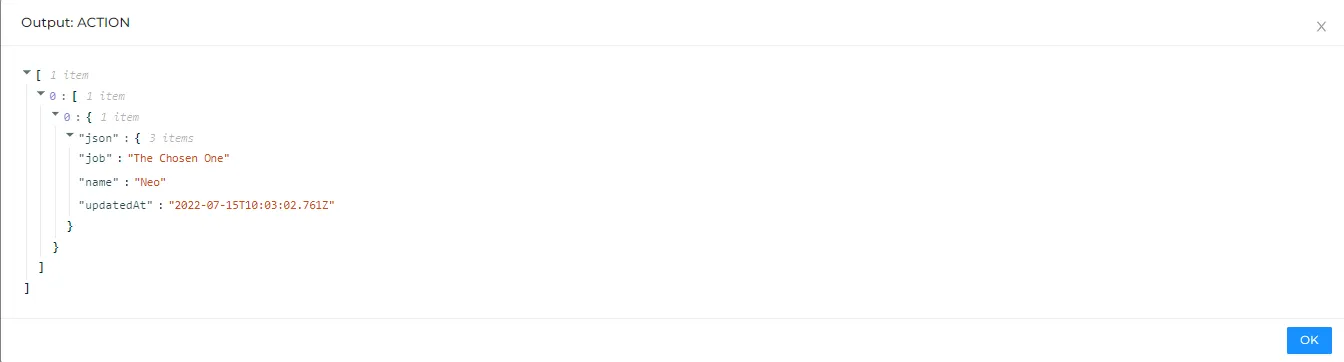
In the output of the node, you will see the information of the updated user.