Iframe embedding
Description
The manual task node has a setting to add an Iframe URL. If something is set there, when the manual task becomes available for the end user, there will also be an iframe embedding in the manual task after beginning of the execution.
Example
In order to add it, make sure you add a protocol and subdomain in the beginning (https:// and www). For example https://www.hyperportal.io/
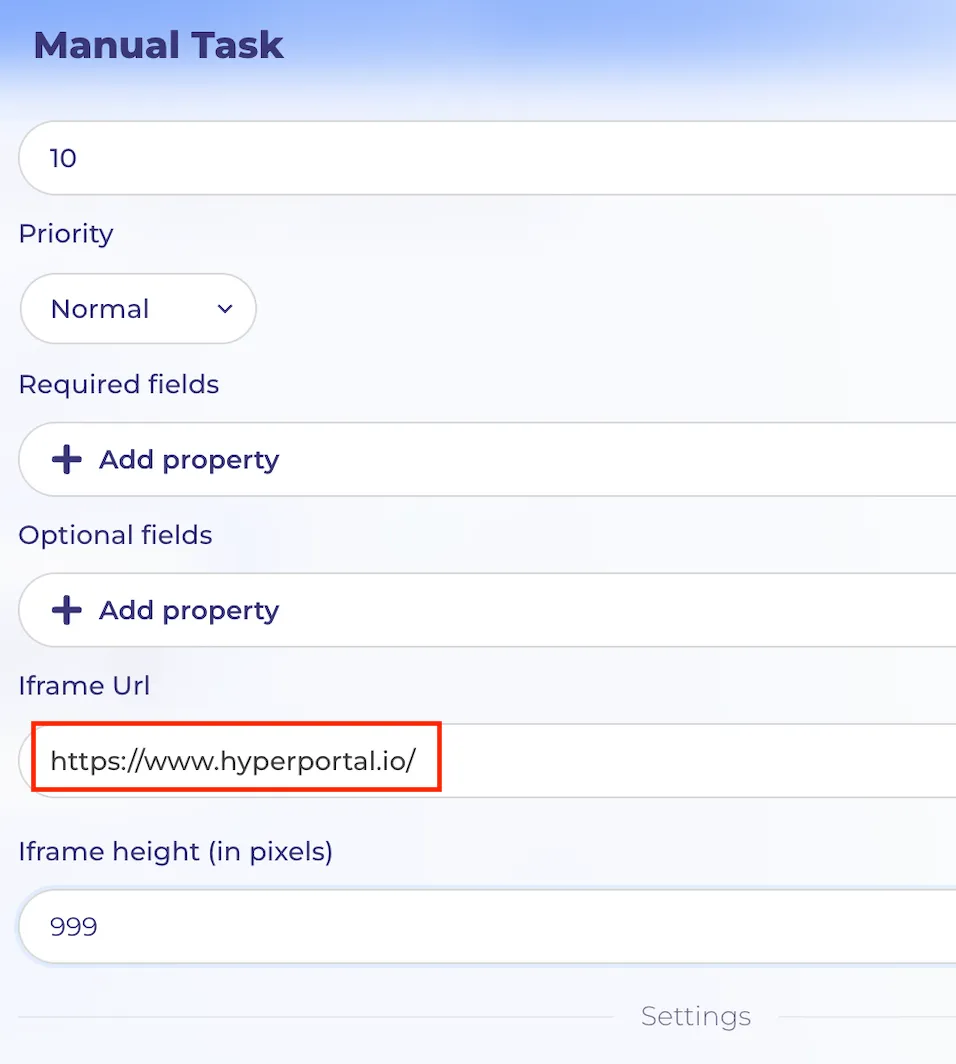
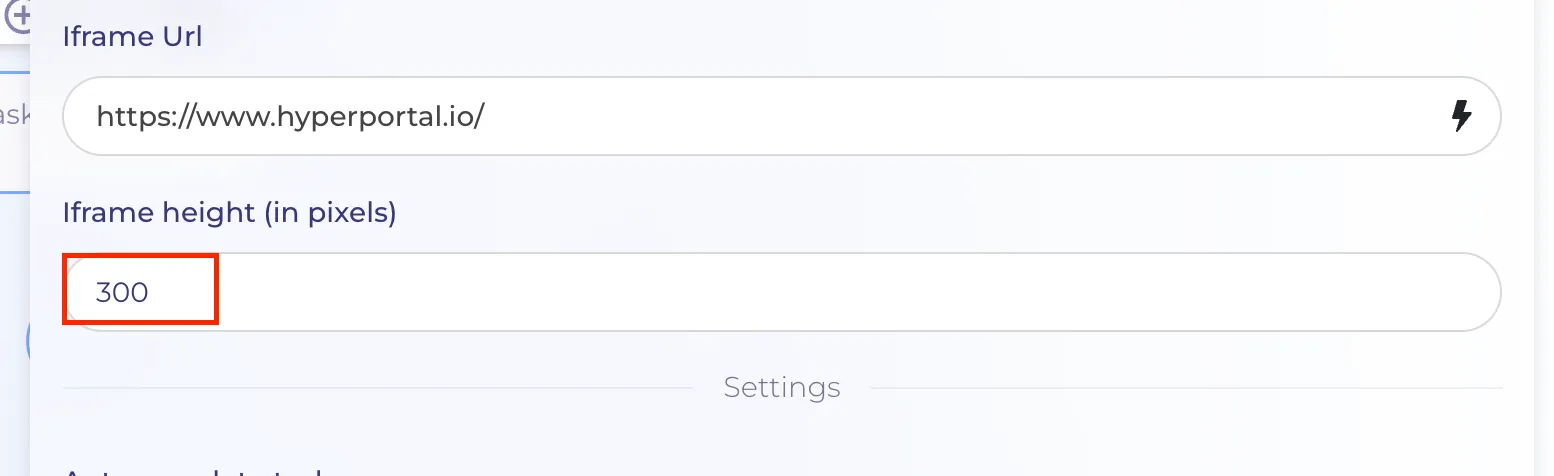
In order to choose the size of the embedded Iframe, user can insert value of Iframe height (in pixels) in the range between 300 and 1000 pixels. It affects the size of the embedded site after the beginning of execution of the manual task.
In the example shown below, the minimum value is set
Here is an example of the execution
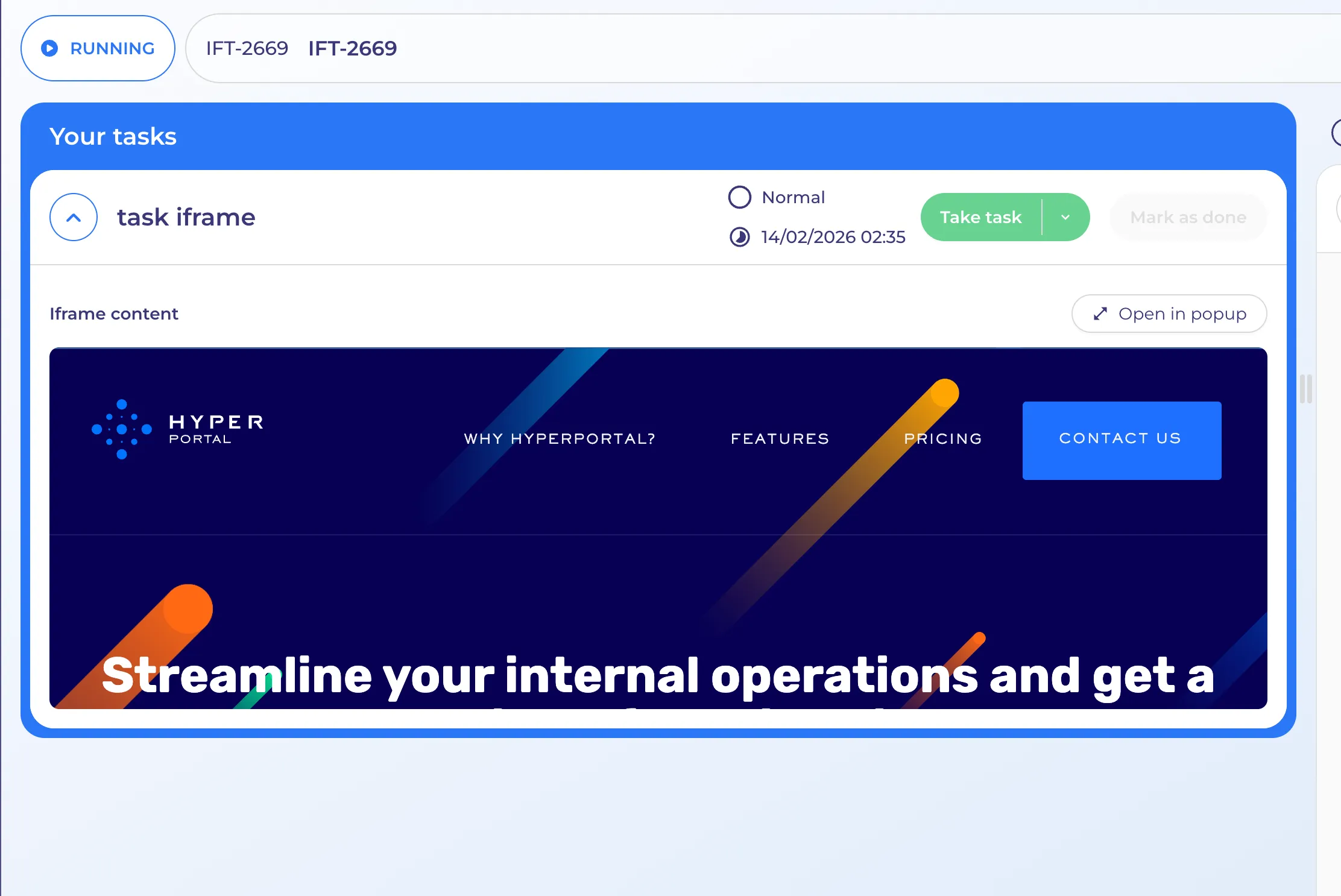
The web page embedded is clickable like a regular website. The user can navigate between different pages of the website. The difference is just that it is embedded into the page of the execution of manual task.