VoIP settings
VoIP provides ability to make calls from HyperPortal.
Setup
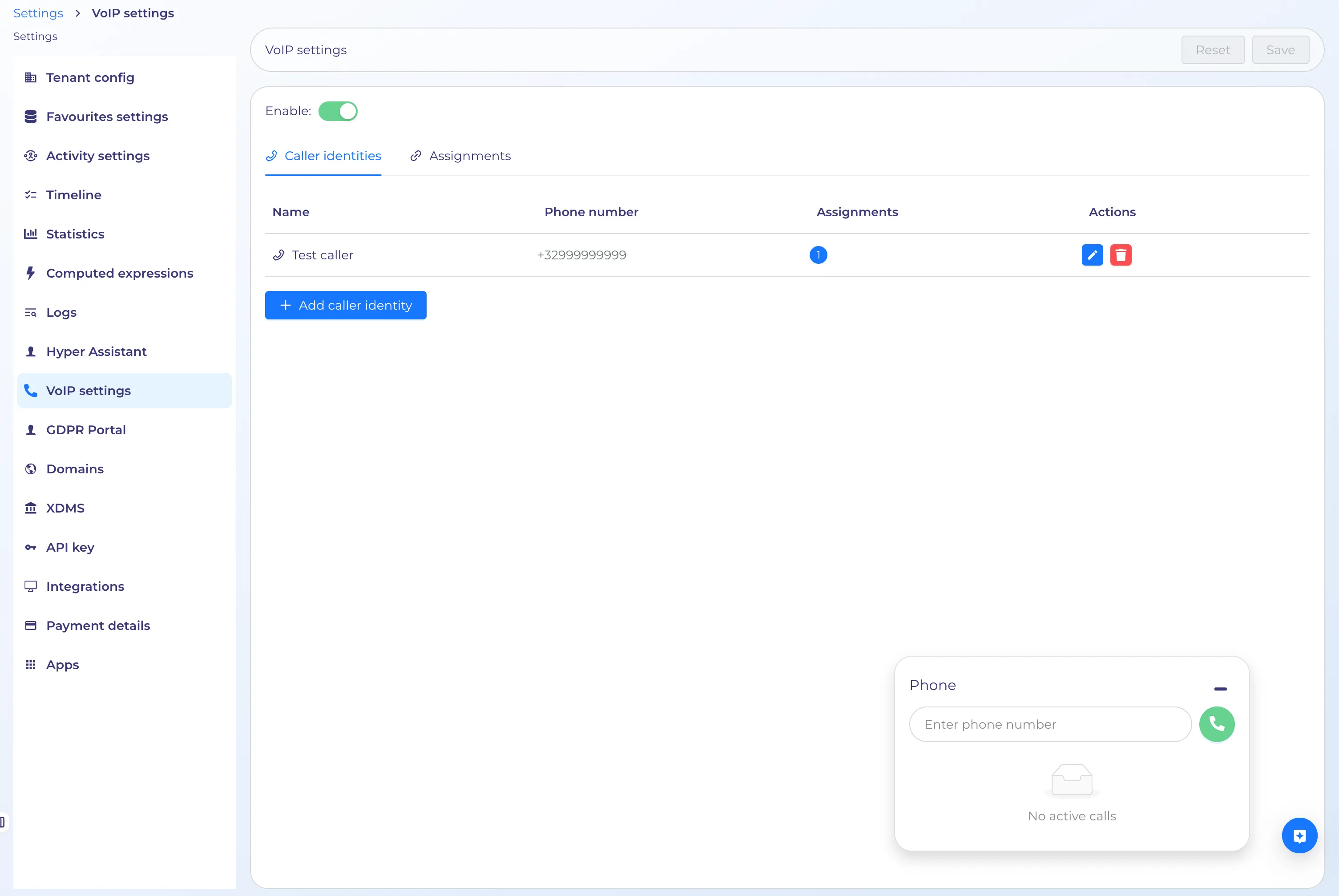
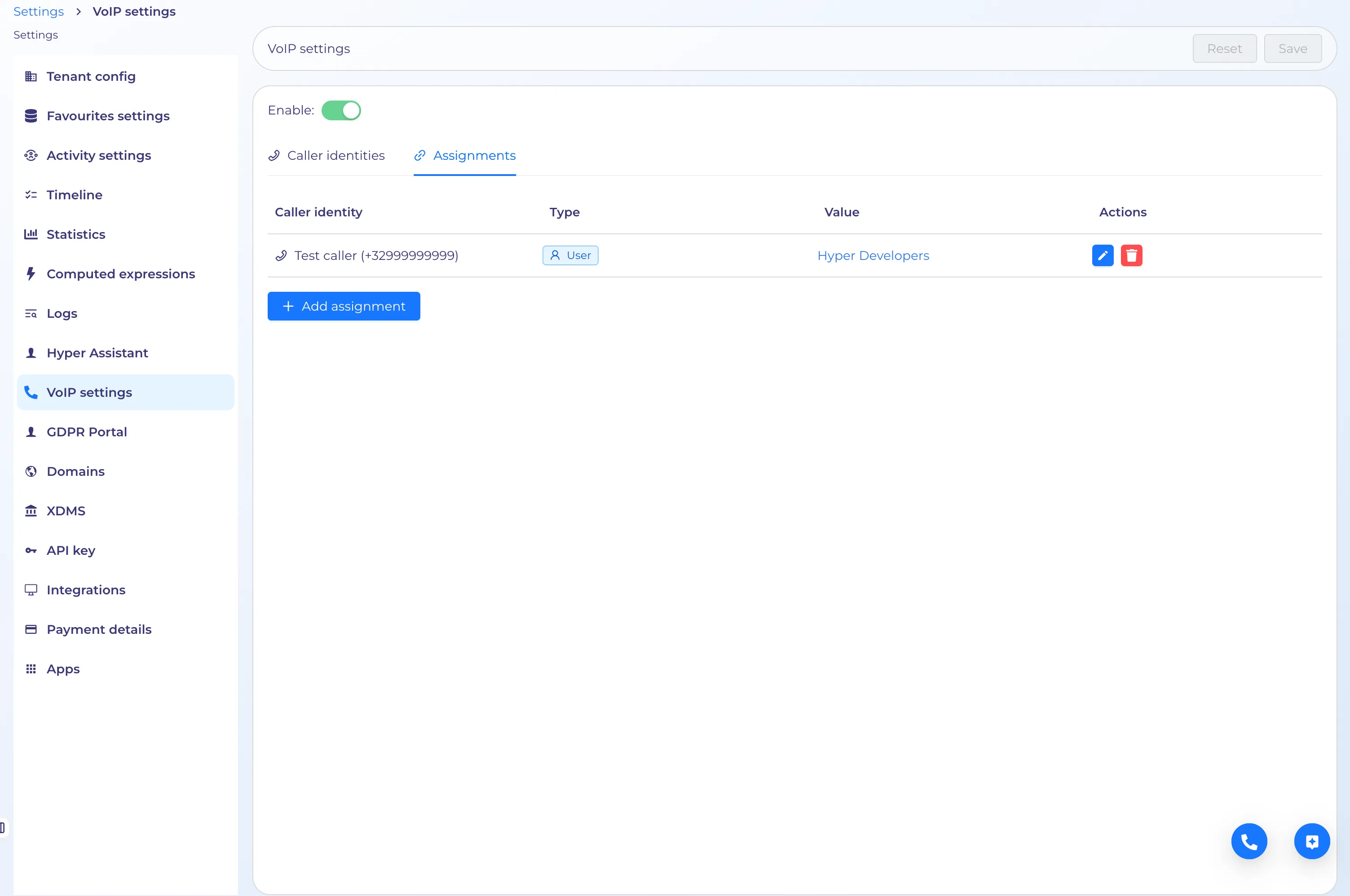
From VoIP settings page this functionality can be enabled/disabled, setup Caller identities and Assignments:
VoIP feature can be used only with configured Caller identity and Assignment.
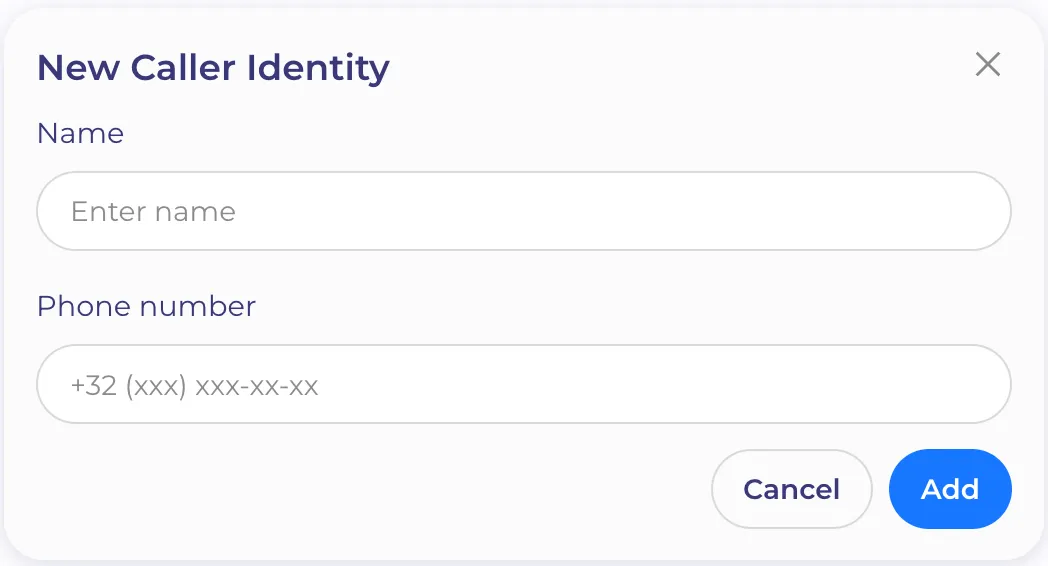
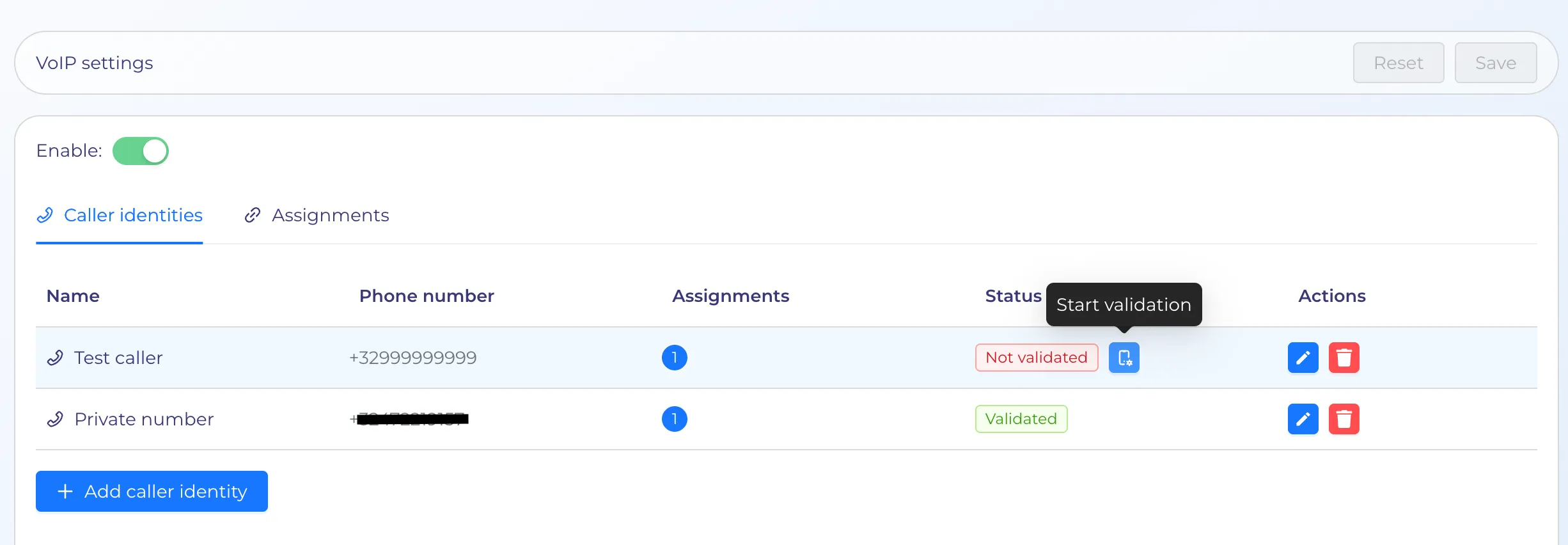
In the settings of the VoIP feature, admins are able to add and verify phone numbers:
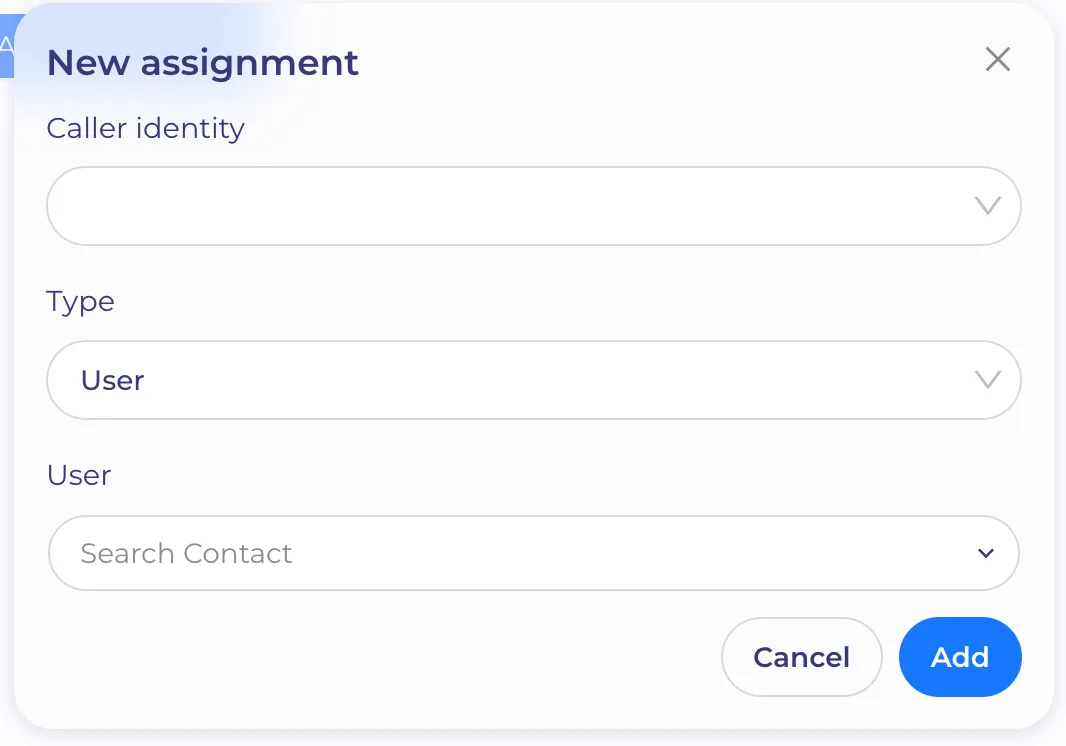
To enable this functionality for a user next permission should be granted:

Use case in workflows
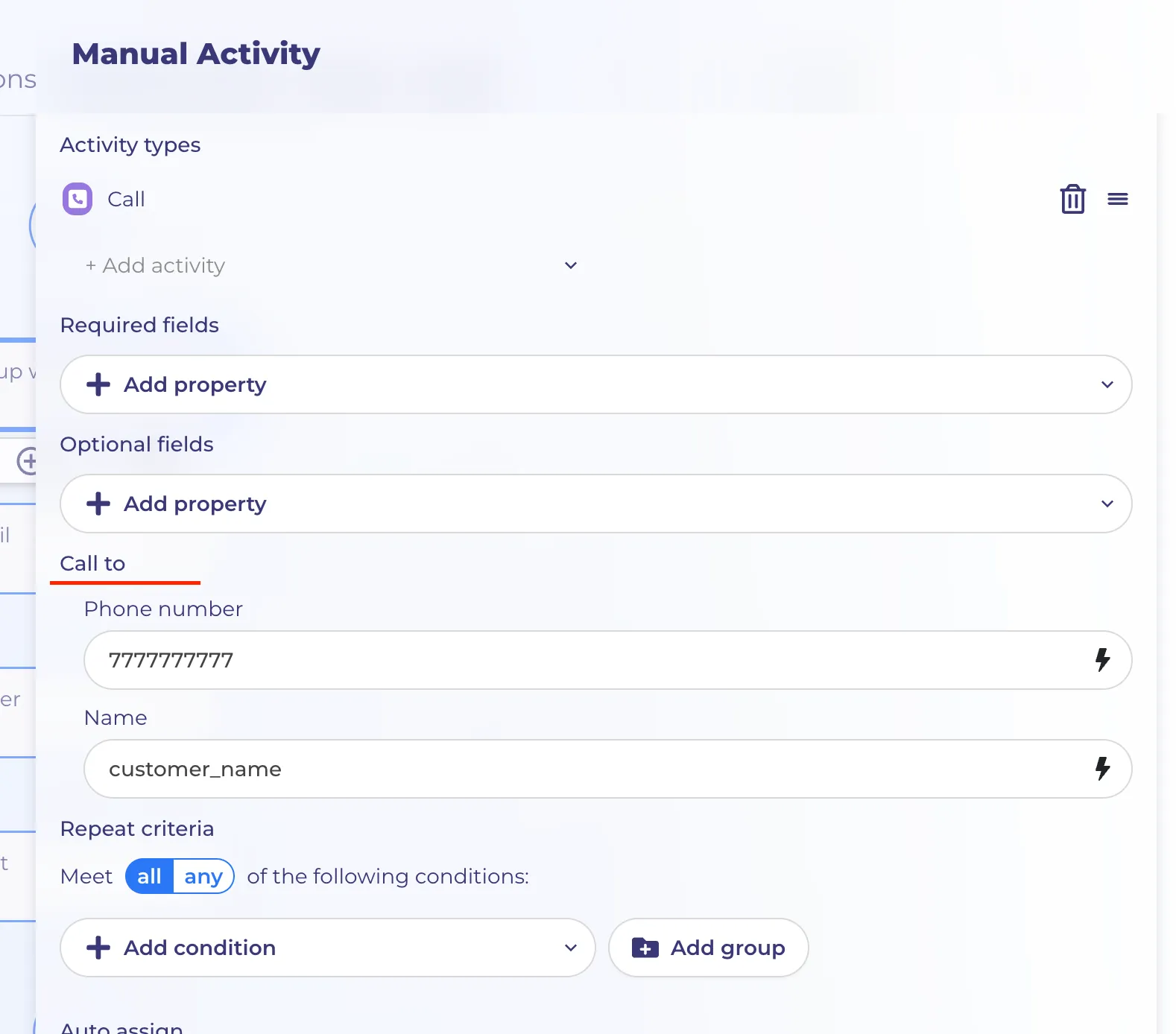
Manual activity node has new section in settings - "Call to" to set phone number and name:
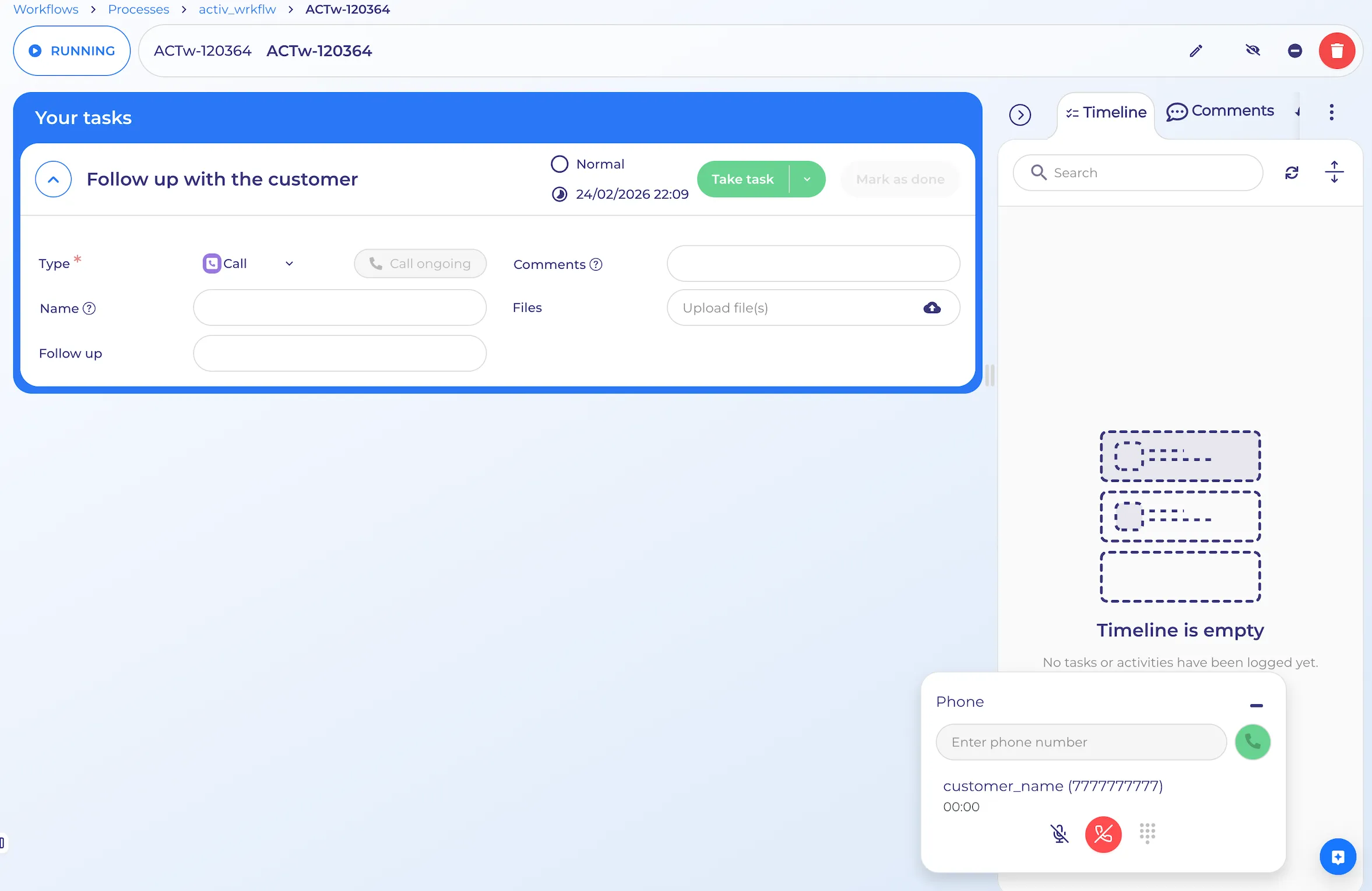
Now user is able to start a call from a manual activity task(VoIP should be enabled and user has permission for it):
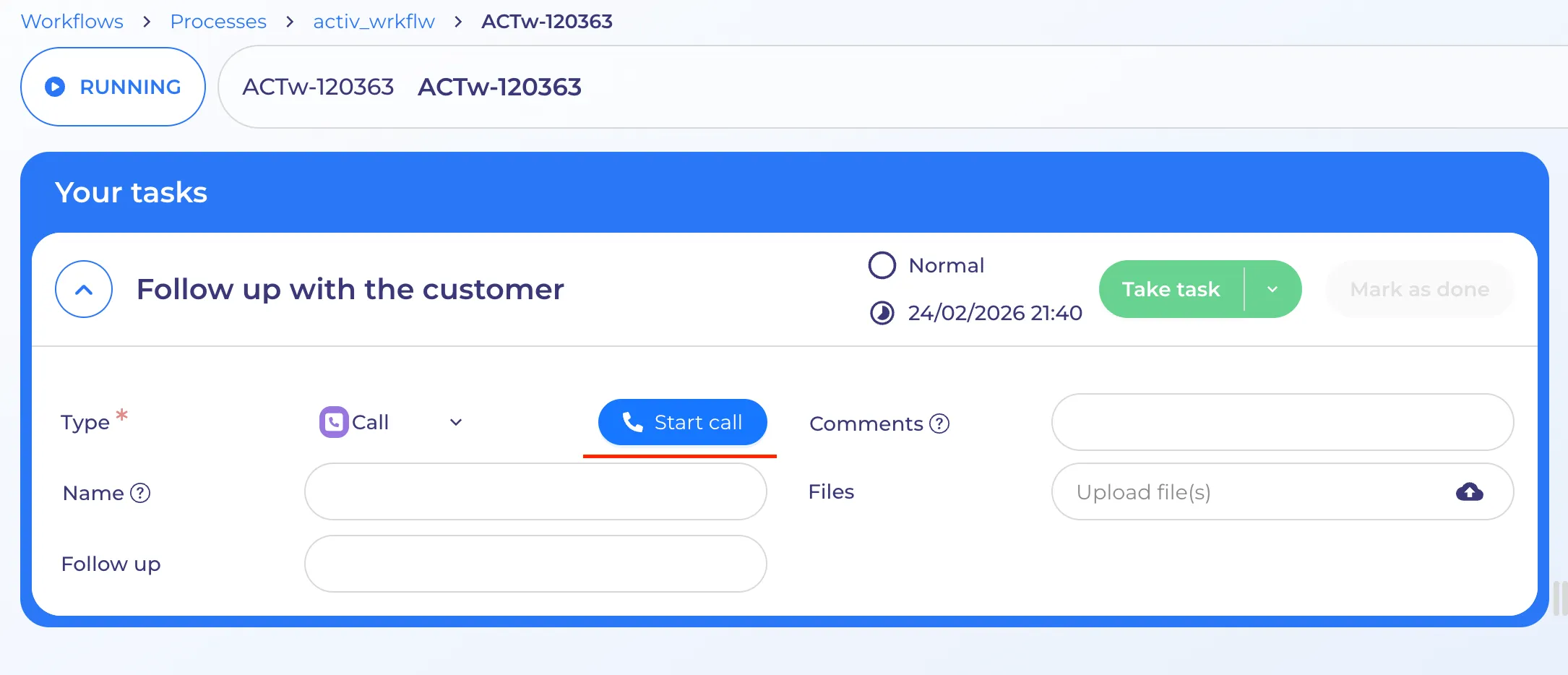
Pressing "Start call" opens Phone popup with options how to make a call:
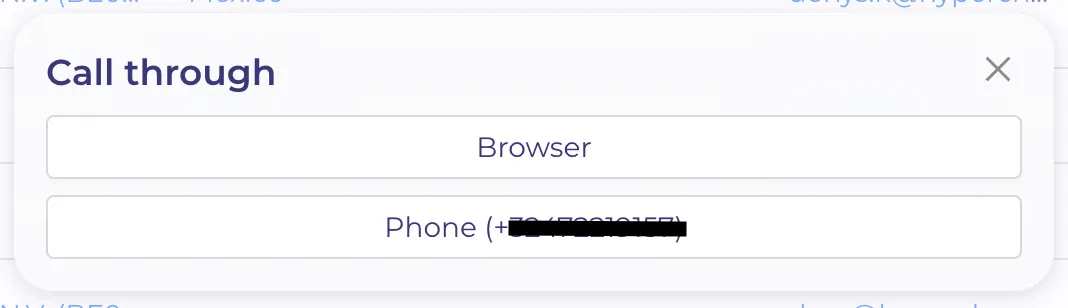
User can select how he wants to perform his calls:
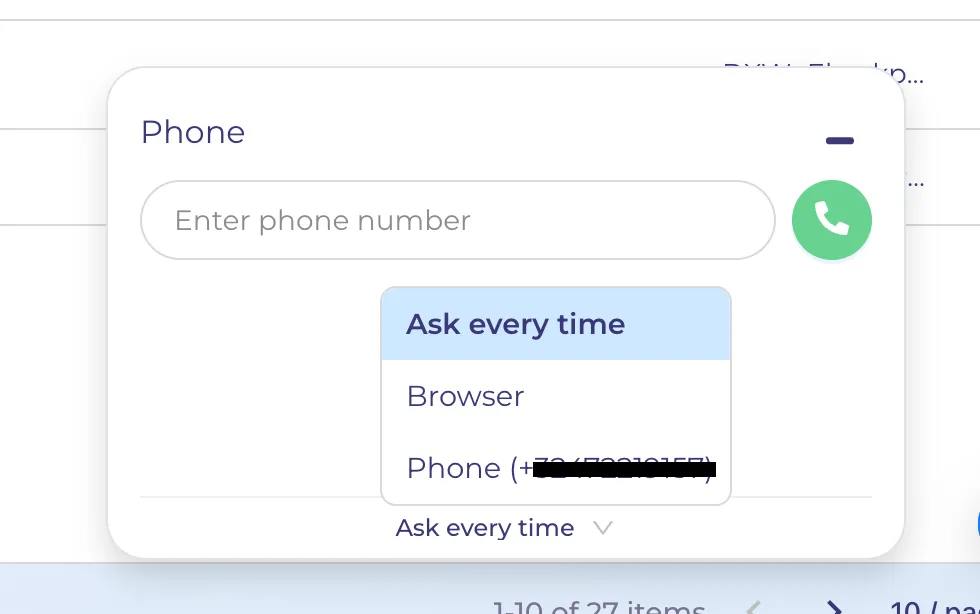
If you choose to call via your phone, Twillio will call you up, and immediately connect you with the recipient. This will invoke double charges because Twillio is calling you AND it is calling the recipient.
Ad-hoc usage
User can start a call from any place in HyperPortal with one click on phone number.
Or open Phone popup, enter needed phone number and start a call.