Tasks aka Nodes
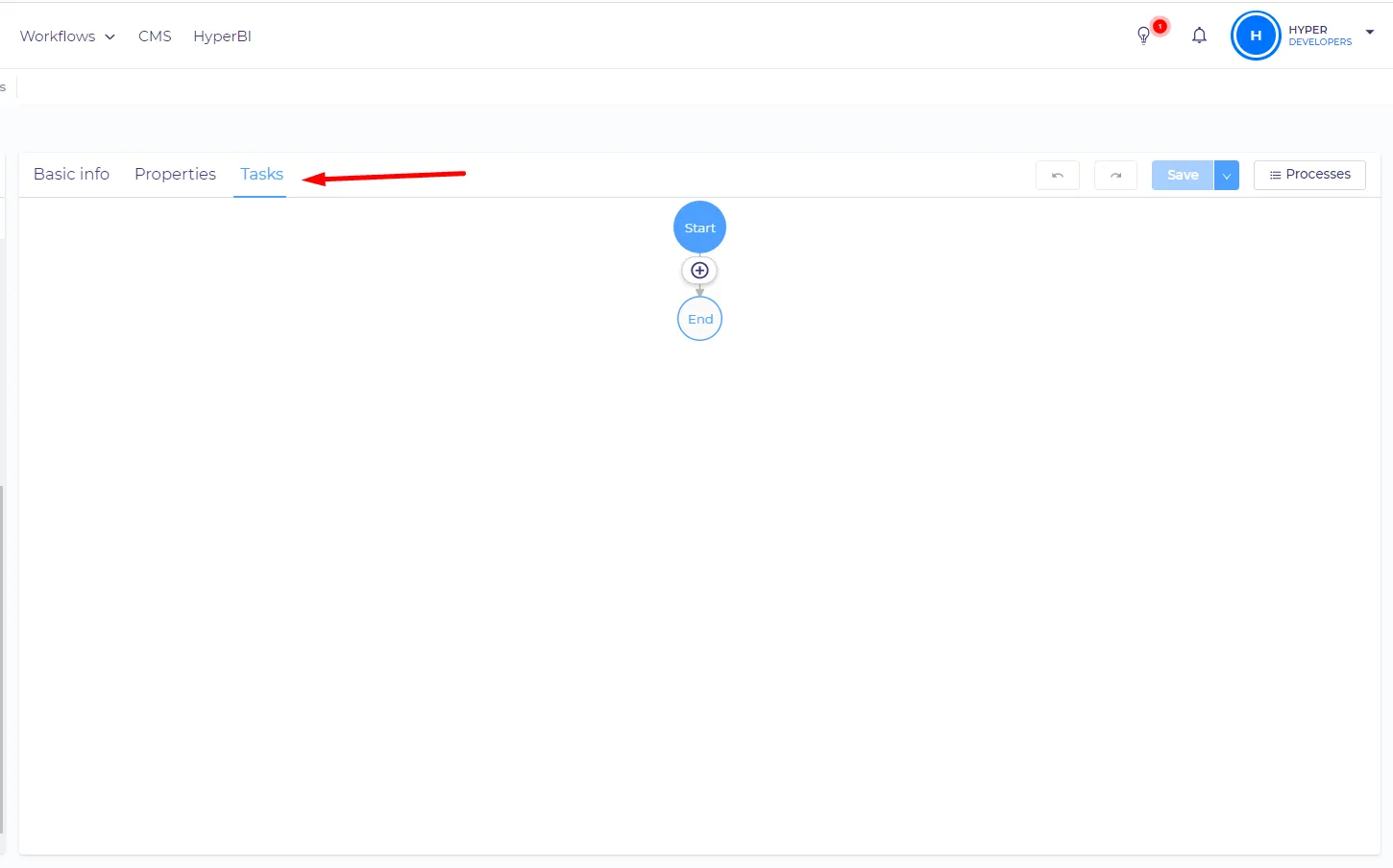
You can create and edit tasks on the 'Tasks' tab.
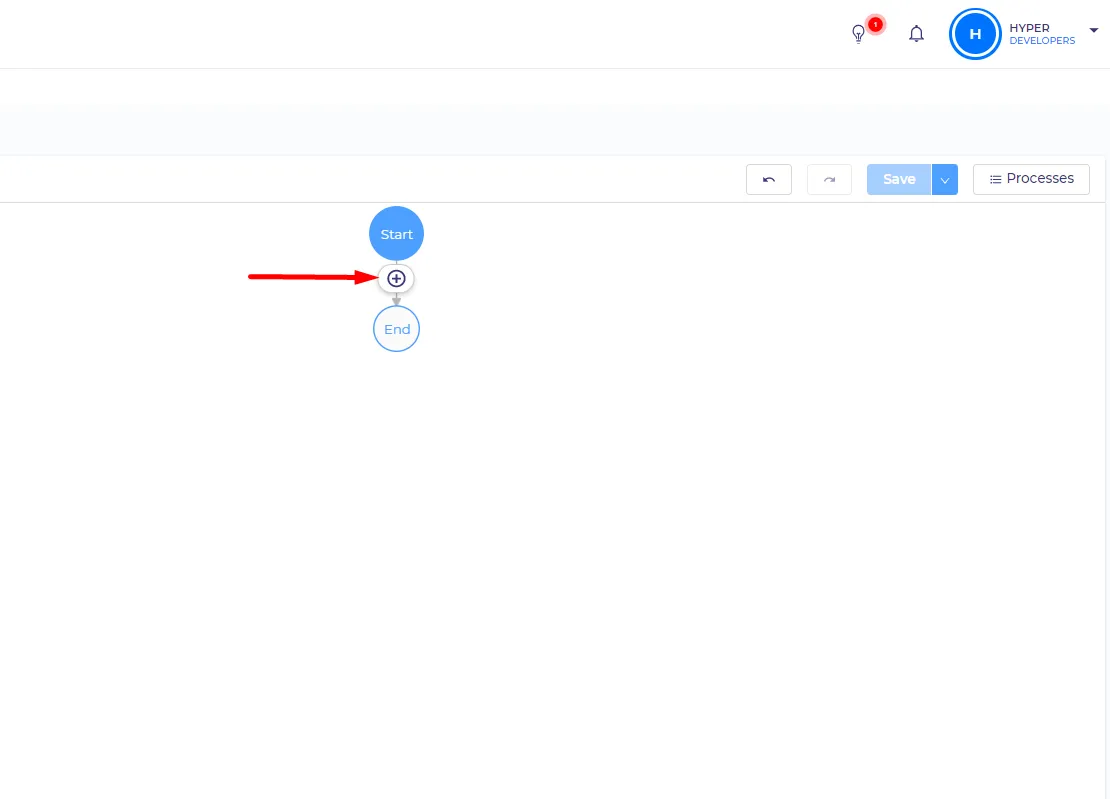
To add a new task you should click on the existing task, then on the 'plus' icon, then you need to select the type of the task. This will place the new task right after the selected one.
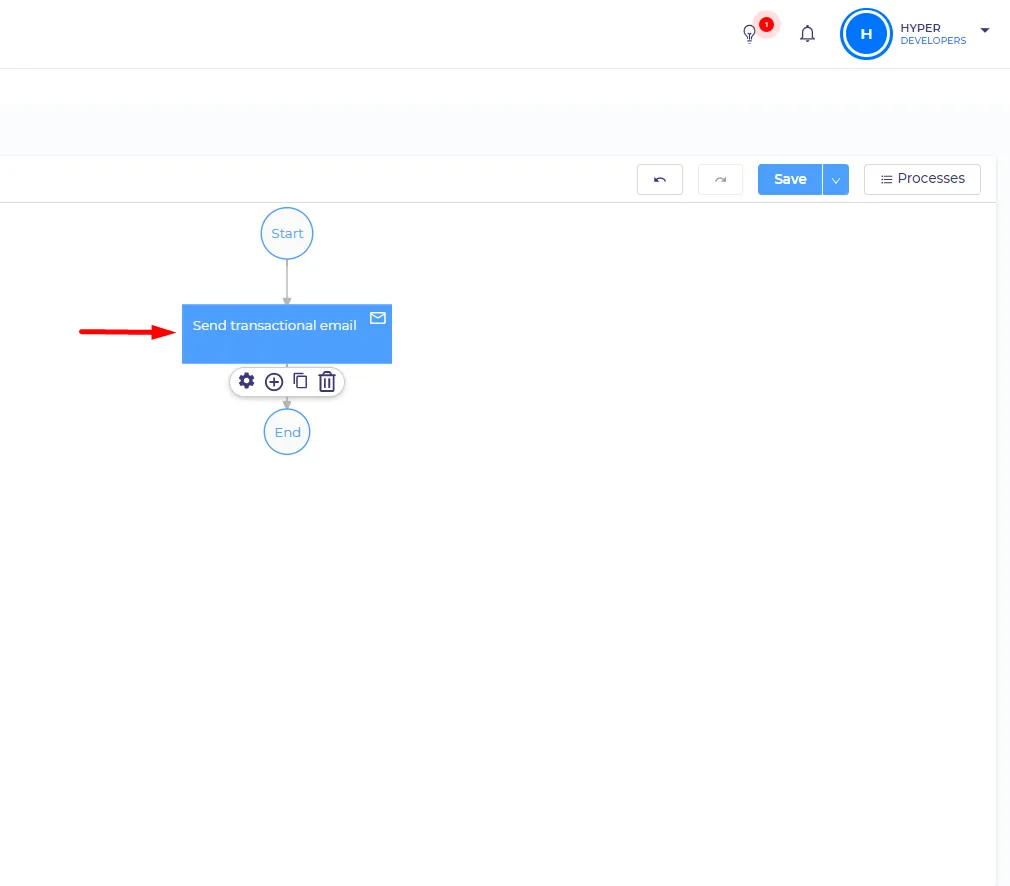
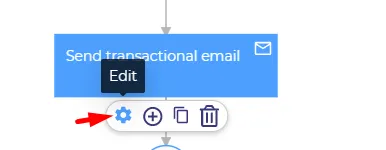
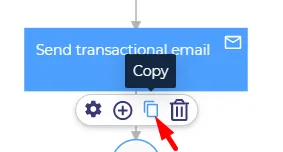
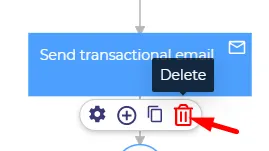
You can also edit tasks, copy and paste, and delete them with the respecеctive buttons.
Task types
There are currently the following types of tasks:
Manual tasks
There is only one manual task at the moment. You can edit both 'view' and execute permissions for it. You can read more about the manual task here:
- Task
Automated tasks
Those tasks are done automatically by Hyperportal. You can only set 'view' permissions here because they can`t be started manually. List of automated tasks:
- Send SMS
- Delay
Control nodes
Those tasks are also automated and are used for controlling the flow of your process. Those tasks have no permission settings. List of control nodes:
- Decision
- Loop
- Parallel