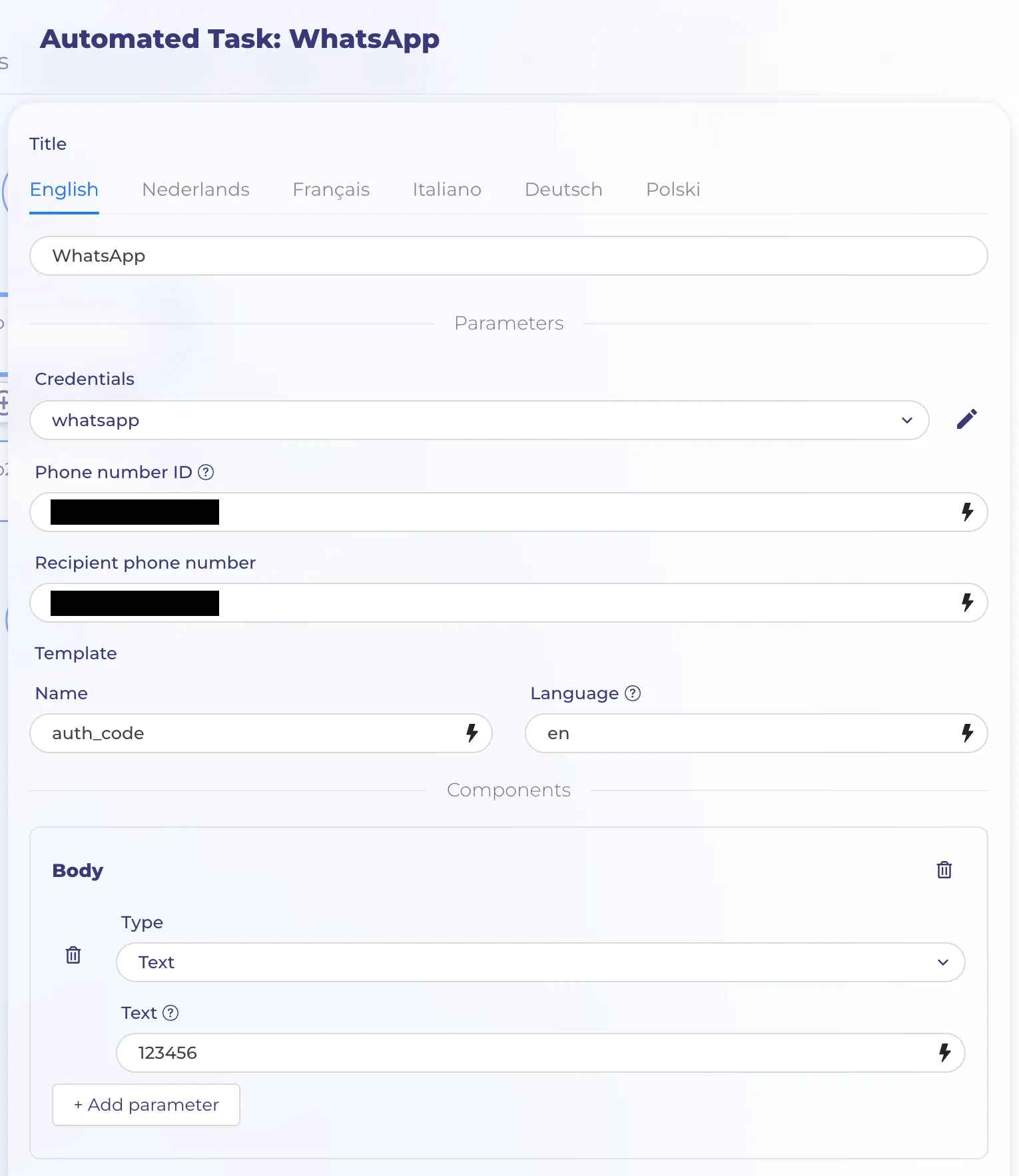
WhatsApp node
Use the WhatsApp node to automate work in WhatsApp Business.
Settings
Credentials contains WhatsApp Business Account ID and Access Token.
To create credentials for WhatsApp, you need the following Meta assets:
A Meta developer account: A developer account allows you to create and manage Meta apps, including WhatsApp integrations.
Set up Meta developer account
- Visit the Facebook Developers site.
- Click Getting Started in the upper-right corner (if the link says My Apps, you've already set up a developer account).
- Agree to terms and conditions.
- Provide a phone number for verification.
- Select your occupation or role.
- A Meta [business portfolio](https://www.facebook.com/business/help/1710077379203657?id=180505742745347): WhatsApp messaging services require a Meta business portfolio, formerly called a Business Manager account. The UI may still show either option.
Set up a Meta business portfolio
- Visit the Facebook Business site.
- Select Create an account.
If you already have a Facebook Business account and portfolio, but want a new portfolio, open the business portfolio selector in the left-side menu and select Create a business portfolio.
- Enter a Business portfolio name.
- Enter your name.
- Enter a business email.
- Select Submit or Create.
- A Meta [business app](https://developers.facebook.com/docs/development/create-an-app/) configured with WhatsApp: Once you have a developer account, you will create a Meta business app.
Set up a Meta business app with WhatsApp
- Visit the Meta for Developers Apps dashboard
- Select Create app.
- In Add products to your app, select Set up in the WhatsApp tile. Refer to Add the WhatsApp Product for more detail.
- This opens the WhatsApp Quickstart page. Select your business portfolio.
- Select Continue.
- In the left-side menu, go to App settings > Basic.
- Set the Privacy Policy URL and Terms of Service URL for the app.
- Change the App Mode to Live.
To generate an access token, follow these steps:
- Visit the Meta for Developers Apps dashboard.
- Select your Meta app.
- In the left-side menu, select WhatsApp > API Setup.
- Select Generate access token and confirm the access you want to grant.
- Copy the Access token and add it to credential.
Phone number ID - The WhatsApp Business phone number ID that sends the message.
Template Name and Language should be used from WhatsApp Manager.