Restart node
Restart node provides ability to rerun any task in a flow. It can simply restart the task or it can restart the whole flow from a certain task.
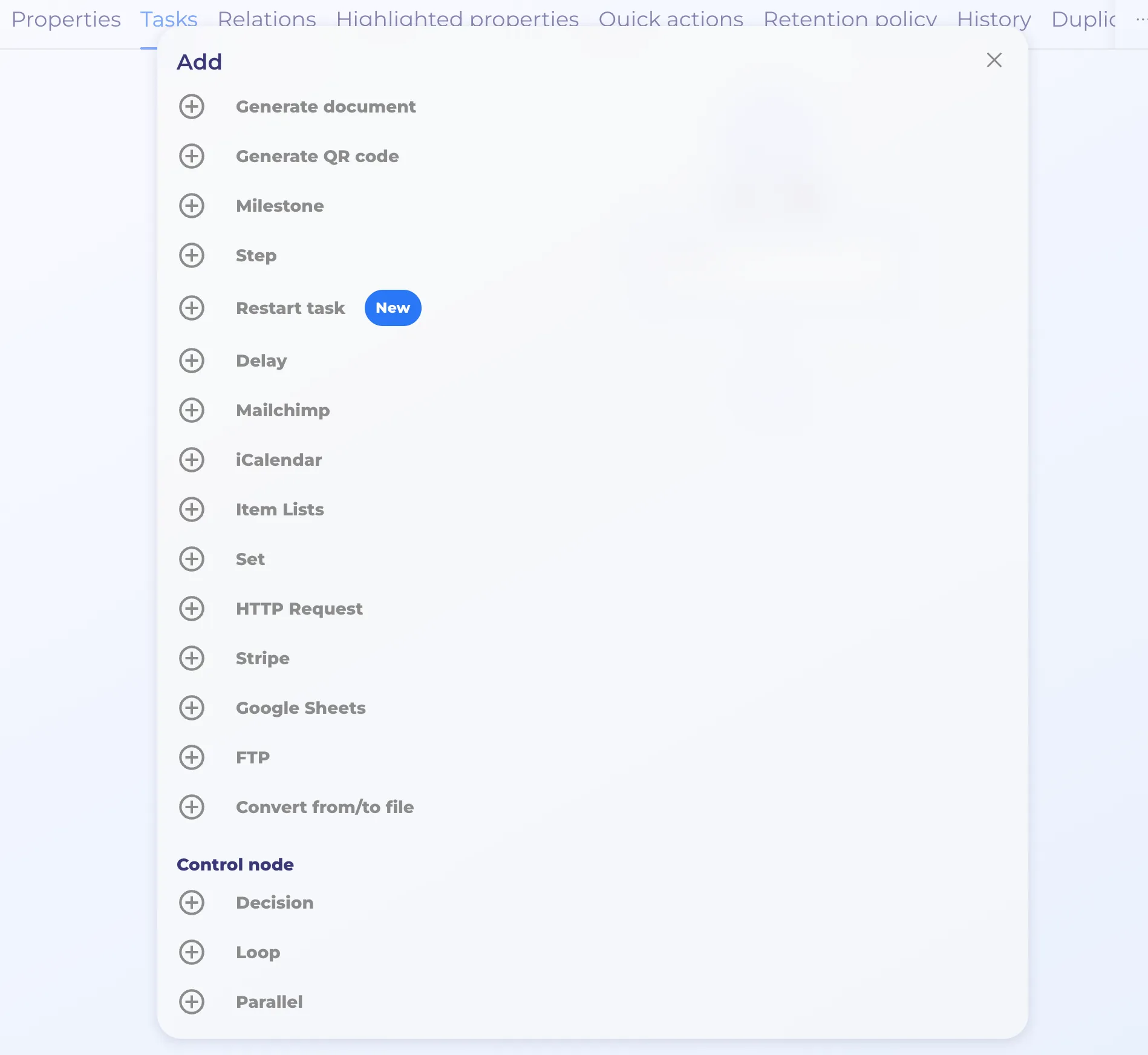
Node Settings
- Title
- Process (user selects a flow where the task should be rerun)
- User selects a task from that flow that they want to re-run (similar to milestone node)
- Type: rerun from task(this option reruns task and reruns the flow from this task), or rerun task (this option simply reruns chosen task)
- Process property mappings: this setting allows you to modify the targeted flow before the node is restarted (keep in mind, that the data modification occurs before the node is restarted)
- Filter: this setting determines which exact flow will be affected by this node. The flow will be targeted if it meets the set conditions.
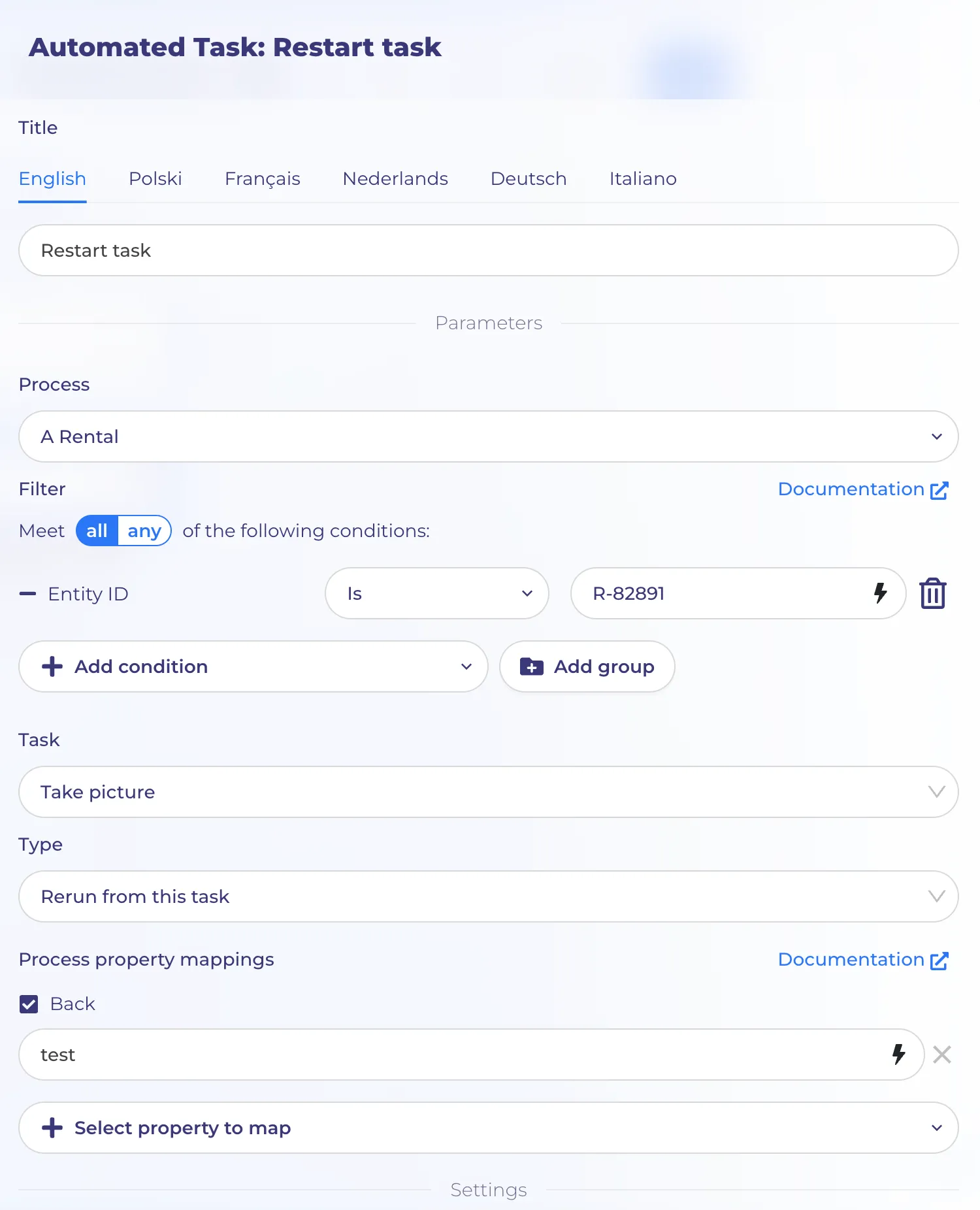
On the screenshot you can see an example of the configuration. Please note: in this case we rerun only "A Rental" process with an id R-82891
Use Cases
If your process includes three key stages users may want to revisit (for example, qualification, offer creation, and final review), you would usually set up:
- A separate restart action for each stage
- Each one available as its own Quick Action
From the user’s point of view, it remains very simple: they simply choose the action they need and continue from that step.
In the background, each restart triggers a lightweight flow that returns the process to the appropriate stage and updates any required data.
For example, user has a running reservation flow where the car is reserved till 27.03.2026, but user wants to extend the running reservation till 30.03.2026. In this case the restart node can restart the running reservation and update a new reservation end date.