Opening Hours
Overview
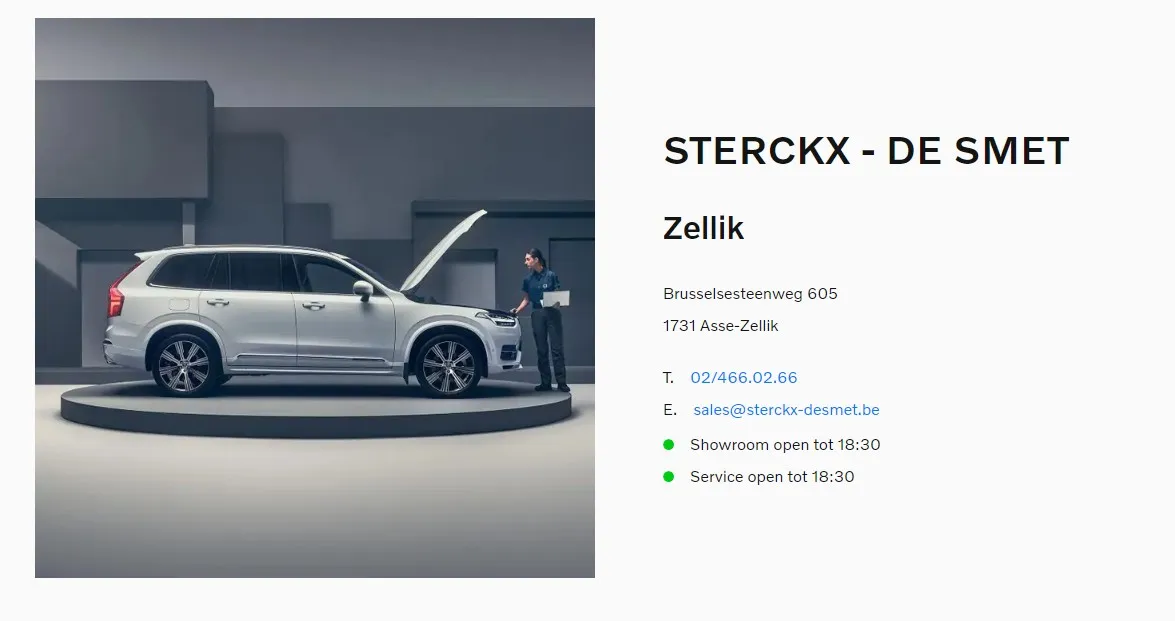
A pre-made block that can display the Opening Hours schedule on the website, the data for this is stored inside Hyper Portal CMS object.

Sample Opening Hours block
General
Background
Click the square and select a background color for this block/section.
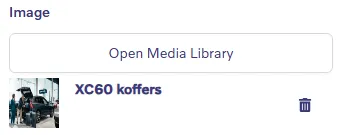
Image
Contain Image
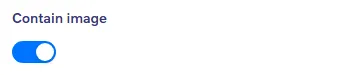
Activate this to display the image contained in a column of fullwidth.
Image horizontal align
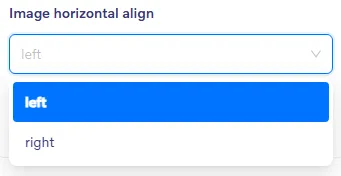
Align image to the Left or Right.
Enable sticky animation
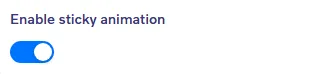
When set, this block will stick to the top of the screen when scrolling down. The next block will be scroll over this fixed/sticky section.
Text
Showroom
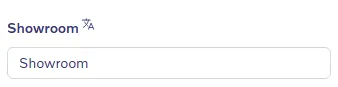
Add title for Showroom, will be visisble above the Showroom opening hours.
Workshop
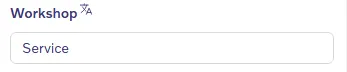
Add title for Workshop, will be visible above the Workshop opening hours.
Open Until Template
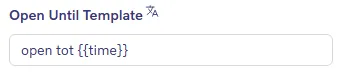
This data will be fetched from Hyper Portal CMS and display today's open until time
Open From Template
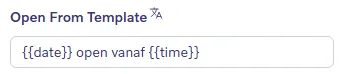
This data will be fetched from Hyper Portal CMS and display today's open from time.
Tomorrow Template
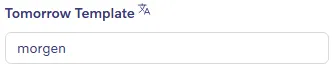
This is the text that will be shown as "the next opening day > Tomorrow"
Today Template
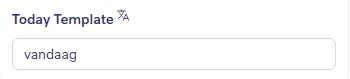
This is the text that will be shown as "today open > Today"
As of now, there is no interface for editing this block. If you need to change the opening hours, please contact Hyperbuilder support.