Manual Activity node
1. What it is
When an activity node (for example Manual Activity with type Call) creates an activity, the activity gets a Contact — the person the call or email is about. Contact is a built-in field of the activity, so it is not configured in Required/Optional fields and is not the same as the Call to formulas.
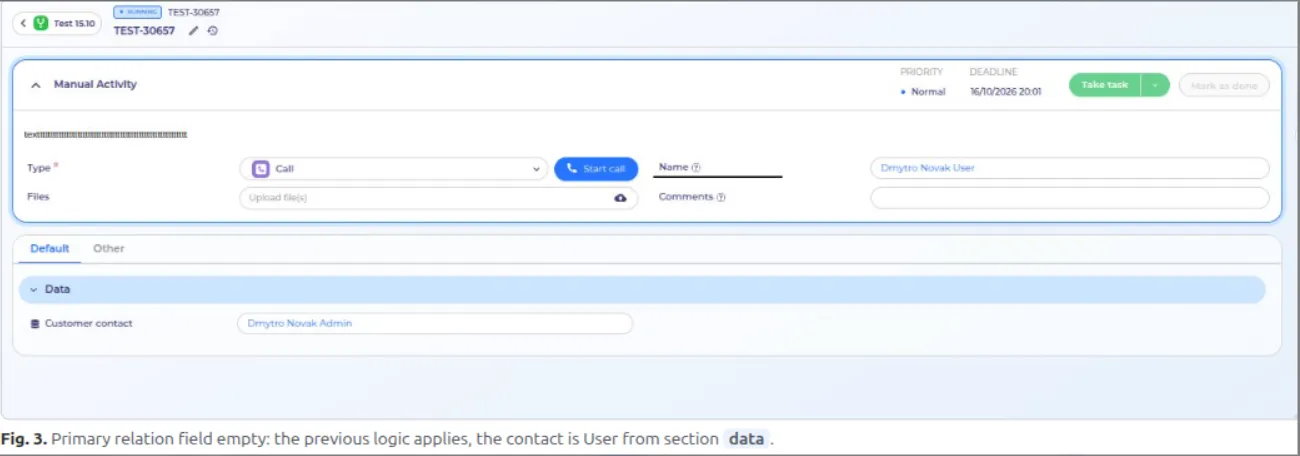
Before the fix the contact was picked automatically: the system took the first Entity → Contact property it found in the process data sections, sorted by section ID (data → data2 → data3…). The order of sections on the screen did not matter. If the sections were moved between tabs, the contact could silently change, e.g. to an employee instead of the customer.
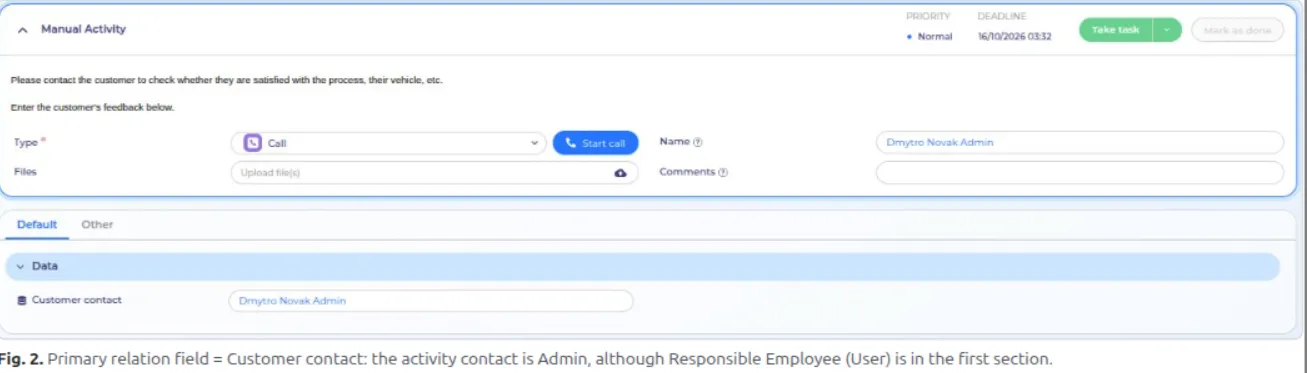
Primary relation field is a new setting of the activity node. The admin chooses explicitly which process property supplies the contact, so the result no longer depends on the section layout.
2. Where it is configured

3. Behaviour

4. Example
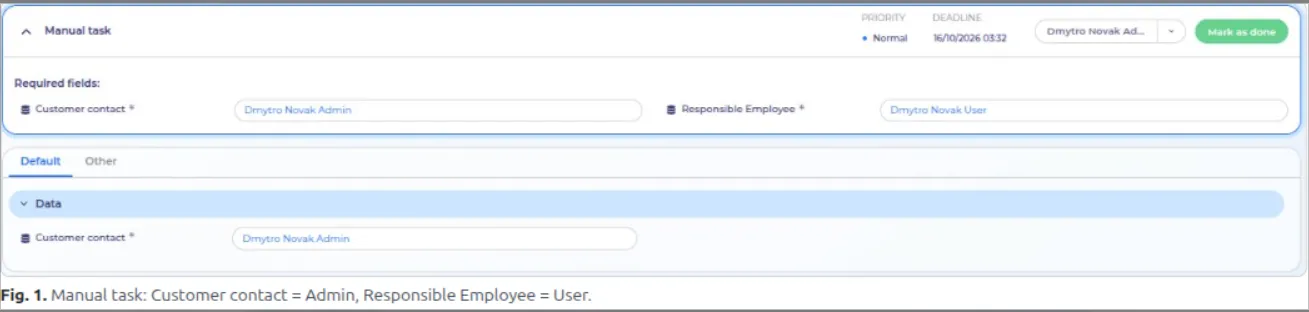
Process: Start → Manual task → Manual Activity → End. Two Entity → Contact properties: Responsible Employee in section data (tab Other) and Customer contact in section data2 (tab Default). The Manual task fills them with different people: Customer contact = Dmytro Novak Admin, Responsible Employee = Dmytro Novak User.