ENG: Log-in procedure for HyperPortal
To log in to your hyperportal, you go to your hyperportal url For example ( example.hyperportal.org ) You will be greeted by the log-in screen which looks like this. (note: this example uses Pierre Joel, the logo will be different for every customer)
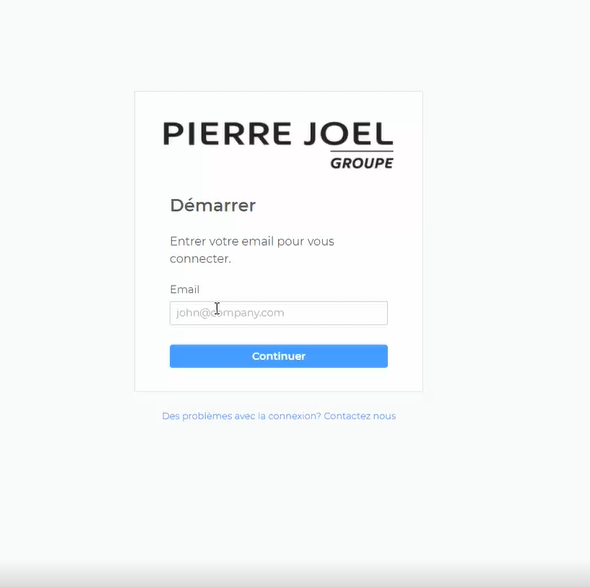
Enter your personal log-in e-mail address. (in this example it will be [email protected] ).
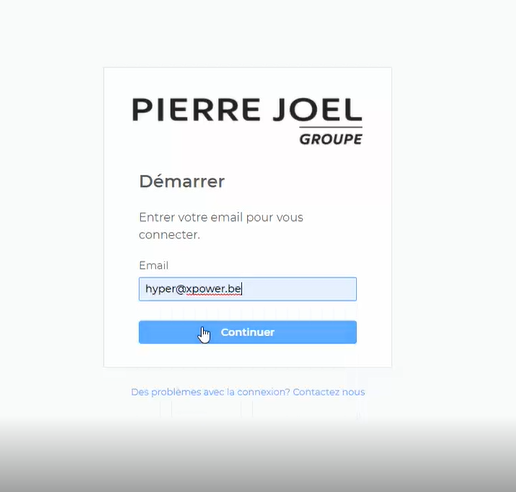
After pressing "Continue" you will receive an automatically generated log in code in your inbox. Copy & Paste this code, press "Continue" again & you are logged in.
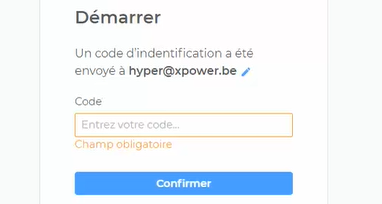
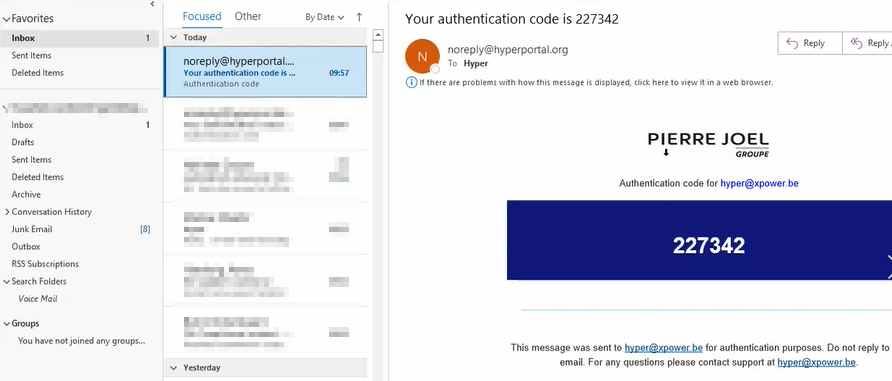
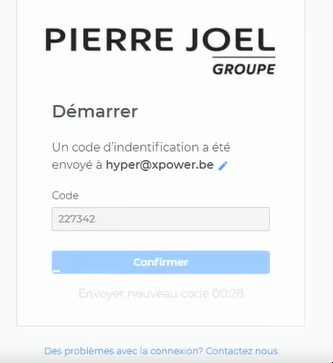
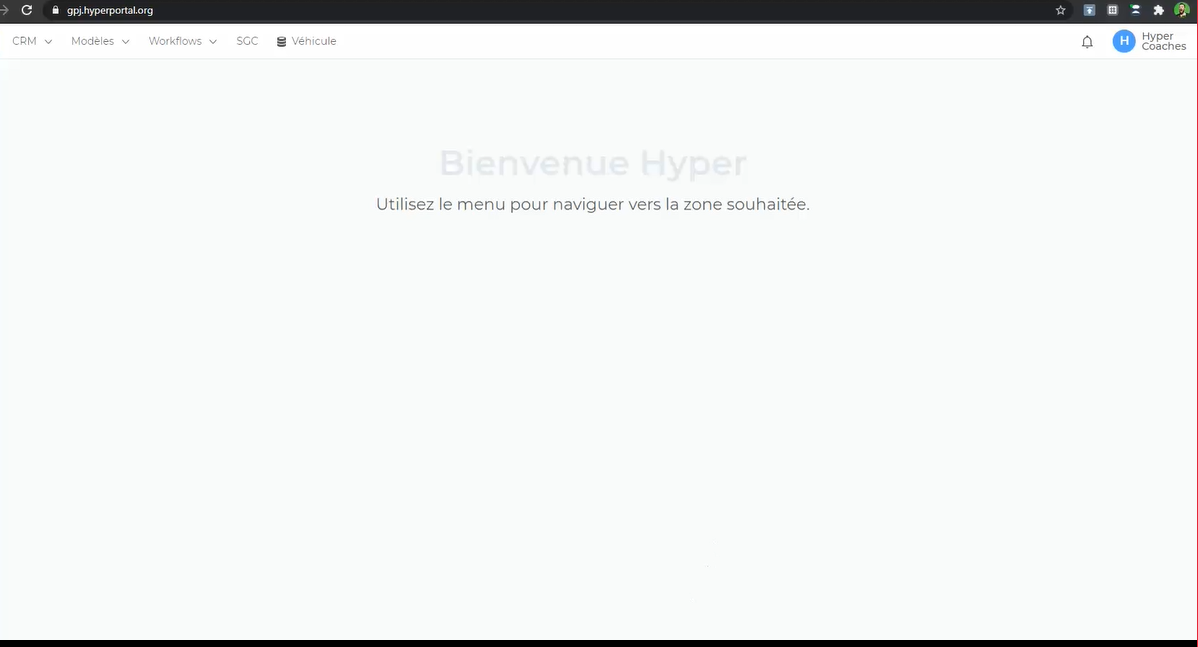
After following these steps, you're logged in & ready to work! Notes: If you have entered a wrong e-mail address, you can change the e-mail address with the "edit" button (shown below)

If you've entered a correct e-mail address, but haven't received a log-in code, check with your hyperportal Admin if you are a registered user for the hyperportal.