5. GDPR page for contacts
The GDPR page for contacts is composed like this: www.dealername.hypergdpr.com
All contacts known in the HyperPortal database with an email address have the possibility to login and consultants and/or update their information.
Logging in into the GDPR page is similar as login in into the HyperPortal.
LOGIN
1.Go to your personal Hyper GDPR page. It's composed like this: www.dealername.hypergdpr.com
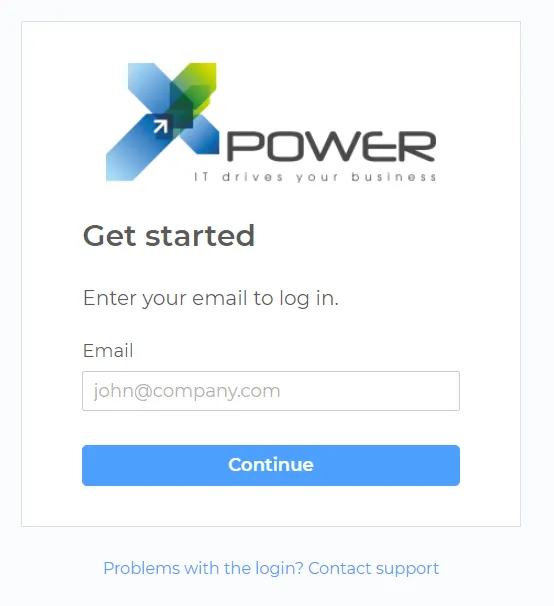
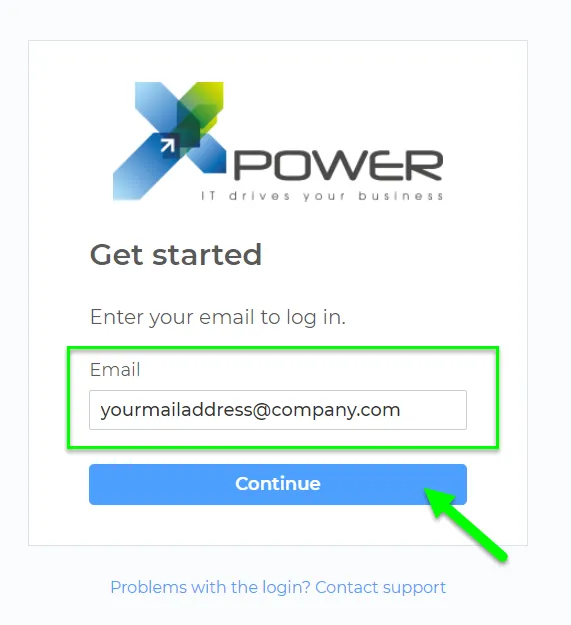
2. Enter the email address known in the HyperPortal. Confirm by clicking 'Continue'
3. An email with a unique authentication is sent. You can personalize this email here: 3. Email Templates
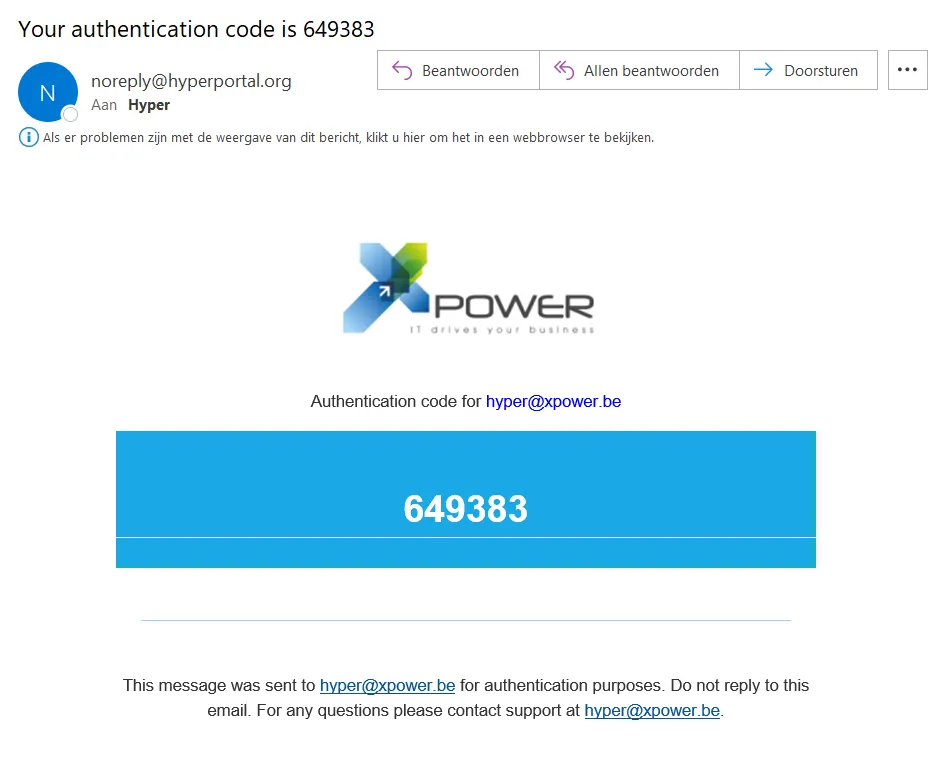
Example of a personalized authentication code email.
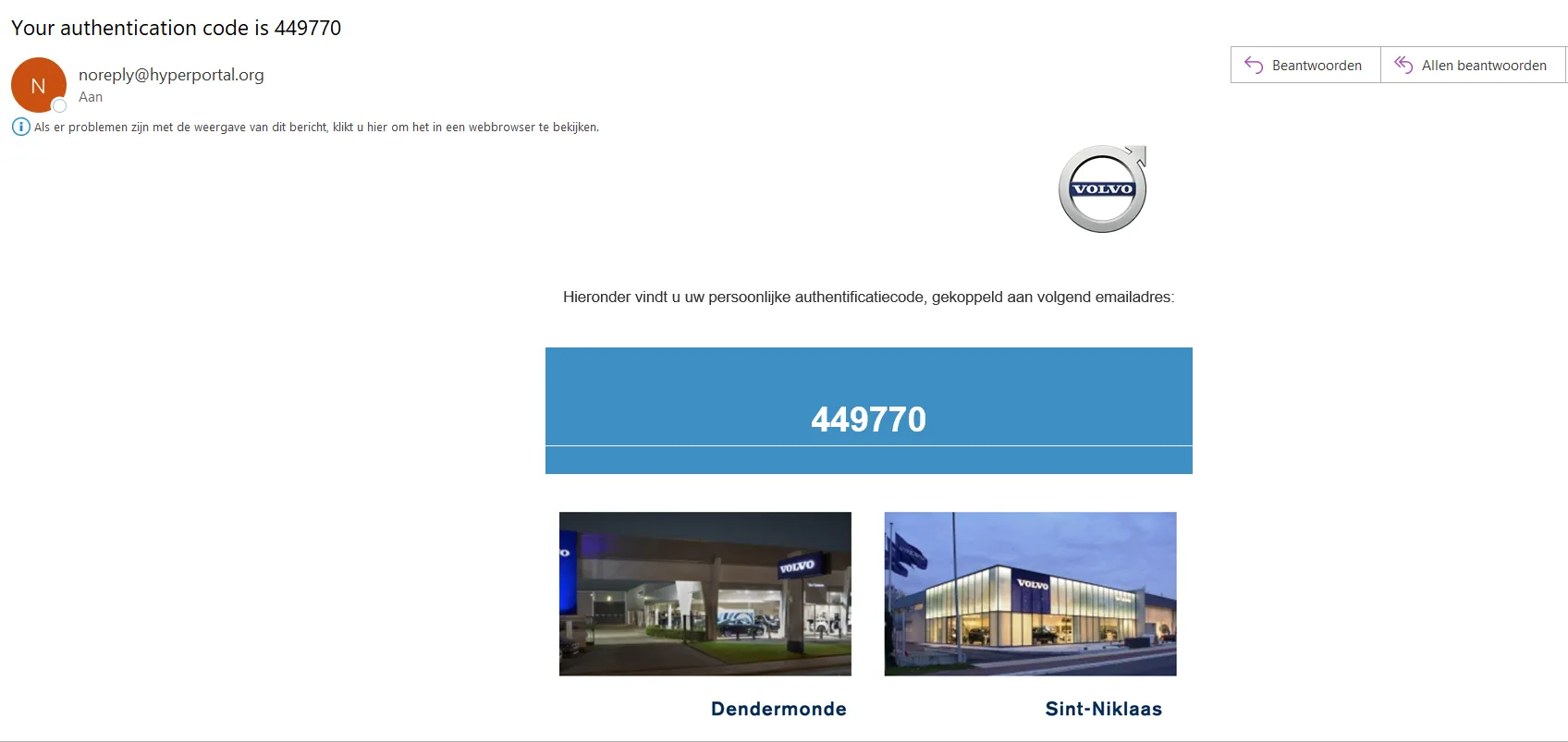
4. Enter the code in the landingpage and click confirm.
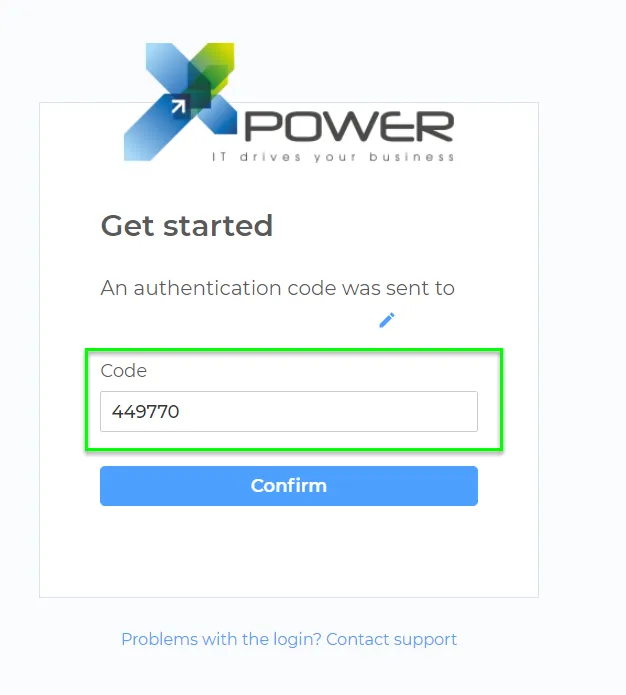
5. The contact is now logged in and has an overview of the information gathered. He can adjust this information and/or delete the gathered information.
Adjust information
The contact has a limited overview of the available information gathered.
1.Introduction
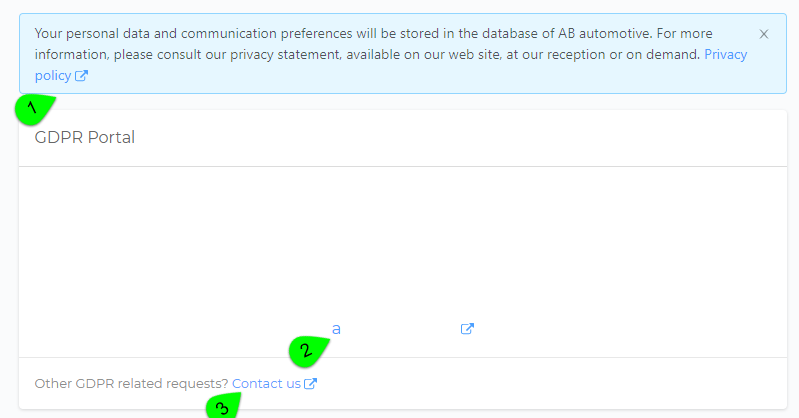
- Link to your privacy policy
- Link to your website
- Link to your email address
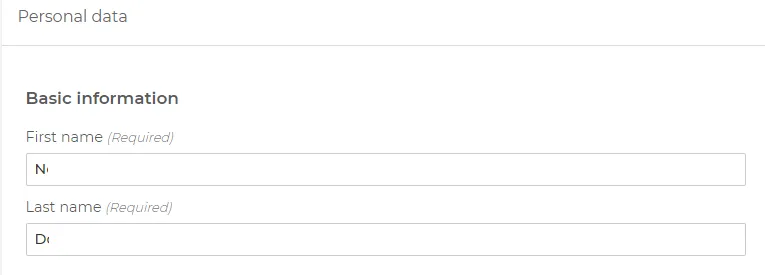
2. Basic information
3. Communication
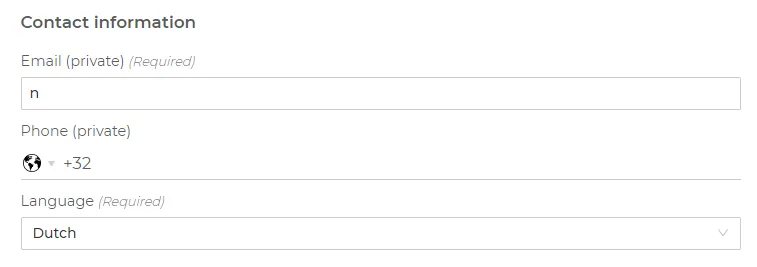
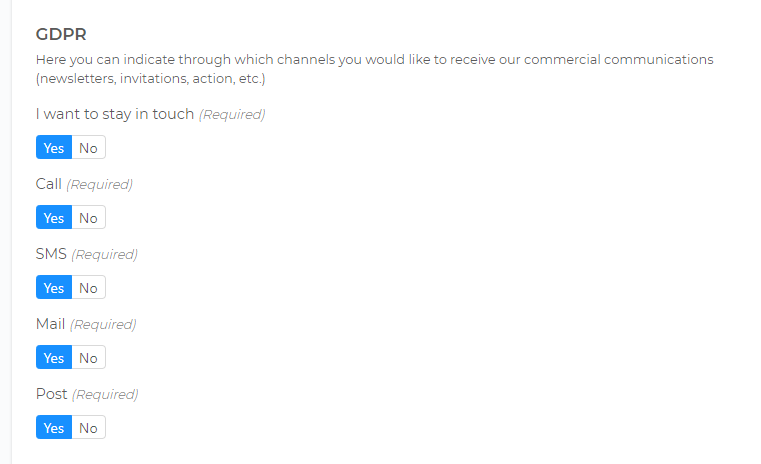
4. Preferences commercial communication
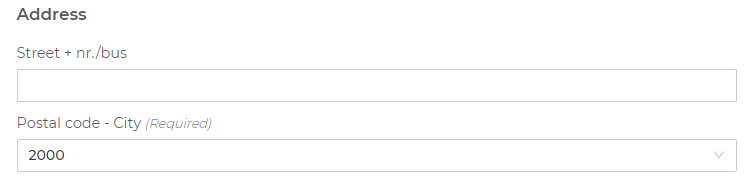
5. Address
When the contact updated information, they have the option to 'send updates':

A 6. GDPR change request flow will be started and will be available for the GDPR responsible in their dashboard.