Home Hero
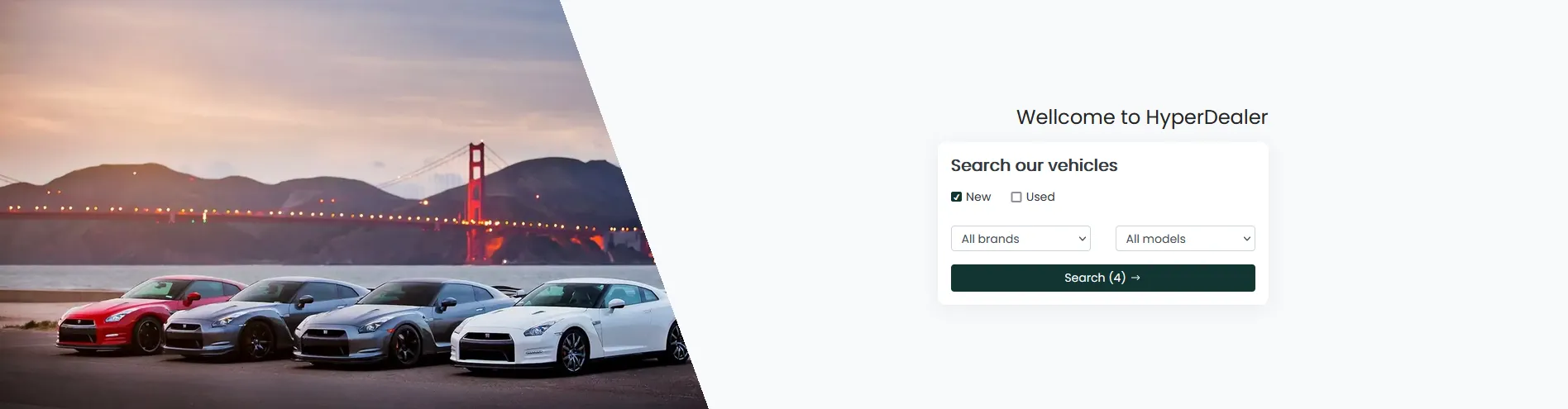
Hero - it is a main block of the home page, which a user will see in the first order when visiting a site. Also, it can provide quick filters for the end customer
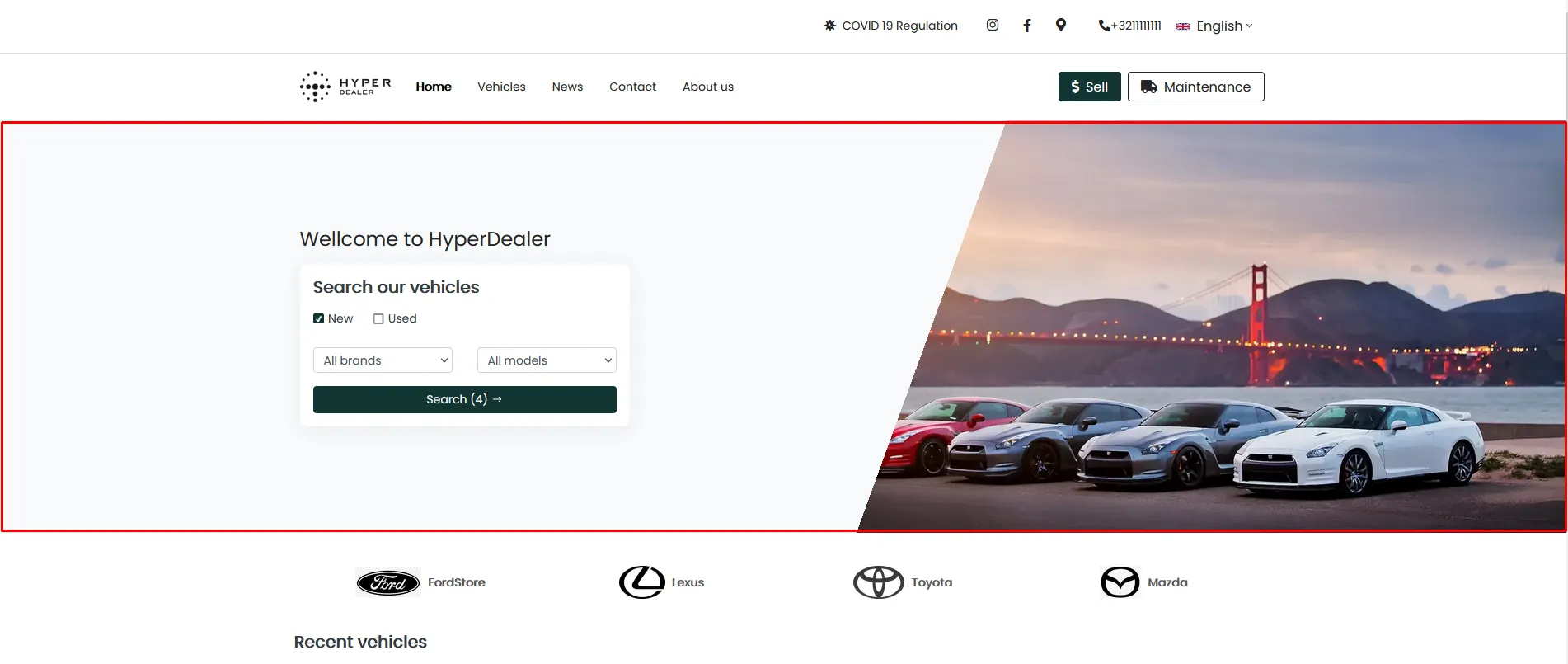
It is composed of 3 parts: Banner \ Intro message \ Filters
- Banner - background image
- Intro message - any text which will be displayed above the filters block
- Filters - section for quick search of the vehicles and their quantity according to the given parameters
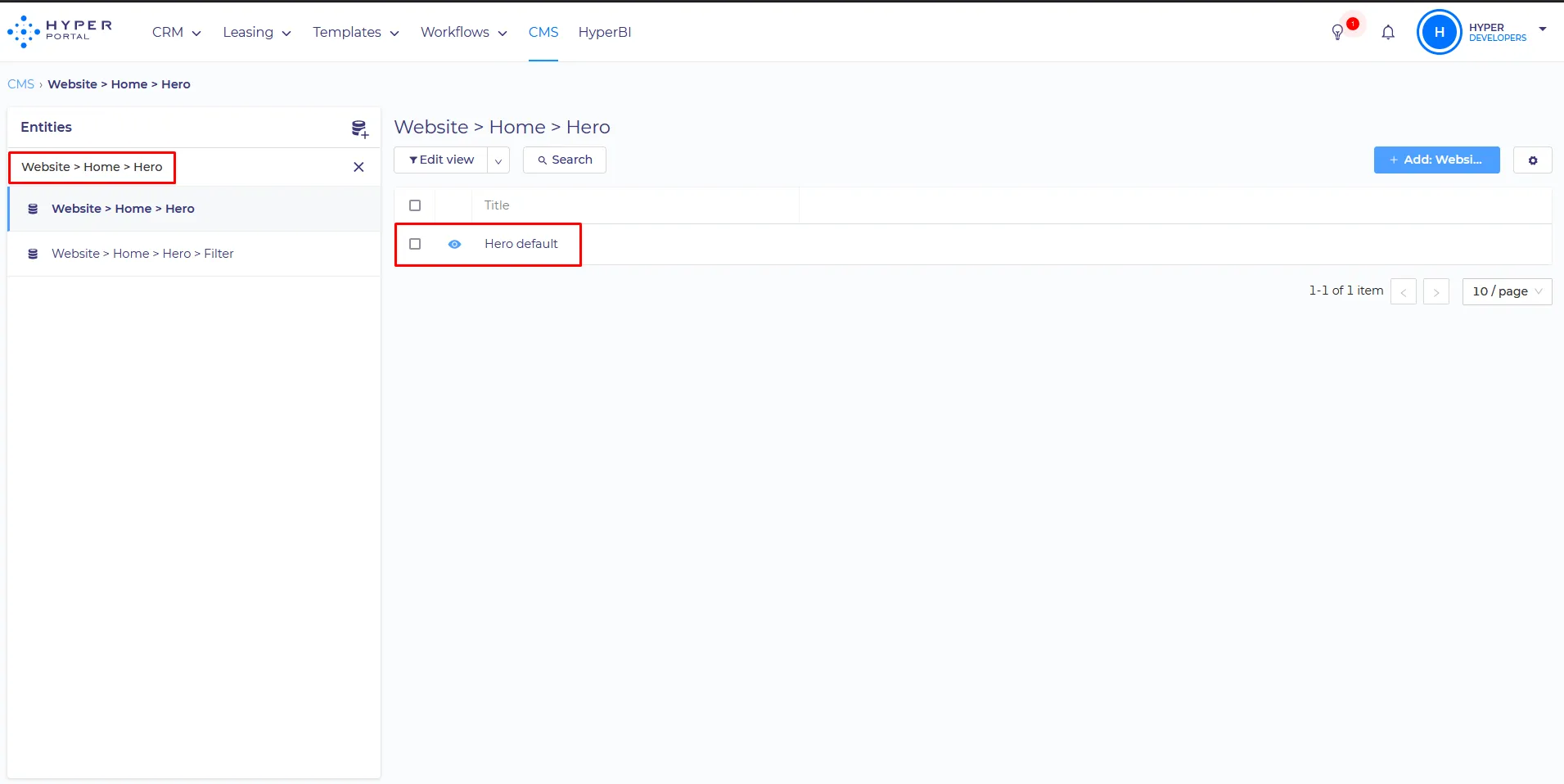
All of these components can be configured separately in CMS, by editing Website > Startseite > Hero
SET UP:
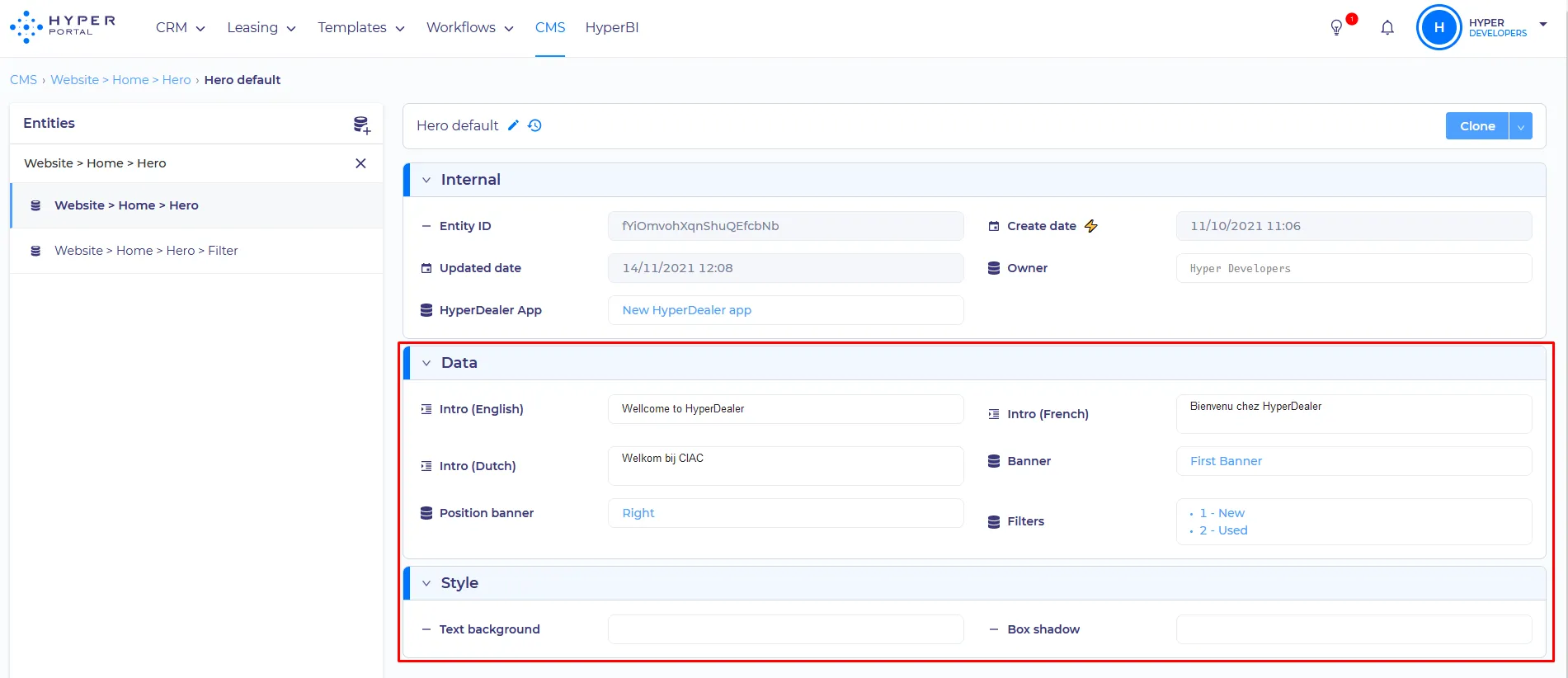
- Localization Intro - Message which will be displayed depending on the selected on-site language. Intro(English) - for the English site language. Intro(French) - for the French site language, etc.
- Banner - Entity field which can contain more than one item. When specifying two or more banners, they will switch between themselves after a defined time. Stored in the Website > Home > Banner
- Position banner - has three values: Right \ Center \ Left
- Filters - entity field - you can add any existing Filters which be displayed like a checkbox in the quick filters block. They are stored in the Website > Home > Hero > Filt
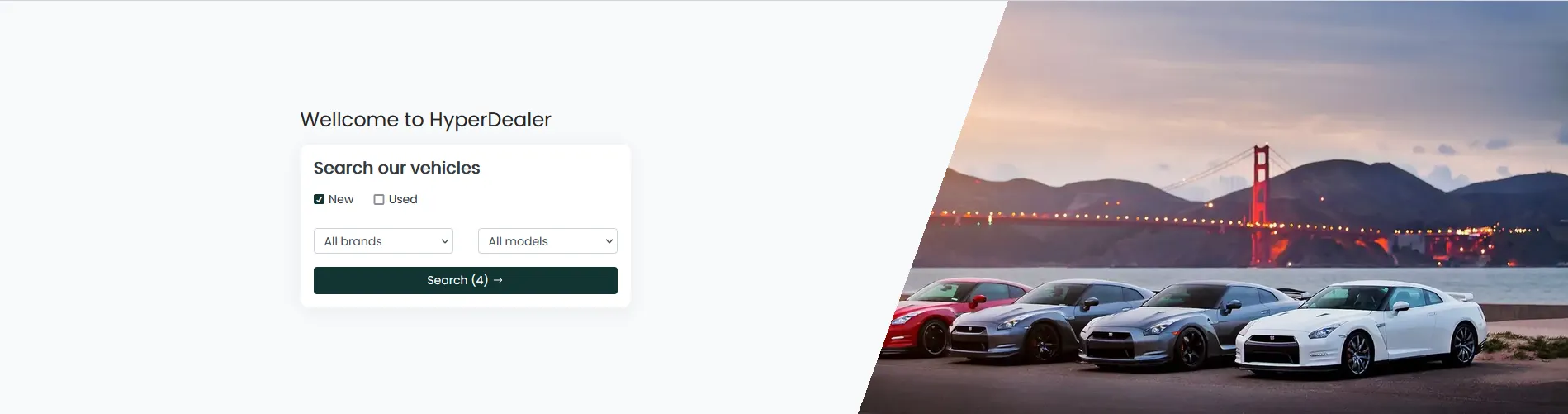
Position banner - how they look:
Right - an image will be cropped and located on the right side of the screen
Center - an image will be not cropped and will take up the entire banner space

Left - an image will be cropped and located on the left side of the screen
Banner configuring - available for configuration:
- Image - the picture that will be displayed
- Enabled? - will this item be displayed?
- Order - relative position for scrolling when you have several banners
Filters - available for configuration:
- Query - request by which filtering will be performed
- Order - the relative position of the checkbox, when you have several checkboxes attached to the Filter block
- Icon - here you need to set the name of the icon to be displayed near a checkbox. The icon catalog can be found here
- Title - Item name
Query consists of 3 parts:
{
data: 'New',
field: 'condition.title',
operator: 'IS',
}
In this case, you should read it the following way: condition.title IS New. If needed, new filters can always be requested from your HyperCoach.