Category
2 min
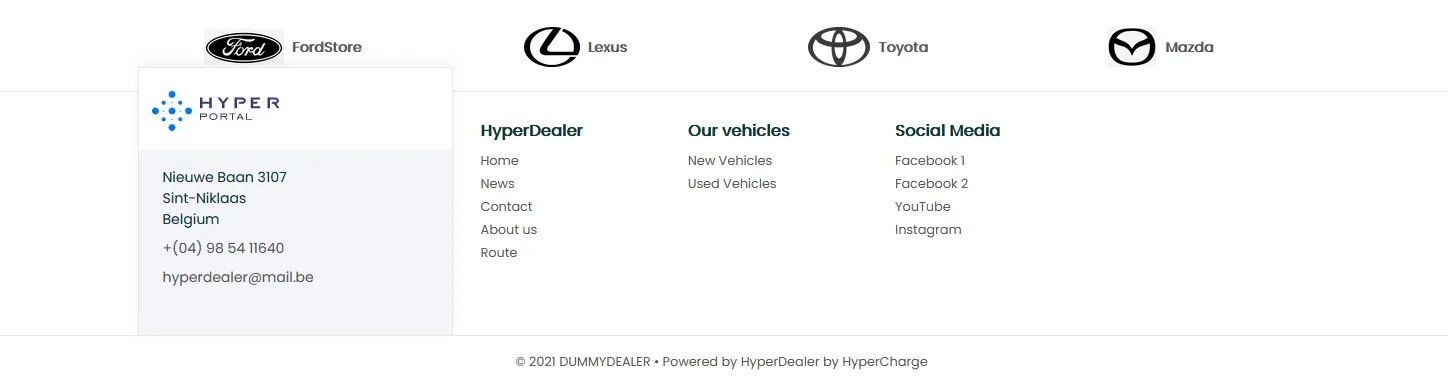
Category - is a block that is displayed under the "Hero" block and above the Footer(optional)
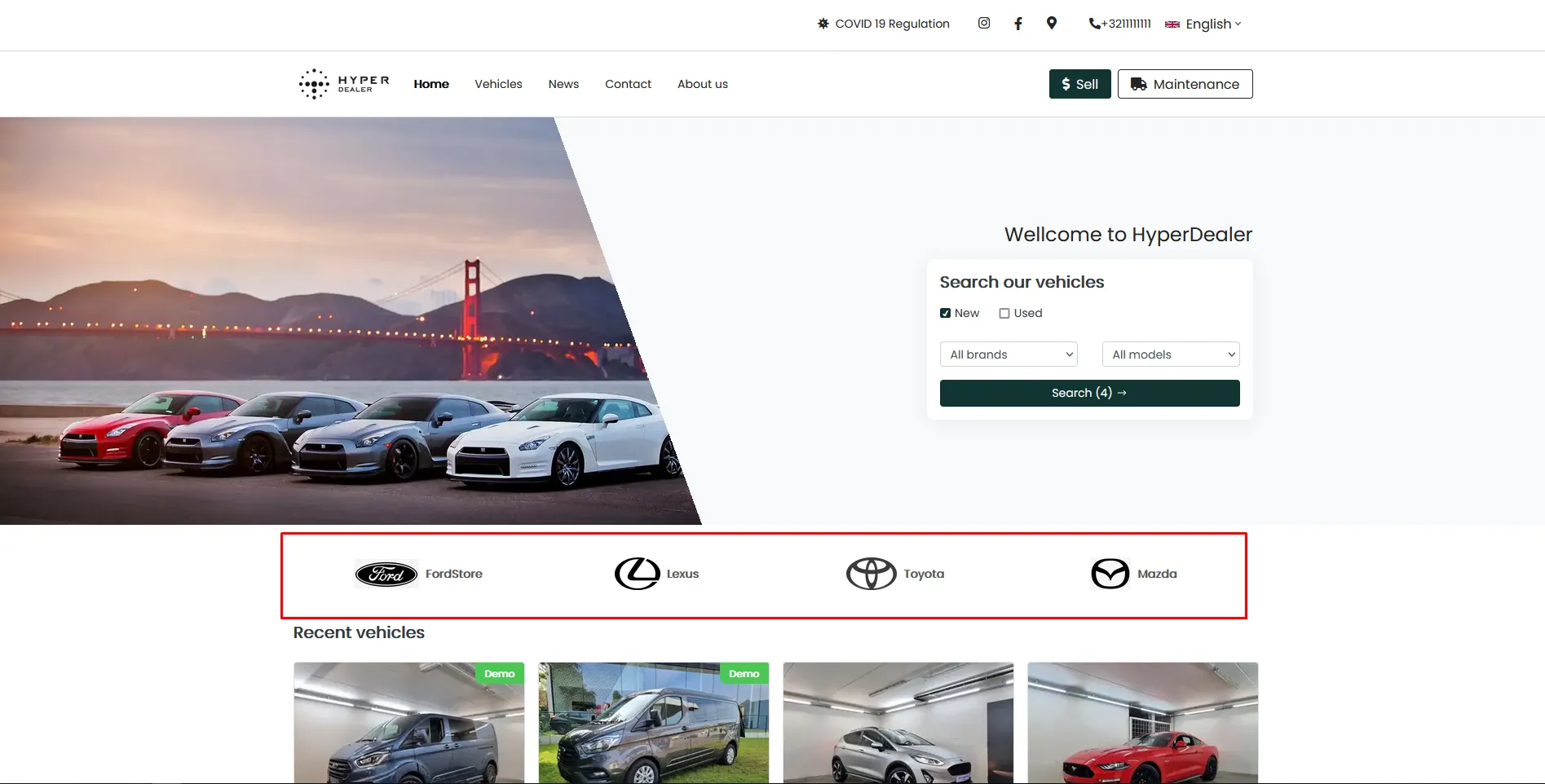
In this block, you can place any items that consist of an image and name, and on the click redirect the user to the said link. One category row can have not more than 4 items, all subsequent items will be wrapped to the next row.
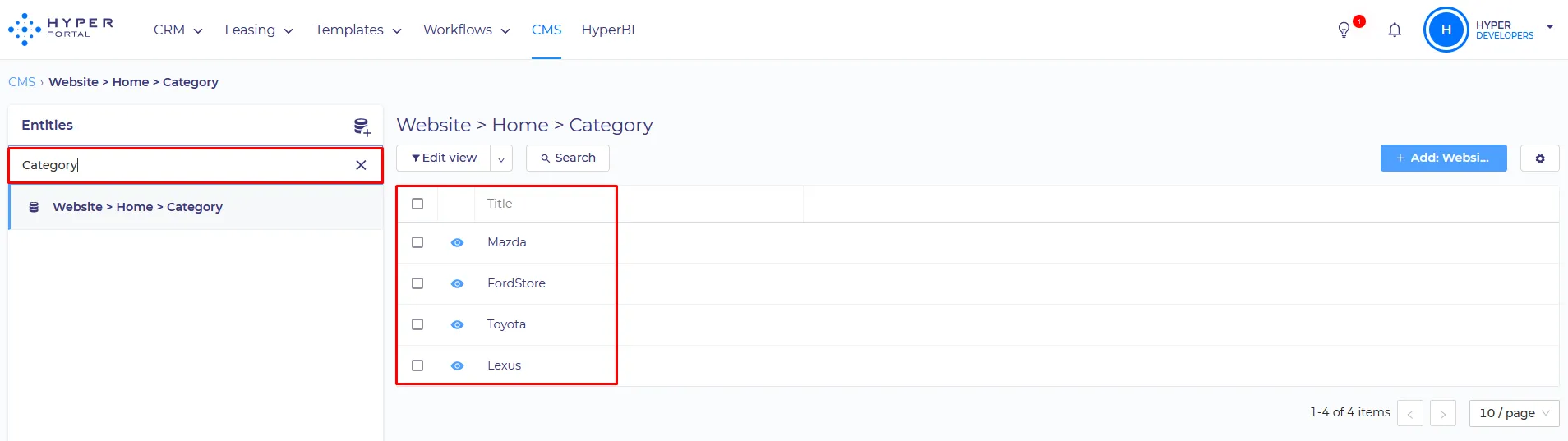
Category can be configured separately in CMS, by editing Website > Home > Category
SET UP:
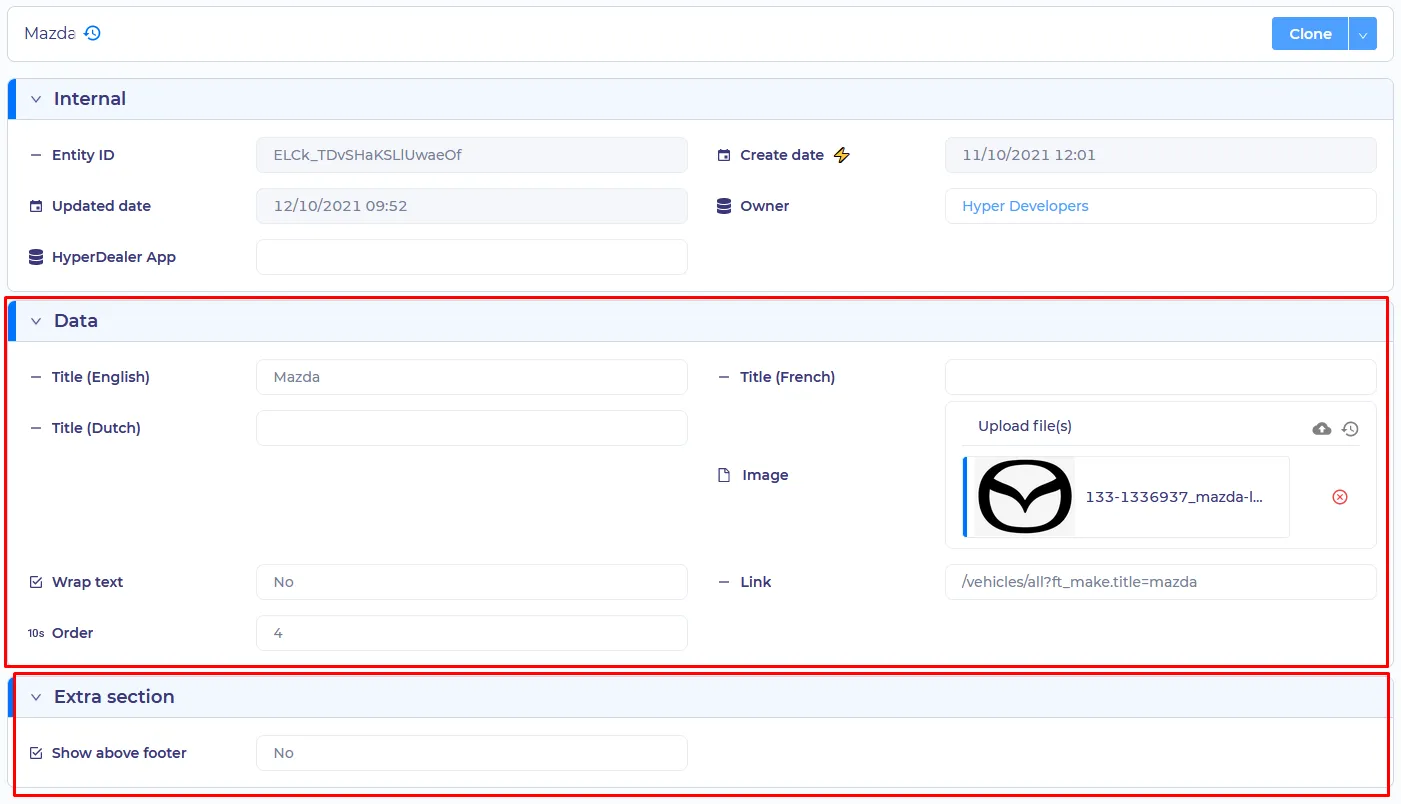
- Localization Title - any text which will be displayed depending on said on-site language. Title(English) - for the English site language. Title(French) - for the French site language, etc.
- Image - the picture that will be displayed
- Wrap text - Boolean type Yes - Item will increase in the size, title will be displayed under the picture No - item will decrease in the size, title will be displayed on the right side
- Link - address to where the item redirects the user on click. When you are setting an internal link to the other part of the site, it is best to use relative links (i.e. /about instead of ttps://dummydealer.digitaldealerpublic.dev/nl/about)
- Order - the relative position of the item, when you have several items attached to the Category.
- Show above footer - Boolean type. Determines whether the category will be displayed above the Footer.