Footer
3 min
is a configurable bottom part of the page, the contact information/links/sections/address, and the logo of your website are displayed there.
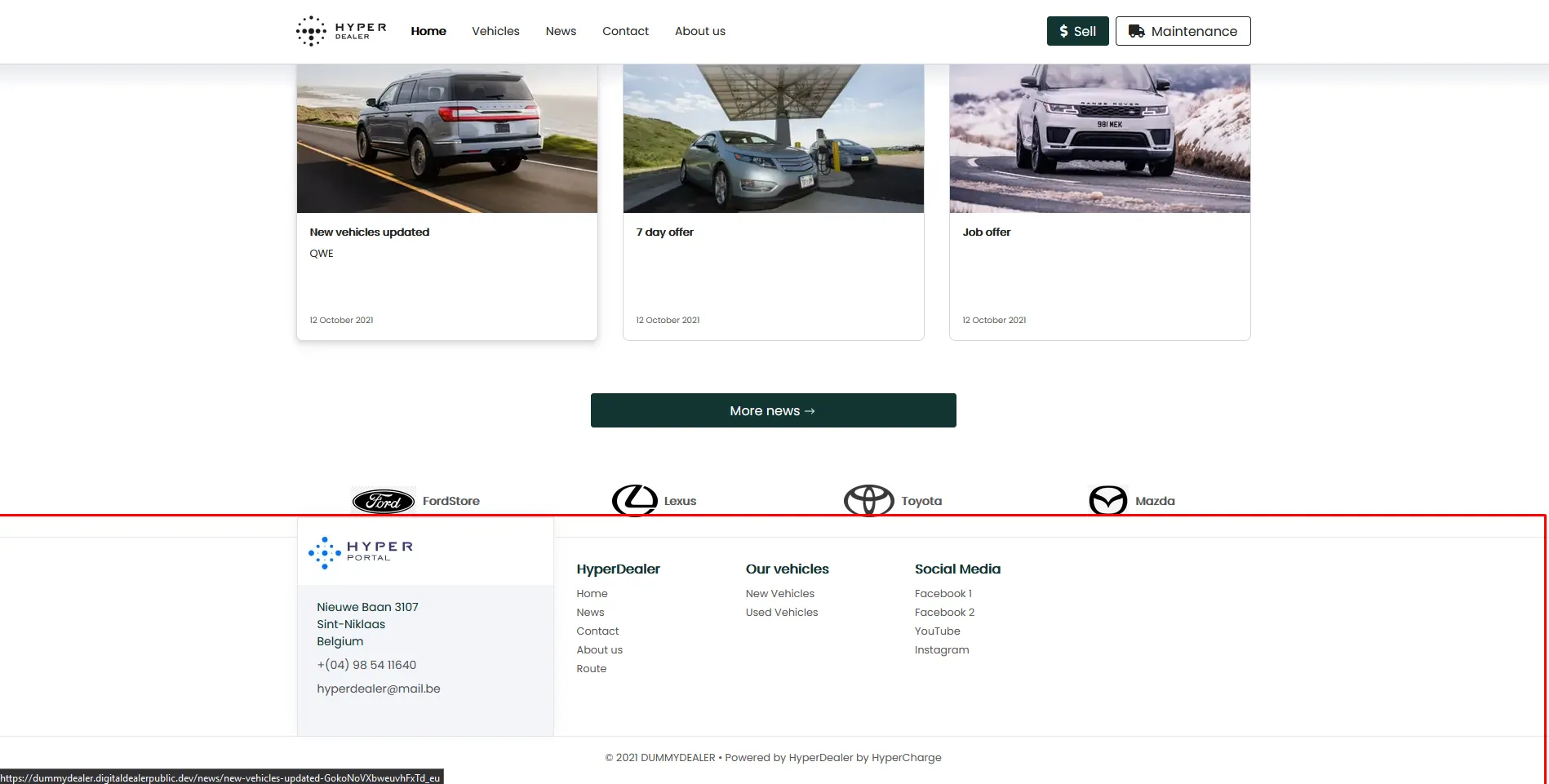
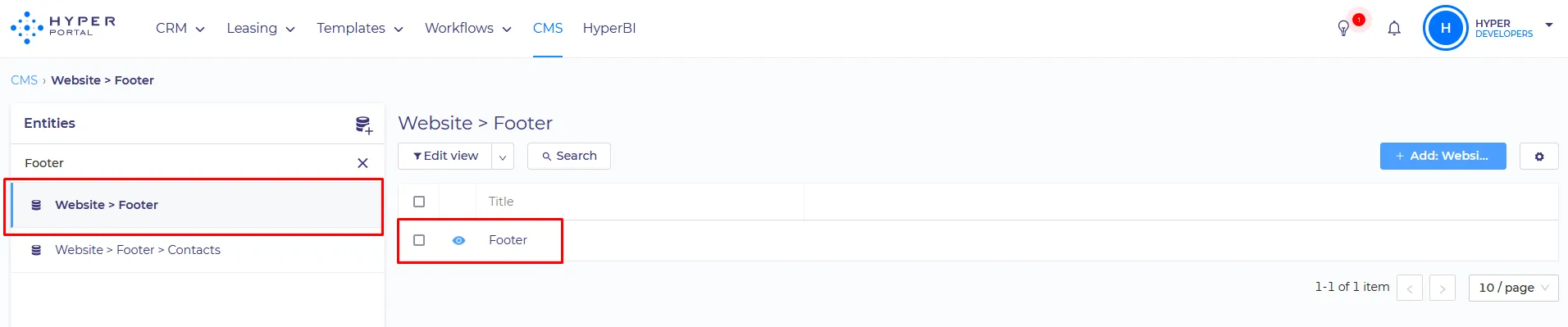
Footer is divided into 2 parts. The Address section and the Contacts section, Both Can be configured separately in CMS, by editing: Website > Footer
SET UP:
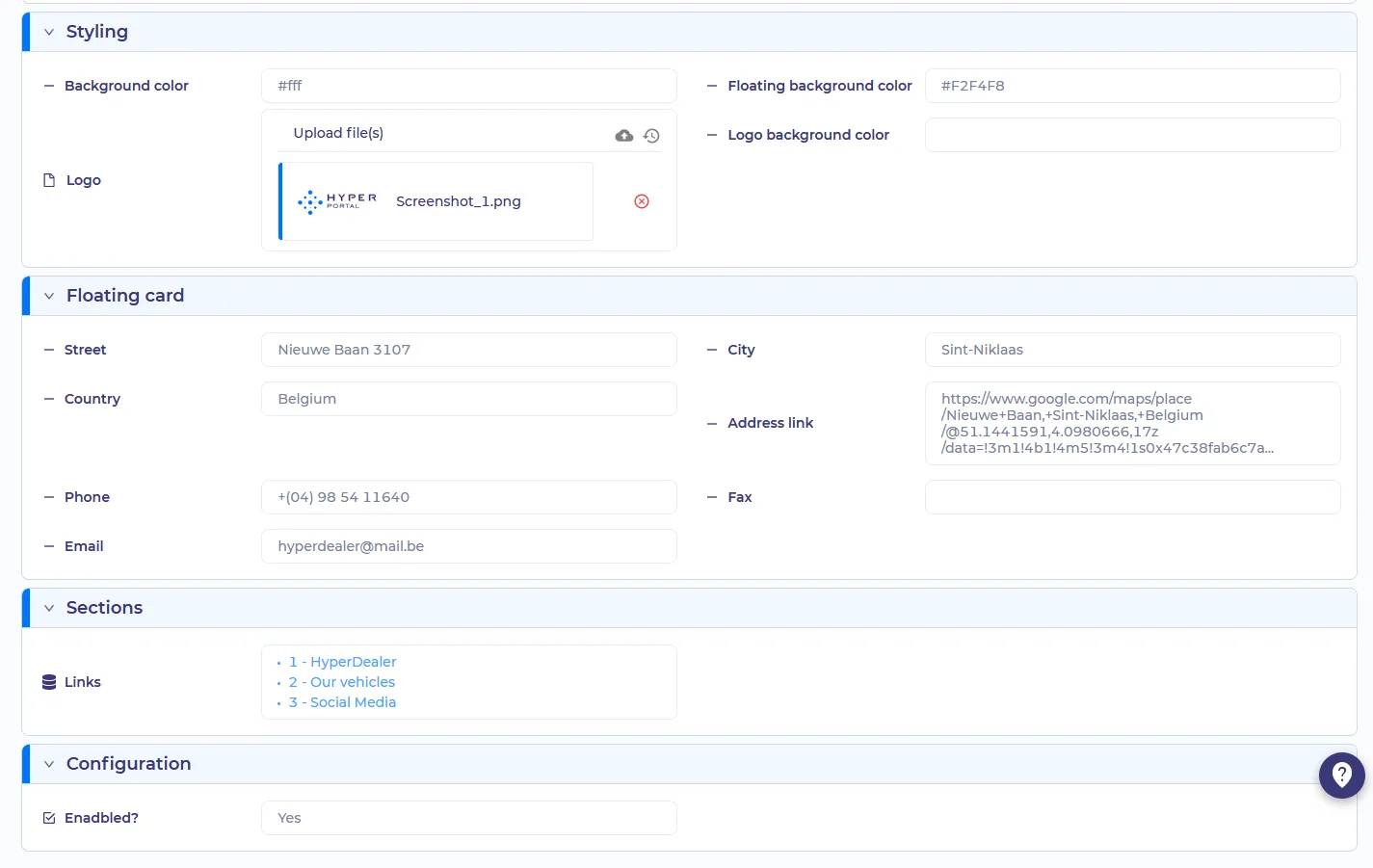
- Background color - Footer color, specified in the Hex format
- Floating background color - floating card color, specified in the Hex format
- Logo background color - color of the top part of the floating card specified in the Hex format
- Logo - A picture that will be displayed on the top part of the floating card
- Street/City/Country/Phone/Fax/Email/Address link - provide contact information. The address field is clickable and redirects the user to the said link
Links - Here you can add any existing Navigation items to your footer. Navigation Items are located in the Website > Navigation
Enabled? - Will Footer be displayed?
Important notice*
If the Link has children’s items, it will no longer be clickable, so you will be unable to use the link address for it.
We recommend using parent items as the section aggregators and children items as actual shortcuts