Contact
3 min
It is a page where you can show your contact and address information
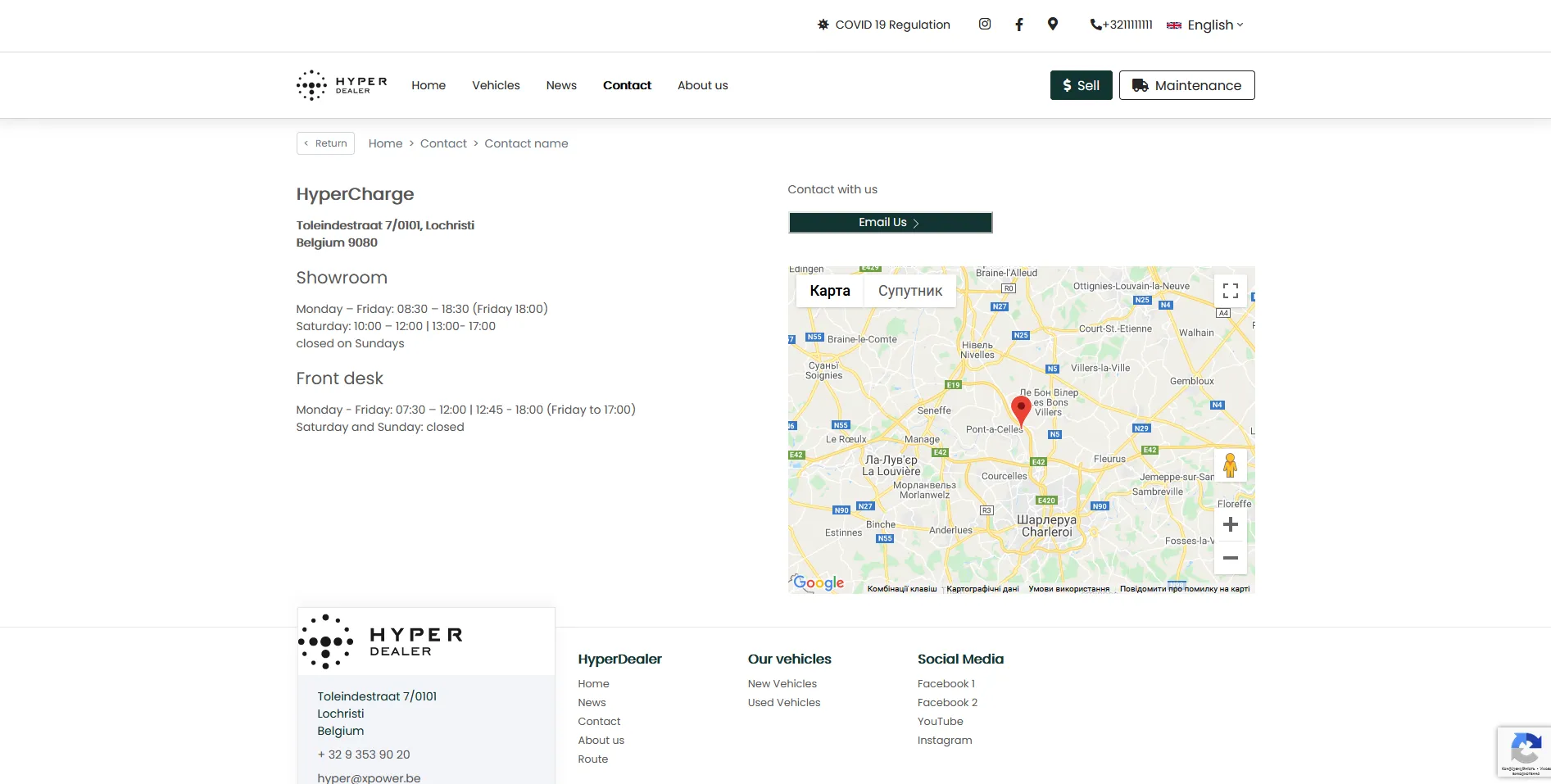
It is divided into two columns: left and right. On the left column, you can write any text information. On the right column, you can configure the Maintenance/Email button and the map
All of these components can be configured separately in CMS, by editing: Website > Contact > Pages
SET UP:

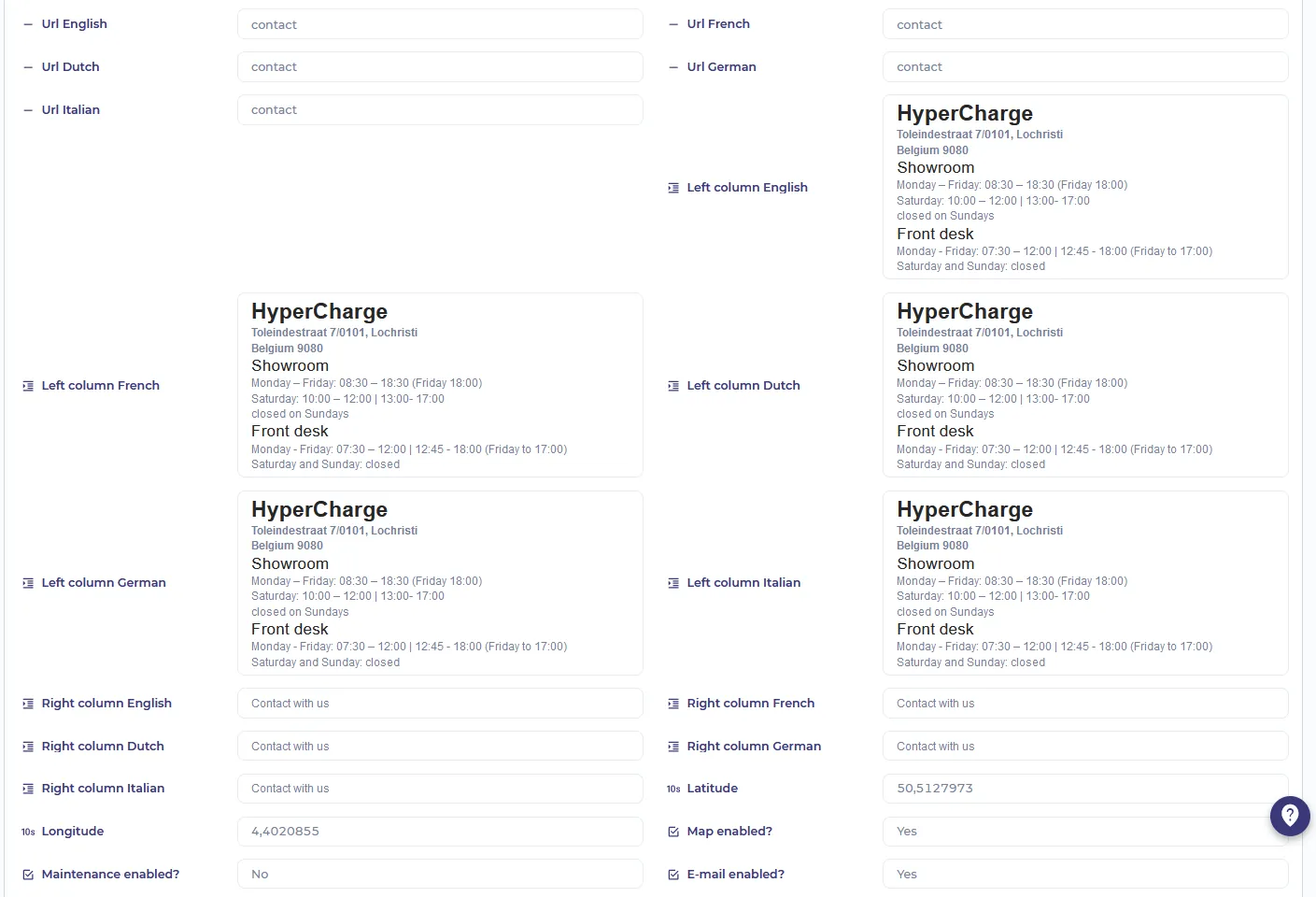
- Localization URL - URL which will guide the user to this page depending on the language of the website
- Localization left/right column - Any information which will be displayed depending on the selected language. Left column English - for the English site language. Right column French - for the French site language, etc.
- Latitude/Longitude - coordinates which will be displayed on the map
- Map enabled?- determines whether the map will be displayed.
- Maintenance enabled? - determines whether the Maintenance button will be displayed
- E-mail enabled? - determines whether the E-mail button will be displayed