Content
1 min
Entity: Website > Home > Content
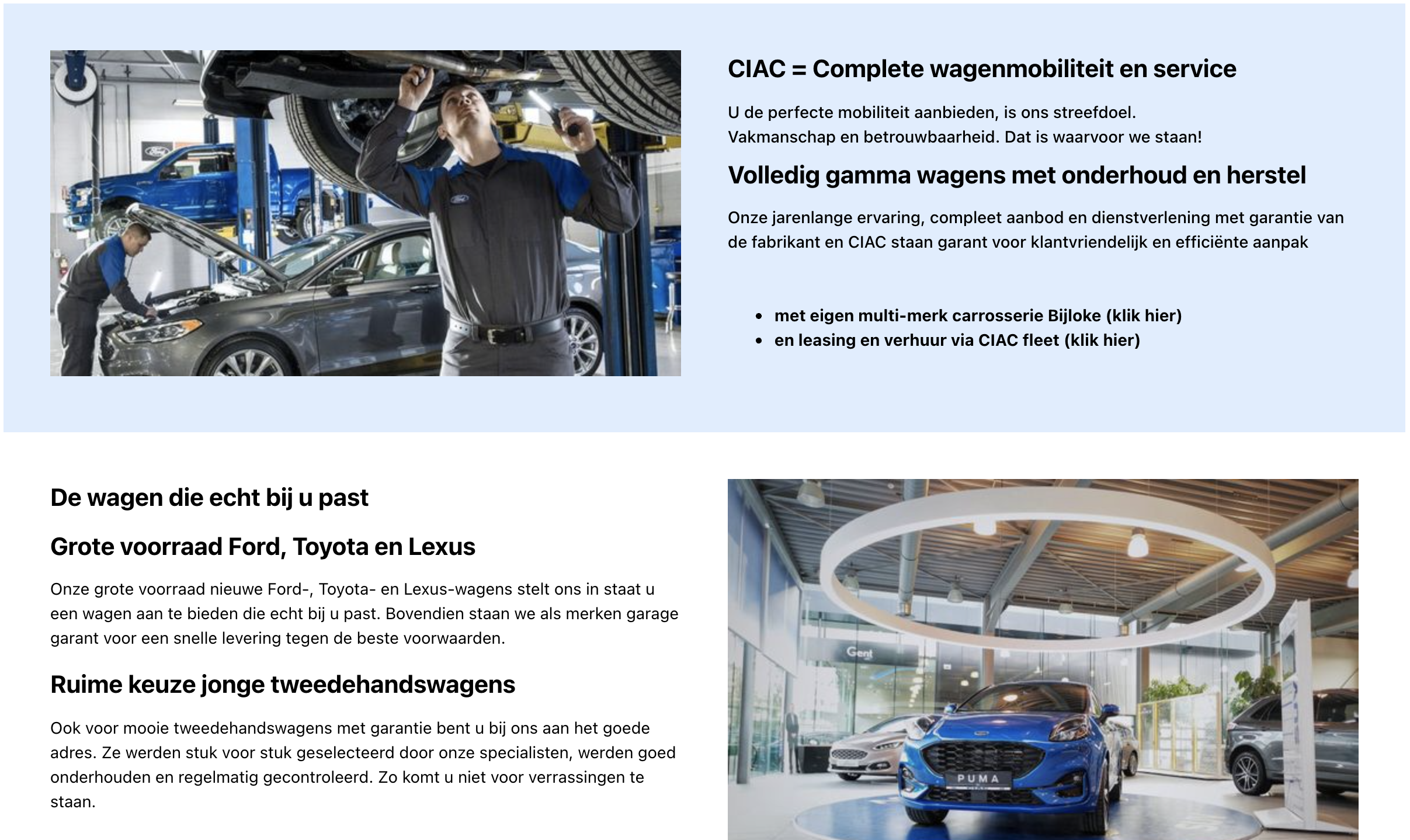
The content is placed under the vehicle quick search in the homepage.
Fields:
- Description - this is a rich text meaning that you can style the text however you want. You can add h1 title, add bullet points, etc.
- Enabled - here you can temporarily remove a section from the home page without deleting all the information.
- Order - lets us order in the same way as with the banner (ascending 1, 3, 8).
- Image - Add any image you want.
- Image Position - values are 'left' and 'right' where you want the image to be positioned whereby the description will be put on the opposite side.
- Text Color - change all the text color, here you have to enter a hex color code e.g.: #ffffff for white. A hex code is always the same notation that starts with a # and is followed by six numbers/letters.
- Background Color - change the background of the whole object. Here you also have to enter a hex value like in the 'Text Color'
Example: