Content
3 min
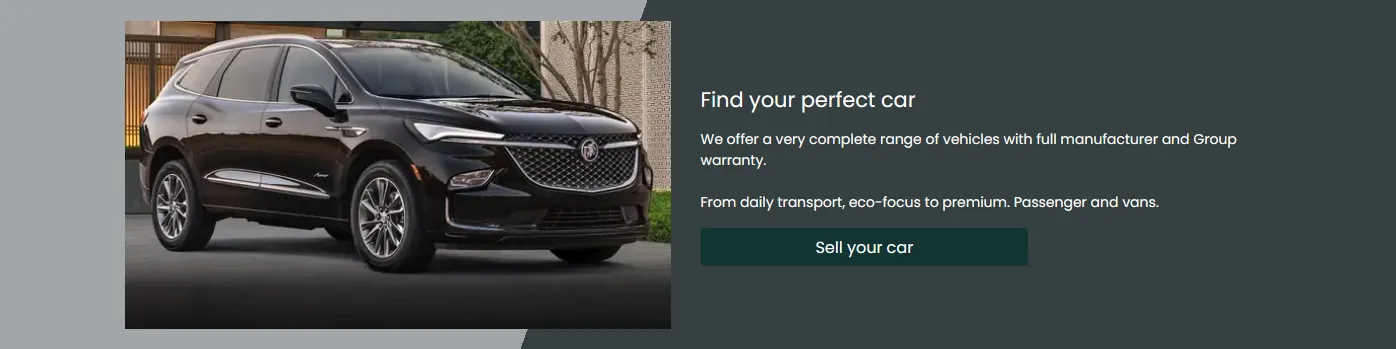
You can manage content on your home page. It will be displayed like a block where you can add a title, a description, an image, and a button

When adding any new content items, they are will be displayed depending on the set order.
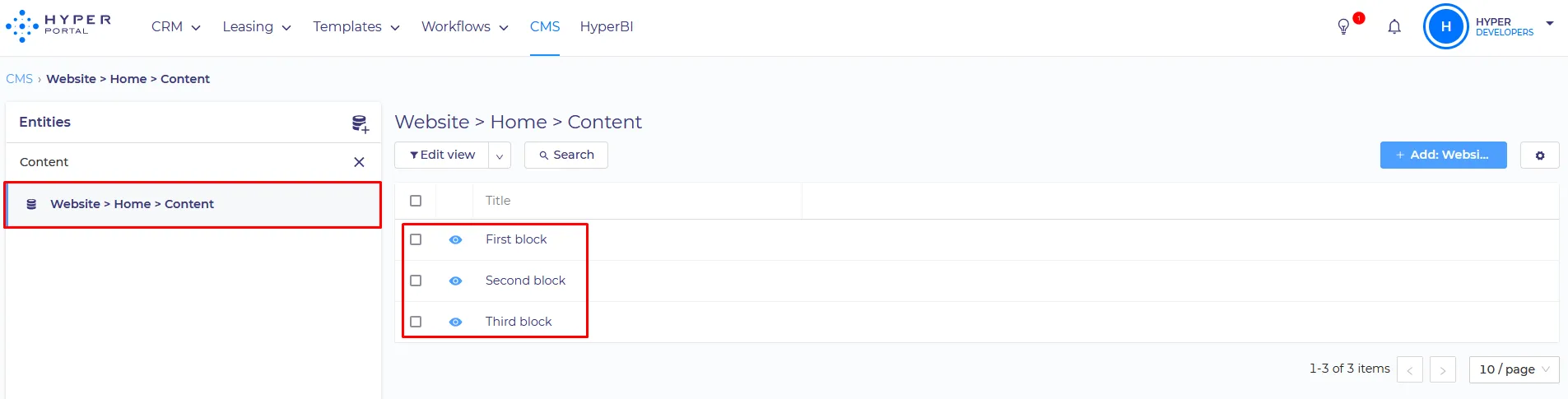
Content block can be configured separately in CMS, by editing :
Website > Home > Content
SET UP:
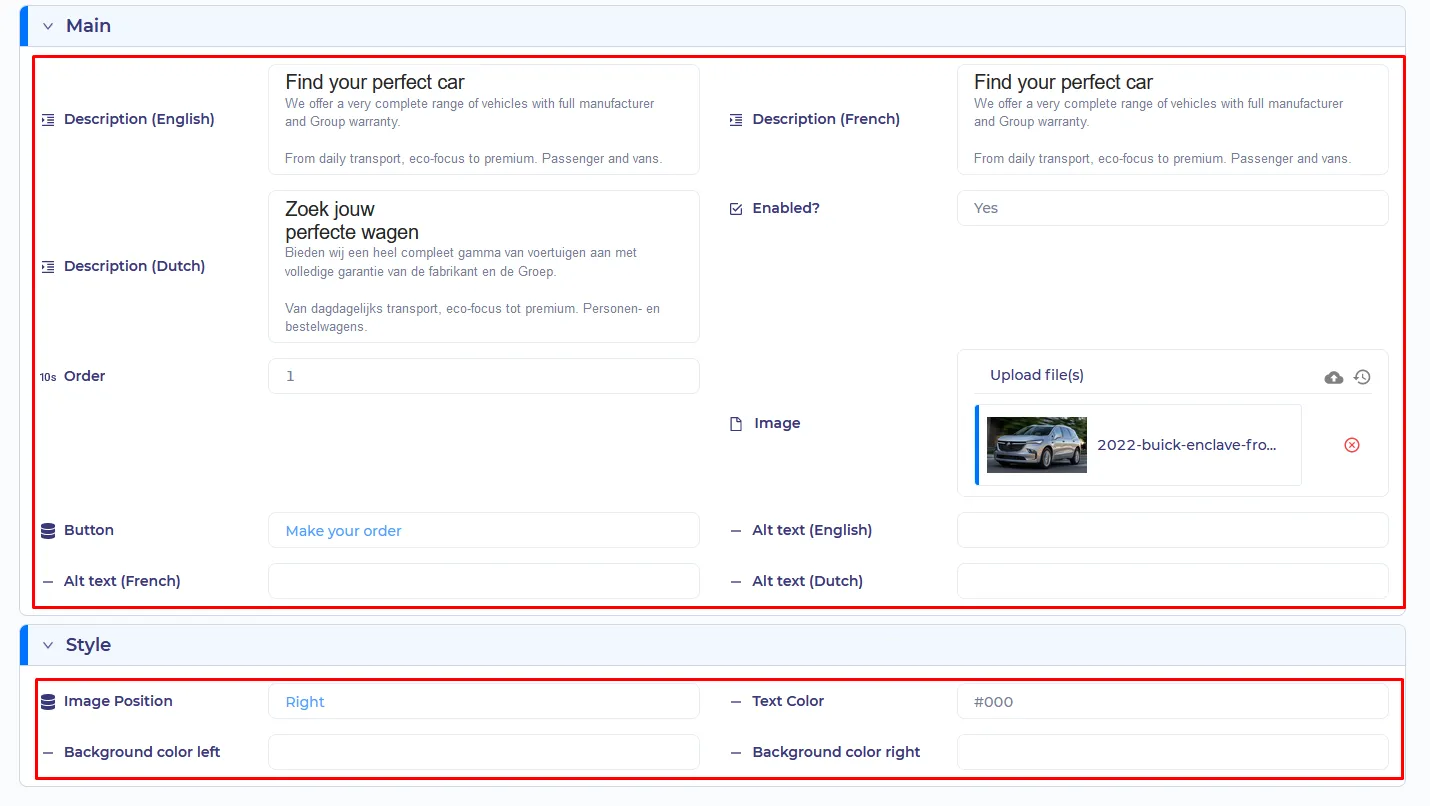
- Localization description - Any text which will be displayed in this block depending on the site language
- Enabled? - will this block be displayed?
- Order - the relative position of the content block, when you have several blocks
- Image - a picture that will be displayed in block
- Button - Will be displayed on the right/left part of the block depending on the "image position". Buttons are managed in the Website > Button entity.
- Text Color - what color will the text be
- Background color left/right - Color of the left/right background part. specified in the Hex format. Right color will be set as the background color if the "image position" is set to "Center"
- Image Position - has 3 values: Right/Center/Left
Right

Center

Left