Button
1 min
Entity: Website > Button
This entity used in multimple places.
Fields:
- Link - Enter a link that the user will navigate too (this will not open in a new tab). Read more details about link in next section.
- Icon type - icon style and name (example: "fas fa-times") from catalog https://fontawesome.com/v5.15/icons?d=gallery&p=2&m=free. Icon will be inside your button.
- Primary? - should link background have a primary color?
- Order - The banners can then be ordered according to preference using a weighted system, whereby we sort in ascending. E.g.: 1, 5, 9.
- Popup message - message that will be shown on click if "Link" field is empty.
Link field usage :
- To add call link use tel: +1 999 1234567
- To add external link use https://example.com/
- To link button with vehicle form use contact/testdrive or contact/enquiry
- For relative link use '/' on begin /vehicles/used or / for home page
Example:
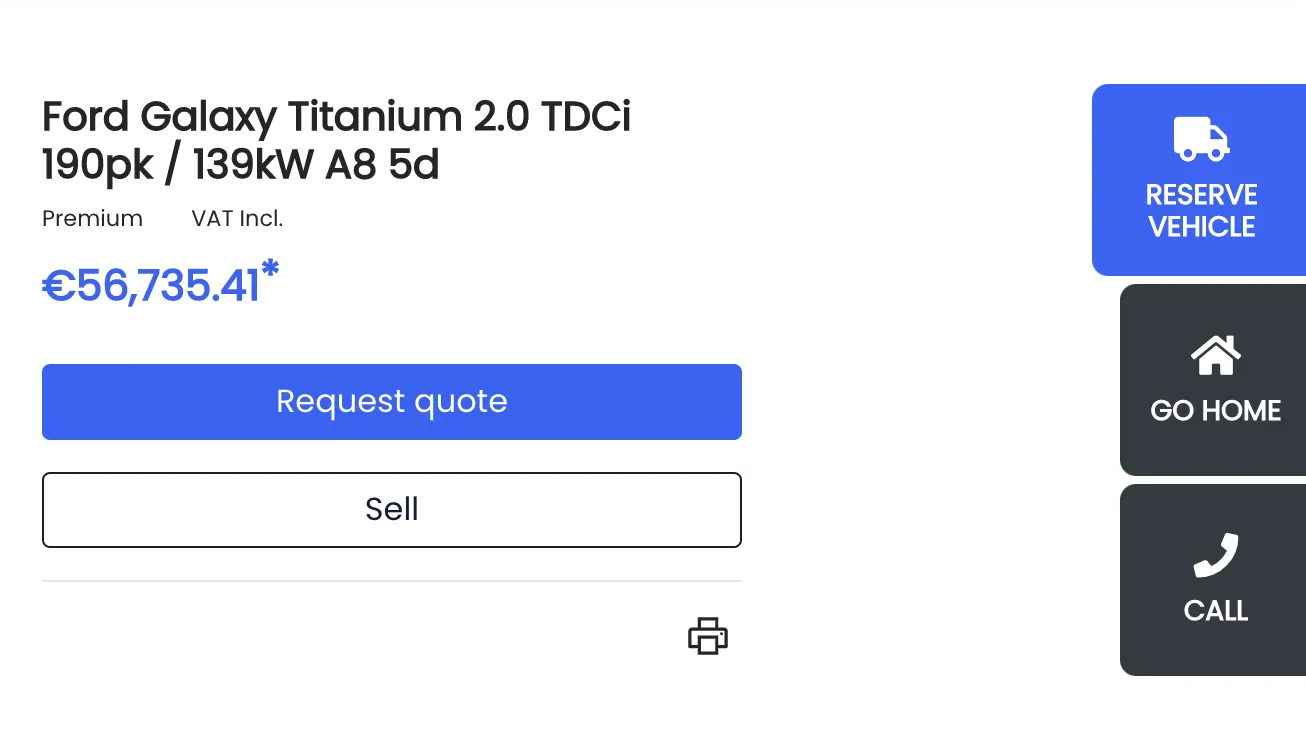
Buttons example. Vehicle detail page.